5
6. Connecting to Computer
1. Insert the keyboard’s USB plug into an available USB port on your computer.
2. The operating system will automatically detect the keyboard and all required
drivers will be installed.
3. If the keyboard is not recognized, disconnect and try another USB port on your computer.
7. Software Installation
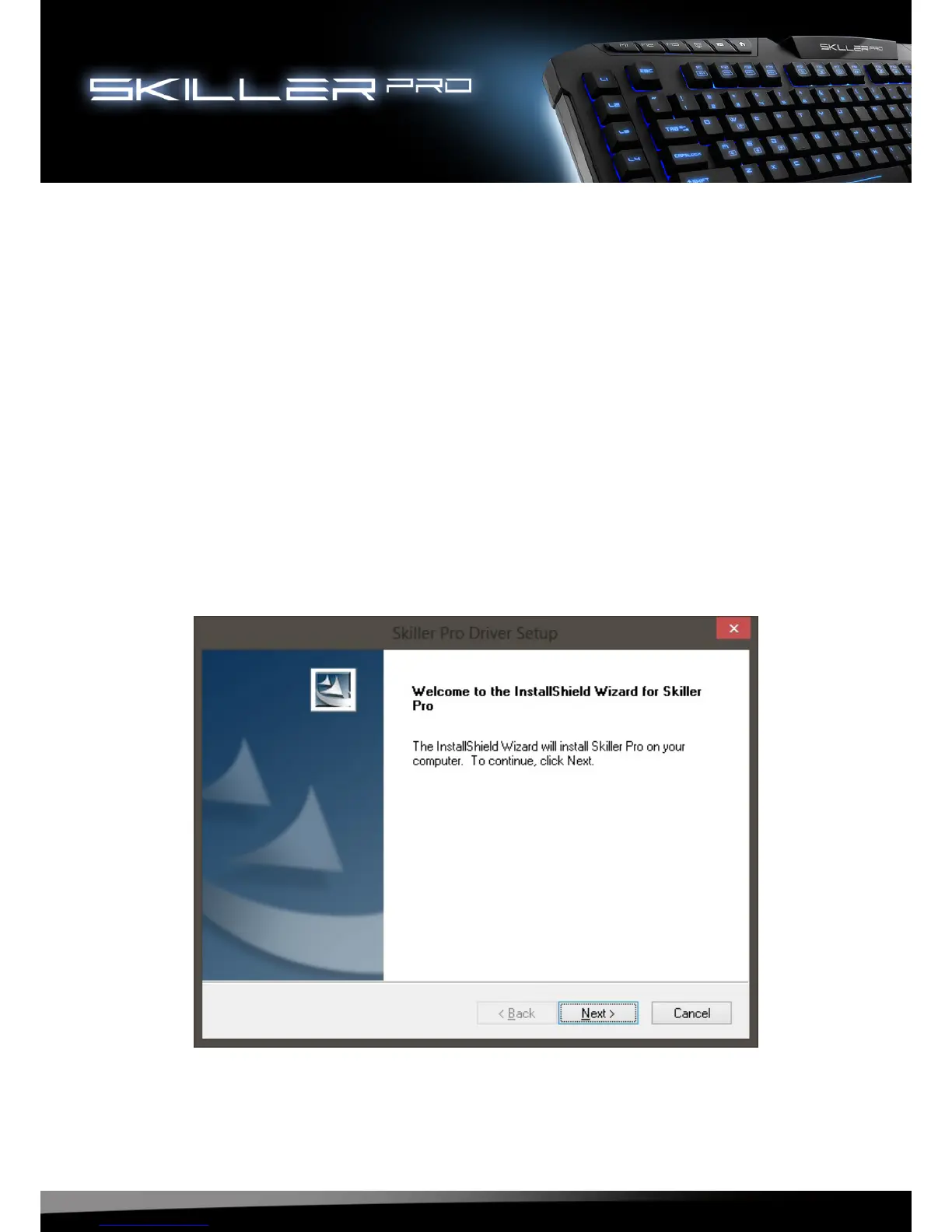
1. All existing keyboard software should be uninstalled before installing the included software.
2. Insert the provided Tools CD into your CD/DVD drive.
3. Open the CD/DVD drive (e.g. D:\) directory.
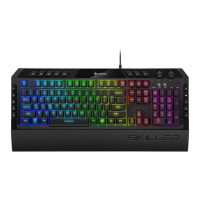
4. Open the folder “SHARKOON Skiller Pro”.
5. Start the “setup.exe” and follow the instructions on the installation agent until complete.




 To Next Page