21G-FX10L
5 – 11
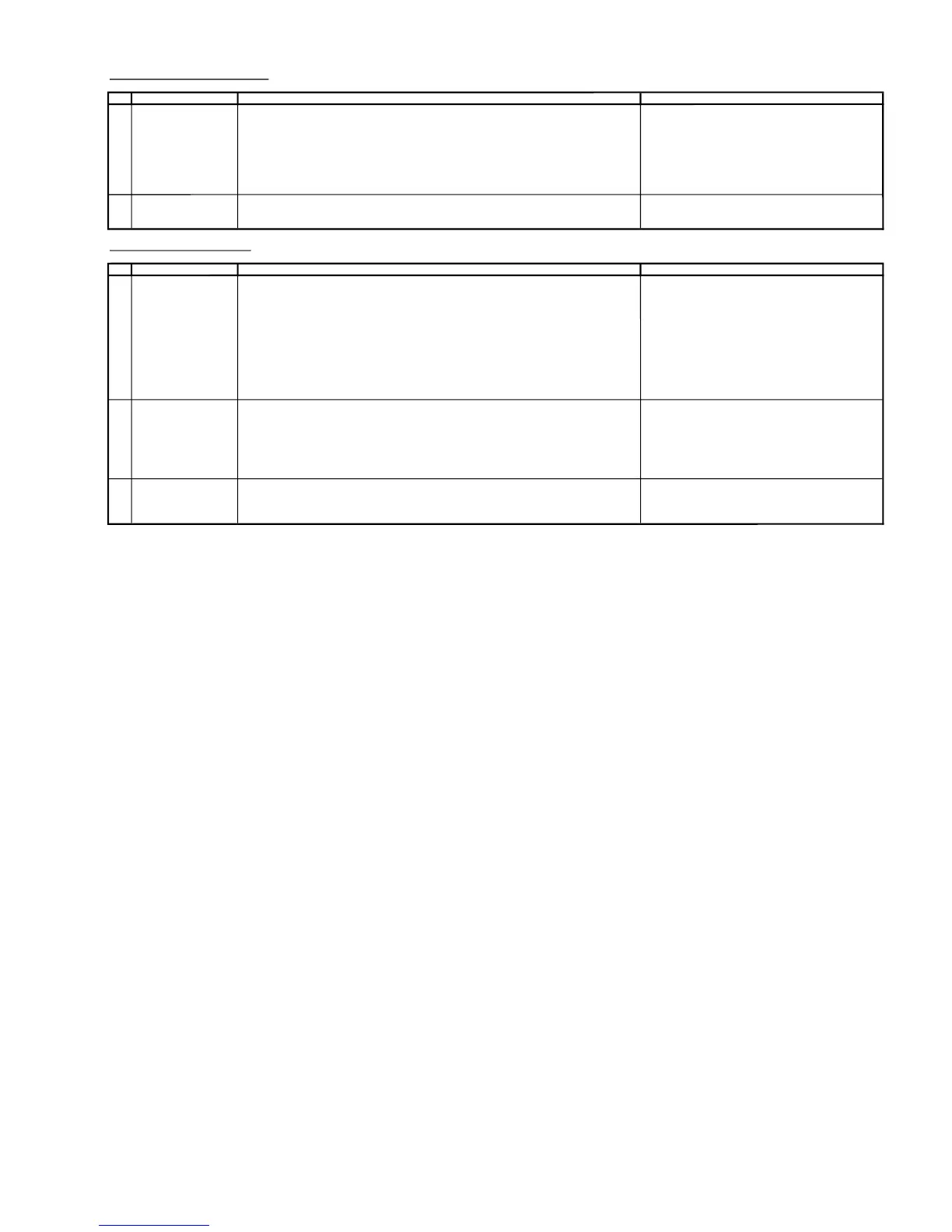
PROTECTOR OPERATION CHECKING
NO
ADJUSTMENT POINT
WAVEFORM OR OTHERS
1
H, V PROTECTOR
(1) Receive US 4 CH LION HEAD Signal (NTSC 60 Hz).
(2) Connect output of Bias Box to
D602 c
athode (C602 positive).
(3) Set voltage of Bias Box to
1
8V and make sure the protector is not working.
(4) Set voltage of Bias Box to
2
8.5V.Makes
ure the protector is functioned, horizontal oscilationstop
and picture disappear.
(5)PullouttheACcordatleast 4 second before plugging inagain(tomake sure ohm
-COM has
been reset) for the set to recover from protector mode
2 OTHER PROTECTOR
(1) Once finishrectified Electrolytic Capacitor short testingin+Bline,
check all possible damaged components o n +B line.
(Use random selected se
t for inspection)
A/V INPUT & OUTPUT CHECKING
NO
ADJUSTMENT POINT
WAVEFORM OR OTHERS
1
VIDEO AND AUDIO
(1) Receive the "US 10 CH HALF Color Bar" signal.
OUTPUT CHECK
(2) Terminate the Video output with a 75 ohm impedance.
(Atsignalissta
ndard Color Bar Y/C=1/1, 87.5% Mod.)
Make sure the outputisasspecified
(1.0Vp-p±3dB).
(3) Terminate the Audio output with a 47K ohm impedance.
( 400 Hz 100 % Mod. 47 k ohm
, VOL Max. )
(2.5 Vp-p±0.5Vp-p)
.
.
2 VIDEO AND AUDIO
(
1) Using the INPUT key on the remote controller, make sure that the modes change in order of
INPUT CHECK
TV, INPUT1,INPUT2 & TV again and the video & audio output are according
to the input t
erminal for each mode.
(2) Video cross-talk INPUT to TV checking :
a) When connect INPUT1 input, check TV also
b) When connect INPUT2 input, checkTValso
3
HEADPHONE
(
1) Receive"US4CHLION HEAD Signal ( NTSC 60 Hz )" signal.
CHECK (2) Maximum volume , and check the headphone output with 400Hz sound and no sound
output from speaker.
ADJUSTMENT CONDI
TION / PROCEDURE
ADJUSTMENT CONDITION / PROCEDURE
Set volume to max, make sure the O/P is as specified



 To Next Page