1 PICTURE Key
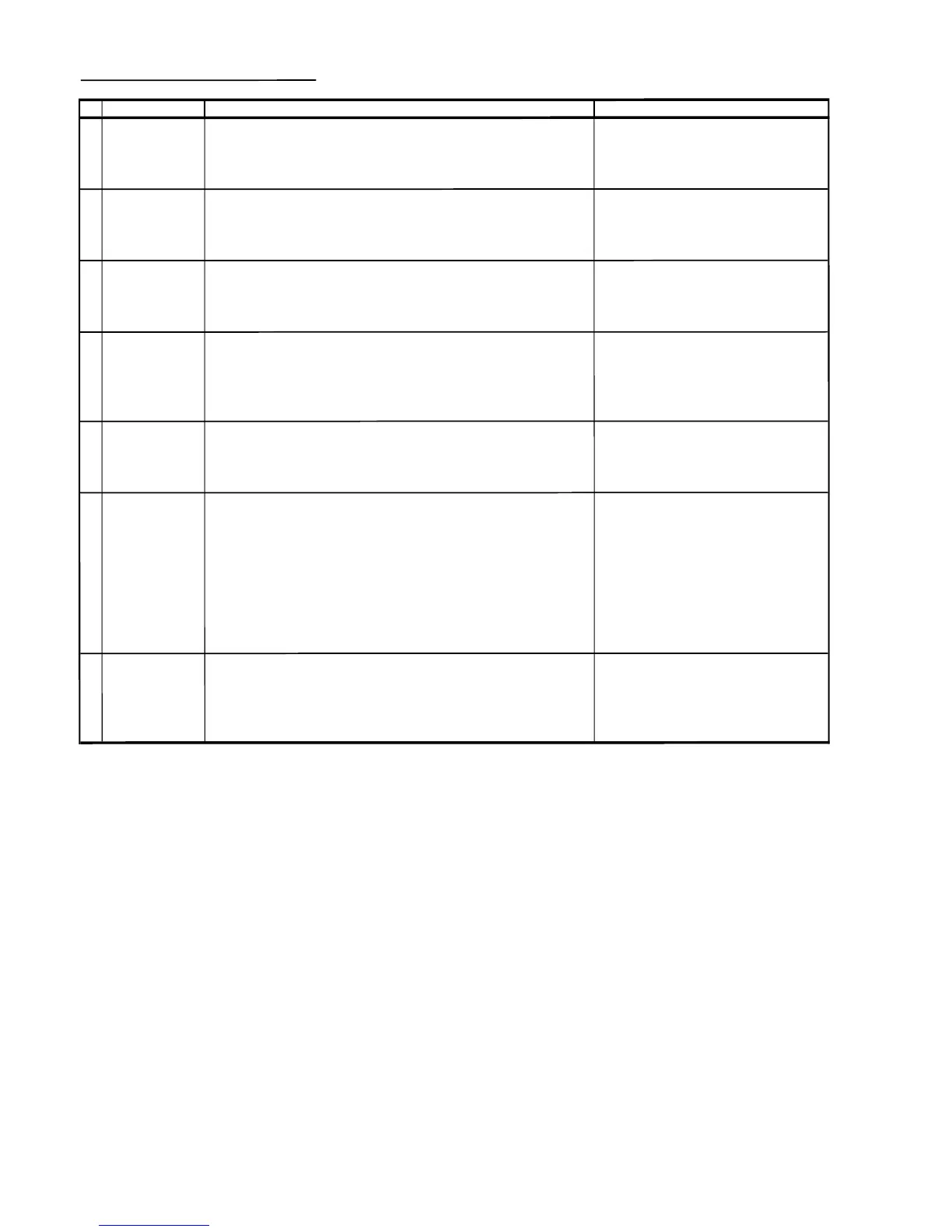
(1) Receive "US 4 CH LION HEAD Signal (NTSC 60 Hz)" signal.
(2) Press to Menu mode, then select Picture Mode and set to select CONTRAST.
(3) Press Volume Up/Down key to check whether the CONTRAST effect is OK or not.
2
COLOUR Key
(1) Receive the "US 10 CH HALF Color Bar" signal
(2) Press to Menu mode, then select Picture Mode and set to select COLOUR.
(3) Press Volume Up/Down key to check wheth
er the COLOUR effect is OK or not.
3 BRIGHTNESS Key (1) Receive "US 4 CH LION HEAD Signal (NTSC 60 Hz)" signal.
(2) Press to Menu mode, then select Picture Mode and set to select BRIGHTNESS.
(3) Press Volume Up/Down key to check whether the BRIGHTNESS effect is OK or not
4
TINT Key
(1) Receive the "US 10 CH HALF Color Bar" signal
(2) Press to Menu mode, then select Picture Mode and select TINT.
(3) Press Volume Up/Down key to check TINT, UP for GREEN direction and
DOWN for RED direction whether is OK or not.
5
SHARPNESS Key
(1) Receive "US 4 CH LION HEAD Signal (NTSC 60 Hz)" signal.
(2) Press to Menu mode, then select Picture Mode and set to select SHARPNESS.
(3) Press Volume Up/Down key to check whether the SHARPNESS effect is OK or NOT.
6
(1) Once in Picture Mode ,
and the RESET Key is pressed.
all the setting will be present to normal setting.
7
COLOR TEMP
(1) Receive US4CHLIONHEADSig
nal ( NTSC 60 Hz ).
(2) Set FUNCTION to se
lect WHITE TEMP.
(3) Press Volu
me Up/Down keytochec
k WHITE TEMP Option, STANDARD.
NORMAL SETTING, WARM for more REDDISH direction changin
g, COOL for
more BLUISH d
irection ch
anging.
ADJUSTMENT CONDITION / PROCEDUR



 To Next Page