Organiser & Tools 99
To Change the Vibration of Alarm Tone
1. On the Set Alarm screen, select “Vibration”.
2. Select “On”, “Link to Sound” or “Off”.
For details on selecting a vibration, see “Vibration”
on page 112.
To Change the Duration of the Alarm Tone
1. On the Set Alarm screen, select “Duration”.
2. Select the desired duration.
Resetting an Alarm
“Organiser & Tools”
→
“Alarms”
1. Highlight the alarm you wish to reset.
2. Press [Options] and select “Reset Alarm”.
Resetting All Alarms
“Organiser & Tools”
→
“Alarms”
1. Select “Clear All”.
Calculator
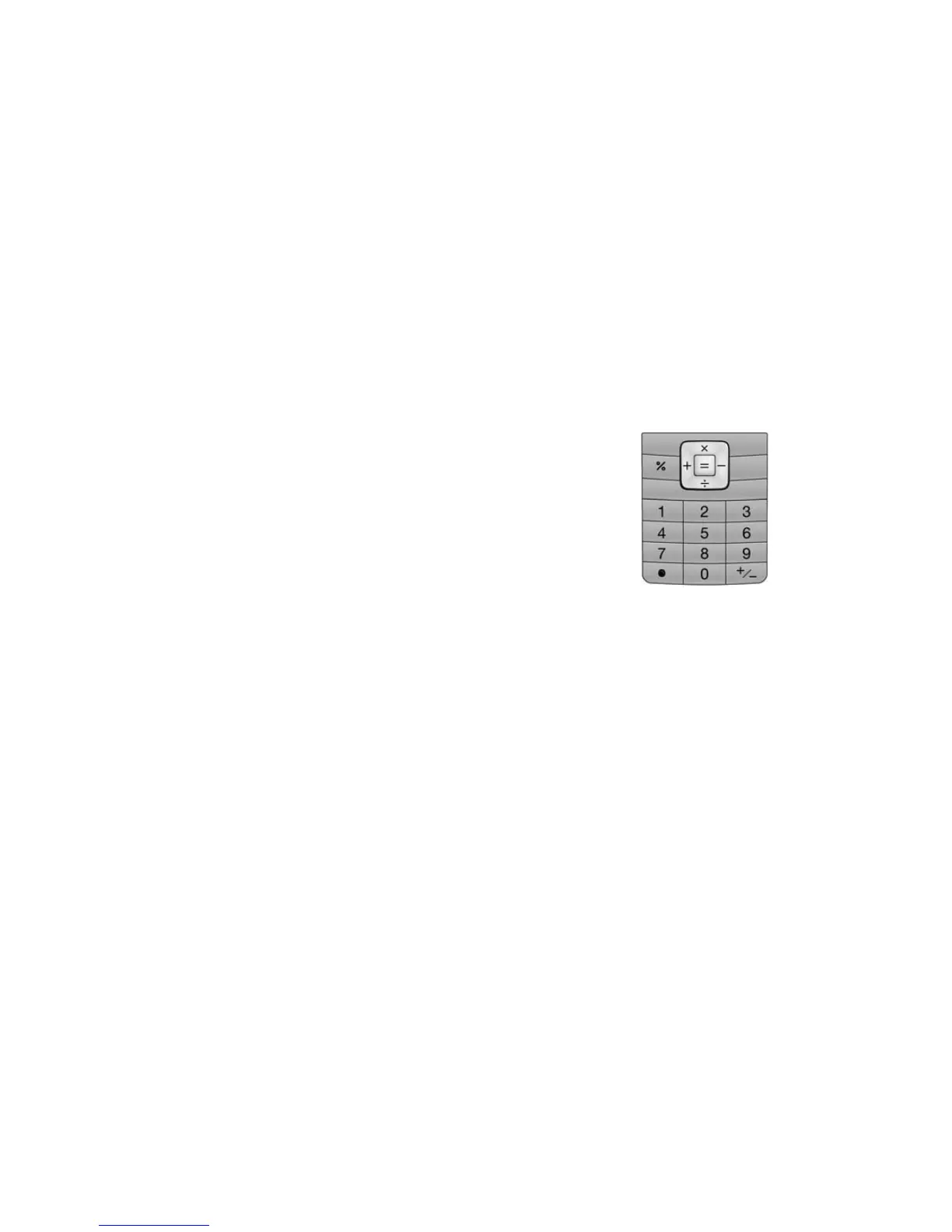
The calculator function performs the 4 arithmetic
calculations using up to 12 digits.
“Organiser & Tools”
→
“Calculator”
Key operations for calculation are as follows:
To enter a decimal point, press P.
To clear the entered number or function, press
[Clear].
To do the calculations, press B.
To start a new calculation, press [Clear].
(M 7-2)


 To Next Page