Using the Menu 33
Using the Menu
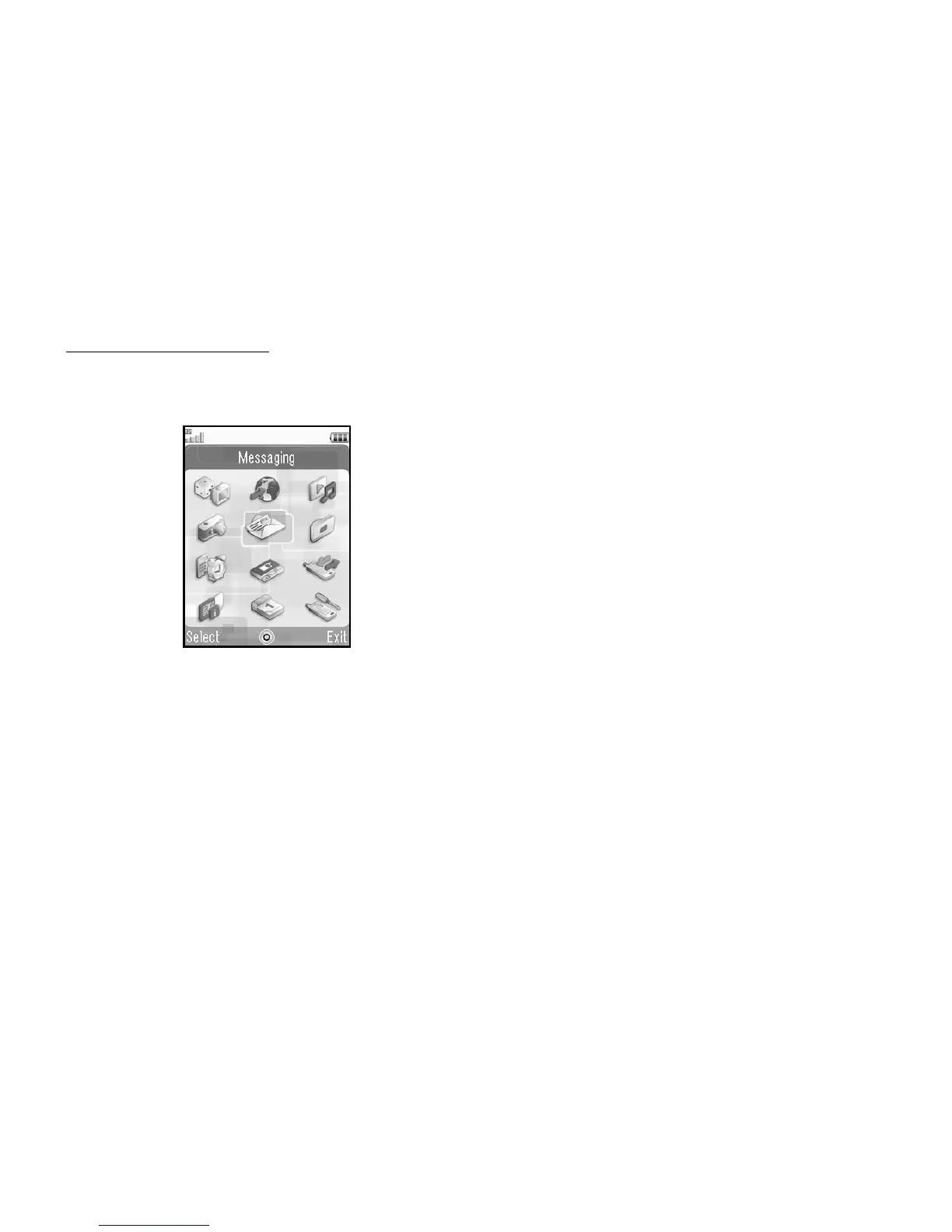
Main Menu
1. Press B in standby.
The Main menu is displayed.
2. Press a, b, c or d to highlight the desired menu,
then press B to access the function.
For details on the menu options, see “List of Menu
Functions” on page 158.
Shortcut Keys
You can access menus by pressing B and digit keys for
the corresponding number on the Main menu. For
numbers 10 to 12, press B and P (10), Q (11) or
R (12). See “List of Menu Functions” on page 158.
Shortcuts are listed in the headings of this user guide.
Examples: To Access “Voice Message” Sub
Menu (M 5-1-2) Using Shortcut Keys
Press B KGH.
To Access “Phone Help” Sub Menu
(M 7-10) Using Shortcut Keys
Press B MP.
Note
• The shortcut keys work for the first three menu levels
only.



 To Next Page