EasyManua.ls Logo

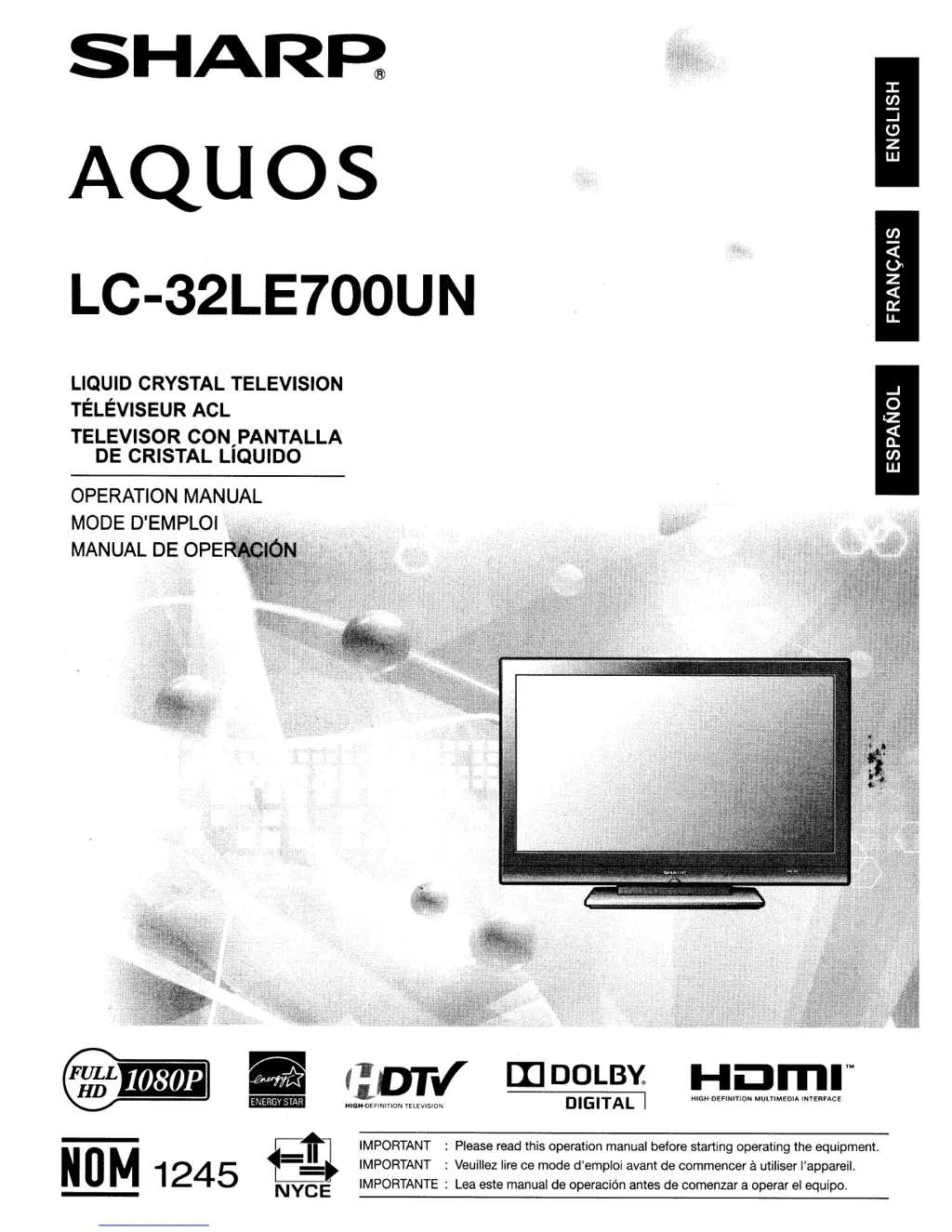
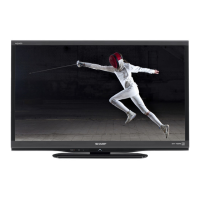
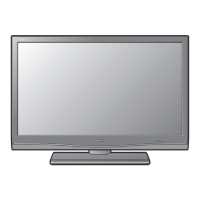
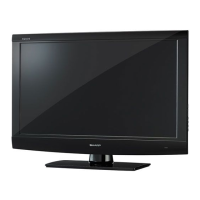
Sharp AQUOS LC-32LE700UN - User Manual

Sharp AQUOS LC-32LE700UN
59 pages
Print Icon
To Next Page IconTo Next Page
Loading...
SHAR~
AQuas
LC-32LE700UN
LIQUID CRYSTAL TELEVISION
TELEVISEUR ACL
TELEVISOR CON PANTALLA
DE CRISTAL LiQUIDO
OPERATION
MANUAL
MODE
D'EMPLOI
,.
MANUAL
DEOPER;
IMPORTANT : Please read this operation manual before starting operating the
equipment
IMPORTANT : Veuillez lire ce mode d'emploi avant
de
commencer autiliser l'appareiL
IMPORTANTE : Lea este manual de operaci6n antes
de
comenzar a operar
el
equipo.
HIGH-DEFINITION
MULTIMEDIA
INTERFACE
[I]DOLB~
DIGITAL I
HIGH-DEFINITION
TELEVISION
Fn
NYCE
Ijfllj
J
4i
tl
';l
NOM
1245

Table of Contents

Other manuals for Sharp AQUOS LC-32LE700UN

Questions and Answers

  • M
    Mark LopezAug 14, 2025
    How to troubleshoot no power on Sharp AQUOS LC-32LE700UN LCD TV?
    • B
      Bob MckinneyAug 14, 2025
      If your Sharp LCD TV has no power, first ensure you've pressed the TV POWER button on the remote. If the indicator light doesn't come on, try pressing the POWER button directly on the TV. Also, verify that the AC cord is properly connected and that the power is turned on.
  • M
    marymaloneAug 17, 2025
    Why Sharp AQUOS LC-32LE700UN remote control not working?
    • J
      Jesse LawrenceAug 17, 2025
      If your Sharp LCD TV remote control isn't working, make sure the FUNCTION is set to the TV position. Check if the batteries are correctly inserted, aligning the polarity (e, f). Replace the batteries if they're worn out. Strong or fluorescent lighting, or a fluorescent light near the remote sensor, might interfere with the remote's operation. Lastly, confirm that "RC Control Lock" isn't selected in "Operation Lock Out".
  • M
    mclaughlinbridgetAug 20, 2025
    How to fix no sound on Sharp LCD TV?
    • H
      Henry JonesAug 21, 2025
      If there's no sound on your Sharp LCD TV, first check if the volume is too low. Ensure that "Variable" is not selected in "Output Select". Also, check if you've accidentally pressed the MUTE button on the remote.
  • C
    Curtis MoranAug 23, 2025
    What to do if Sharp AQUOS LC-32LE700UN LCD TV power is suddenly turned off?
    • M
      Ms. Crystal JonesAug 25, 2025
      If your Sharp LCD TV suddenly turns off, check if the sleep timer is set. Also, review the power control settings. Overheating can also cause this issue; ensure nothing is blocking the vents and clean them to improve ventilation.
  • K
    Karen BlanchardAug 27, 2025
    Why Sharp LCD TV has no picture?
    • K
      Kevin WeberAug 27, 2025
      If your Sharp LCD TV has no picture, ensure all connections to other components are correct. Verify that you've selected the correct input signal source and the correct input. Check the picture adjustments and make sure "On" is not selected in "Audio Only". Also, confirm that a compatible signal is being input.
  • J
    Jill HarringtonAug 30, 2025
    How to adjust Sharp AQUOS LC-32LE700UN LCD TV picture cut off?
    • M
      Michael BarrettAug 31, 2025
      If the picture on your Sharp LCD TV is cut off or has a sidebar screen, check if the image position is correct. Also, verify that the screen mode adjustments, such as picture size, are set correctly.
  • J
    Jennifer WatsonSep 3, 2025
    Why Sharp LCD TV showing strange colors?
    • C
      courtneygarciaSep 3, 2025
      If your Sharp LCD TV displays strange color, light color, or color misalignment, try adjusting the picture tone. Also, consider the room's brightness, as a room that is too bright can make the picture appear dark.
  • B
    Brandi RamirezSep 6, 2025
    What to do if Sharp LCD TV cannot be operated?
    • C
      Crystal RiveraSep 6, 2025
      If your Sharp LCD TV unit cannot be operated, it might be due to external influences like lightning or static electricity. Turn off the TV or unplug the AC cord, wait for 1 or 2 minutes, and then plug it back in to resolve this issue.
  • L
    Laura CarterSep 9, 2025
    Why my Sharp AQUOS LC-32LE700UN makes cracking sound?
    • E
      Erin PattersonSep 10, 2025
      This cracking sound from your Sharp LCD TV is normal. It occurs when the cabinet expands and contracts slightly due to temperature changes and does not affect the TV's performance.

Summary

Product Identification and Initial Information

Product Name and Operation Manual

Identifies the SHARP AQUOS LC-32LE700UN Liquid Crystal Television and Operation Manual.

Important Information and Safety Warnings

Essential safety precautions for operation, fire, and electric shock prevention.

FCC Compliance and Trademarks

Details FCC regulations, declaration of conformity, and product trademarks.

Important Safety Instructions

General Safety Precautions

Lists 21 numbered safety instructions for proper installation and operation.

Environmental and Handling Safety

Covers antenna grounding, cleaning, water, heat, lightning, transport, and handling precautions.

Child Safety and Wall Mounting

Advises on child safety, preventing tip-overs, and safe wall mounting procedures.

Getting Started and Accessories

Supplied Accessories

Lists remote control, batteries, AC cord, cable clamp, stand, and manual.

Quick Installation and Setup

Covers antenna connection, AC power connection, cord bundling, and remote operation.

Preparation Steps

Explains antenna connections and battery installation.

Part Names and Connections

TV Part Identification

Identifies buttons, LEDs, and connection terminals on the TV.

Remote Control Unit Layout

Provides a detailed description of each button on the remote control.

Connecting to External Equipment

Explains how to connect devices via composite, S-Video, and component cables.

HDMI and Audio Connections

Details HDMI connectivity and connecting external audio systems.

Watching TV Operations

Turning TV On;Off and Initial Setup

Guides through initial TV setup, language, and TV location settings.

Direct Button Operations

Explains direct button functions for channel changing, volume, mute, etc.

AV Mode and Audio Settings

Covers AV modes for different content and audio mode selection.

Power Saving and Closed Captions

Explains power saving levels and how to use closed captioning features.

View Mode Selection

Allows selection of screen aspect ratios like Normal, Zoom, Stretch, and Dot by Dot.

On-Screen Display Menu

On-Screen Menu Navigation

Details how to access and operate the TV's on-screen menus and buttons.

Picture Menu Settings

Covers brightness, contrast, color, tint, sharpness, and OPC settings.

Audio Menu Settings

Allows adjustments for treble, bass, balance, surround, and bass enhancer.

Setup Menu Options

Guides through EZ setup, language, location, antenna, and channel memory.

Parental Controls and V-Chip

Details setting secret numbers, V-Chip, and content rating blocking.

Option and Digital Setup Menus

Covers Input Select, HDMI Setup, Audio Only, Auto Volume, Clear Voice, and Digital Setup.

Other Viewing Options and AQUOS LINK

Other Viewing Options

Explains how to program the remote for VCR, DVD, and other AV equipment.

AQUOS LINK Guide

Details how AQUOS LINK enables interactive control of connected HDMI devices.

Using a PC

PC Connectivity

Explains connections via HDMI, analog RGB, and RS-232C serial control cables.

Displaying PC Image and Settings

Covers selecting screen size, adjusting PC image, and PC compatibility.

Appendix: Troubleshooting and Specifications

Troubleshooting Common Problems

Provides solutions for common problems like no power, no picture, or no sound.

Product Specifications

Lists technical data including size, resolution, connections, power, and weight.

Software License Information

Information on software components, open source licenses, and obtaining source code.

Limited Warranty and Support

Limited Warranty Information (US)

Outlines warranty coverage, exclusions, and how to obtain service in the US.

AQUOS Advantage Program

Details complimentary benefits like extended warranty and priority support.

Dimensional Drawings

TV and Wall Mount Bracket Dimensions

Provides detailed physical dimensions of the TV and optional wall mount.

Sharp AQUOS LC-32LE700UN Specifications

General IconGeneral
Screen Size32 inches
Resolution1366 x 768
Display TypeLCD
Backlight TypeLED
HDMI Ports4
USB Ports1
Audio Output10W x 2
Aspect Ratio16:9
Refresh Rate60Hz
Contrast Ratio1000:1
Response Time6ms
Brightness450 cd/m²
Viewing Angle176 degrees
InputsHDMI, USB, Composite, RF

Related product manuals