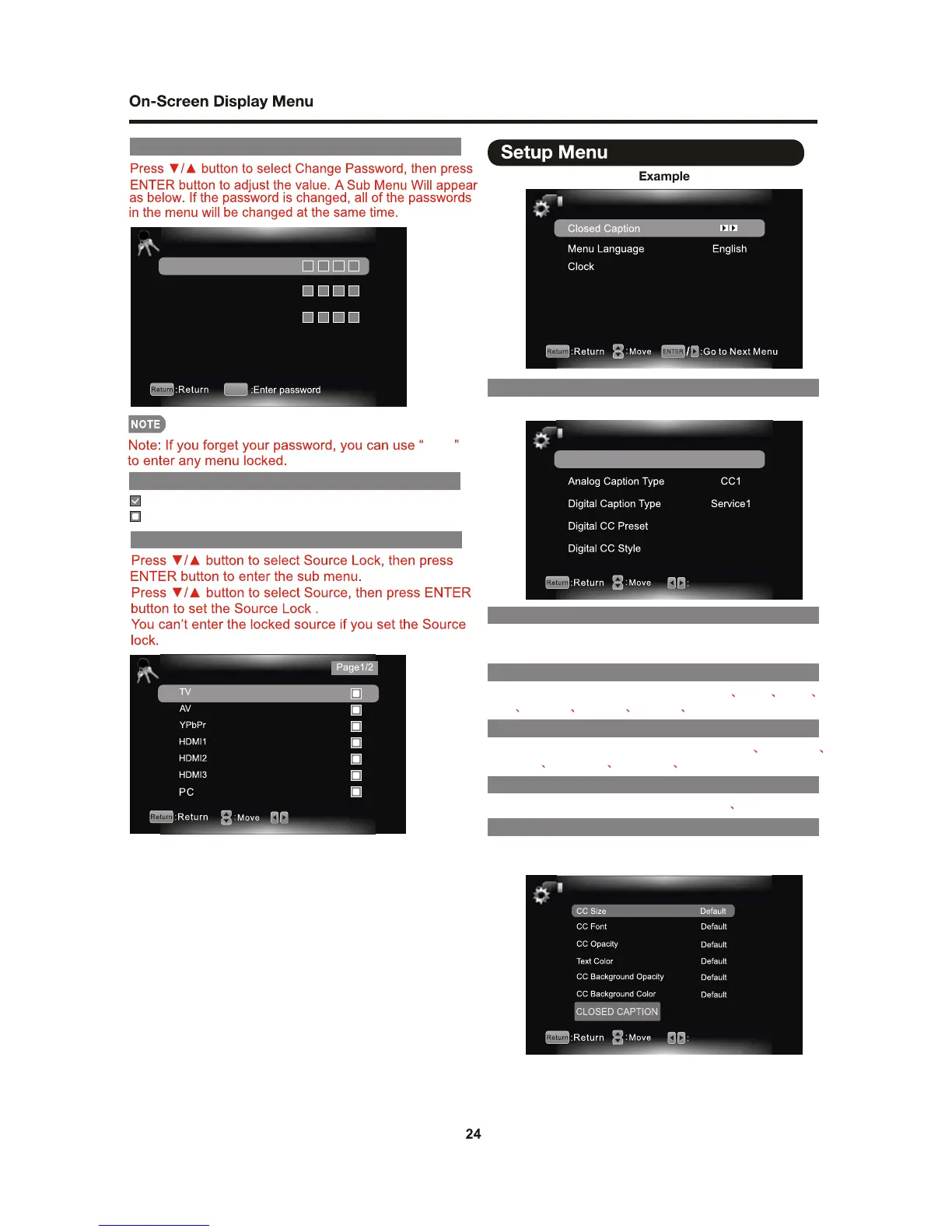
CHANGE PASSWORD
Change Password
Old PIN
New PIN
Confirm
0-9
SOURCE LOCK
Source Lock
8899
Keypad Lock
Automatically Lock Keypad.
No Lock.
DIGITAL CC STYLE
Change Setting
DIGITAL CC PRESET
You can select Digital CC Preset: Default Custom.
DIGITAL CC PRESET
This menu is only shown when the Digital CC Preset is
selected Custom.
DIGITAL CAPTION TYPE
You can select Analog Caption type:
CC4 TEXT1 TEXT2 TEXT3 TEXT4.
CC1 CC2 CC3
You can select Digital Caption type:
Service3 Service4 Service5 Service6.
Service1 Service2
CLOSED CAPTION
On/Off
Caption Display On
Default
ANALOG CAPTION TYPE
CAPTION DISPLAY
ON: Display the closed caption.
OFF: Does not display the closed caption.
SETUP
OSD Timer 20S
CLOSED CAPTON
You can setup the Closed Caption menu.






 To Next Page