EasyManua.ls Logo

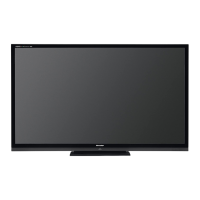
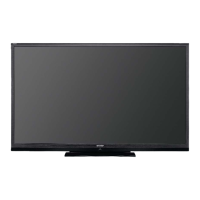
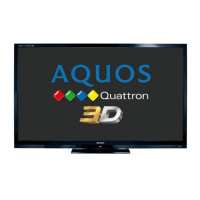
Sharp AQUOS LC-70LE732U - User Manual

Sharp AQUOS LC-70LE732U
84 pages
Print Icon
To Next Page IconTo Next Page
Loading...
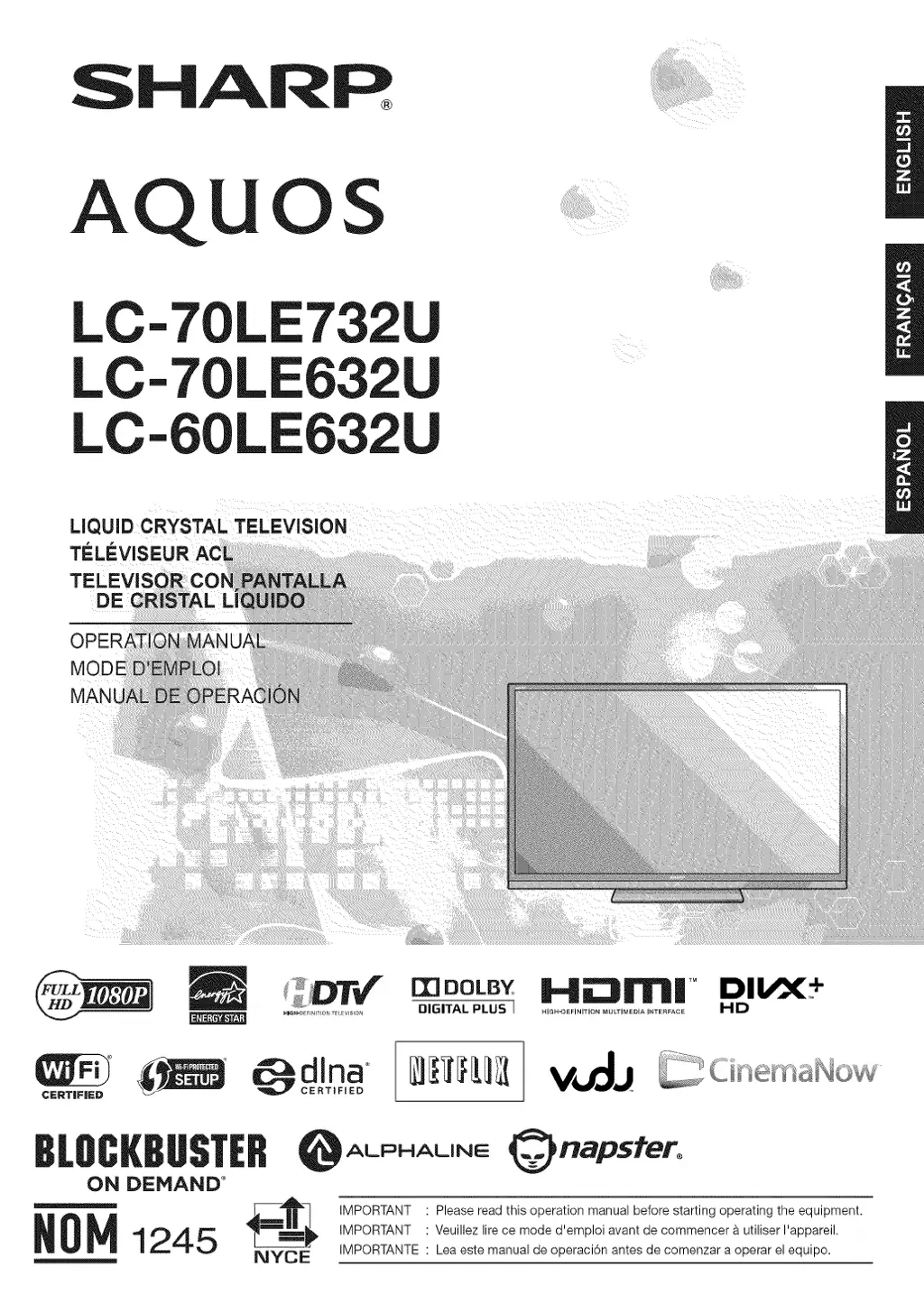
SHARR
AQU
OS
LC-70LE732
LC-70LE632U
LC-60LE632
LiQUiD CRYSTAL TELEViSiON
TfLI"=VISEUR
TELEVI=
0PERJ
M(
MJ
mOOLB_ H_NI| TM DI_+
DIGITAL PLUS I ., ...... ,NITION MULTIMEDIA ,........ HD
_ ALPHALINE @napsfero
ON DEMAND °
_[_"_ IMPORTANT Please read this operation manual before starting operating the equipment.
_0_ 1245 _-_-_-_ IMPORTANT Veuillezlirecemoded'emploiavantdecommencer&utiliserl'appareil.
NYCE IMPORTANTE Lea este manual de operaciGn antes de comenzar a operar el equipo.

Questions and Answers

  • M
    Mr. George Rodriguez DDSAug 10, 2025
    Why does my Sharp AQUOS LC-70LE732U LCD TV power off suddenly?
    • K
      Kristine MooreAug 10, 2025
      If your Sharp LCD TV suddenly turns off, the sleep timer may be set. Also, the unit's internal temperature may have increased. Remove any objects blocking the vents or clean them to ensure proper ventilation.
  • B
    bradleypatelAug 16, 2025
    What to do if Sharp AQUOS LC-70LE732U remote control is not working?
    • M
      melissa50Aug 16, 2025
      If the remote control for your Sharp LCD TV isn't working, first ensure that the equipment to be operated by the remote control unit is set correctly by pressing TV. Make sure the batteries are inserted with the correct polarity. If the batteries are worn out, replace them with new ones. Strong or fluorescent lighting near the TV or remote can also interfere with the signal. Also, a fluorescent light illuminated near the remote control sensor can cause issues. Finally, check if "RC Control Lock" is selected in "Operation Lock Out".
  • R
    Rachael MiddletonAug 21, 2025
    How to fix strange colors on Sharp AQUOS LC-70LE732U LCD TV?
    • J
      Judith BrownAug 21, 2025
      If you notice strange color, light color, or color misalignment on your Sharp LCD TV, try adjusting the picture tone. Also, the picture may look dark if the room is too bright.
  • J
    Jared EvansAug 26, 2025
    How do I fix a cut off picture on my Sharp AQUOS LC-70LE732U LCD TV?
    • C
      Crystal JenkinsAug 27, 2025
      If the picture on your Sharp LCD TV is cut off or has a sidebar screen, check if the image position is correct. Ensure that screen mode adjustments such as picture size are made correctly.
  • S
    Sandra HunterAug 31, 2025
    What to do if Sharp AQUOS LC-70LE732U LCD TV cannot be operated?
    • S
      Sheryl AshleyAug 31, 2025
      If your Sharp LCD TV cannot be operated, it may be due to external influences such as lightning or static electricity. Turn off the power of the TV or unplug the AC cord and replug it in after 1 or 2 minutes.
  • J
    Jason AndersonNov 5, 2025
    Why is there no sound on my Sharp AQUOS LC-70LE732U?
    • M
      Mr. Anthony JonesNov 5, 2025
      If your Sharp LCD TV has no sound, first verify that all connections to external components are correct. Also, ensure the volume isn't too low and that you haven't accidentally muted the TV with the remote. Check the audio output settings of any connected external equipment to ensure they are properly configured and not muted. If using an HDMI cable, you may need to configure the audio to be output through the HDMI cable. For PC or HDMI 1 connections, review the Audio Select settings. Note that depending on the equipment type and media, an audio cable might be needed even with an HDMI-certified cable. Also, when connecting a PC via HDMI, ensure the PC's audio output is correctly configured in Sound Properties. If using a DVI-HDMI conversion cable, confirm an audio cable is connected. Final...

Sharp AQUOS LC-70LE732U Specifications

General IconGeneral
BrandSharp
ModelAQUOS LC-70LE732U
CategoryLCD TV
LanguageEnglish

Related product manuals