100
Function Shortcuts
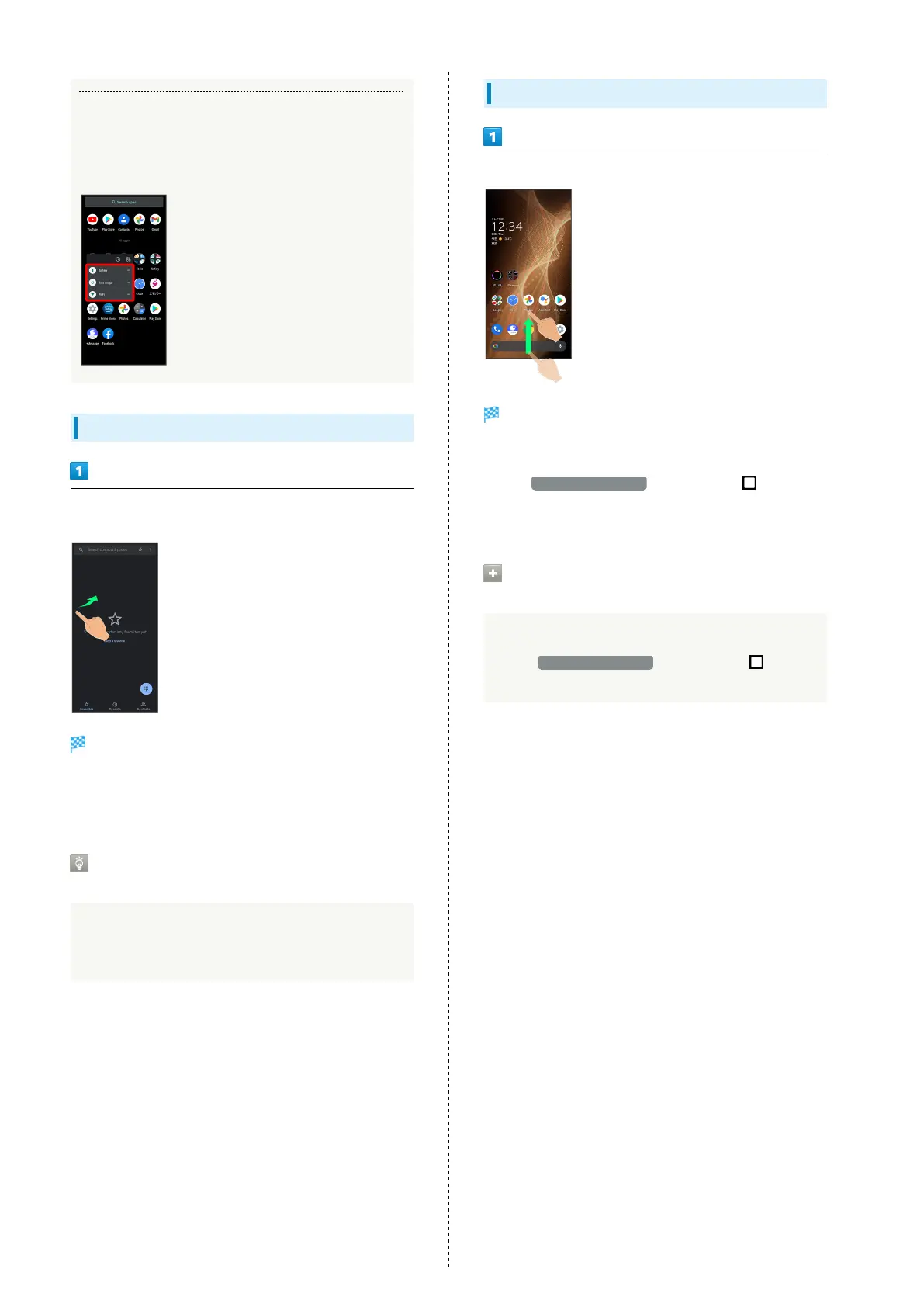
With some applications, Touch & Hold for shortcuts to
functions. Tap function shortcut to launch function
directly.
Exiting Applications
Flick the edge of screen to the left or right again and again
while applications are running
Home Screen returns and application exits.
・Home Screen also returns when Flicking bottom of Display
up, but application does not exit. Exit it from recent apps
window. See "Opening Recent Apps Window" for details.
Where to Obtain Applications &
Updates
Use Google Play™ to obtain new applications or update
installed ones. See "Adding/Deleting Applications" for
details.
Opening Recent Apps Window
Drag bottom of Display up
Recent apps window opens.
・In app list, recent apps window does not open by Dragging
bottom of Display up.
・
When 3-button navigation is enabled, Tap on
Navigation Bar for recent apps window. See "Convenient
Operation Settings" for details.
Opening Most Recently Activated
Application
Flick bottom of Display to the right
・
When 3-button navigation is enabled, Tap in
recent apps window.














 To Next Page