>>
<<
Using a PC
Control of the TV (Continue)
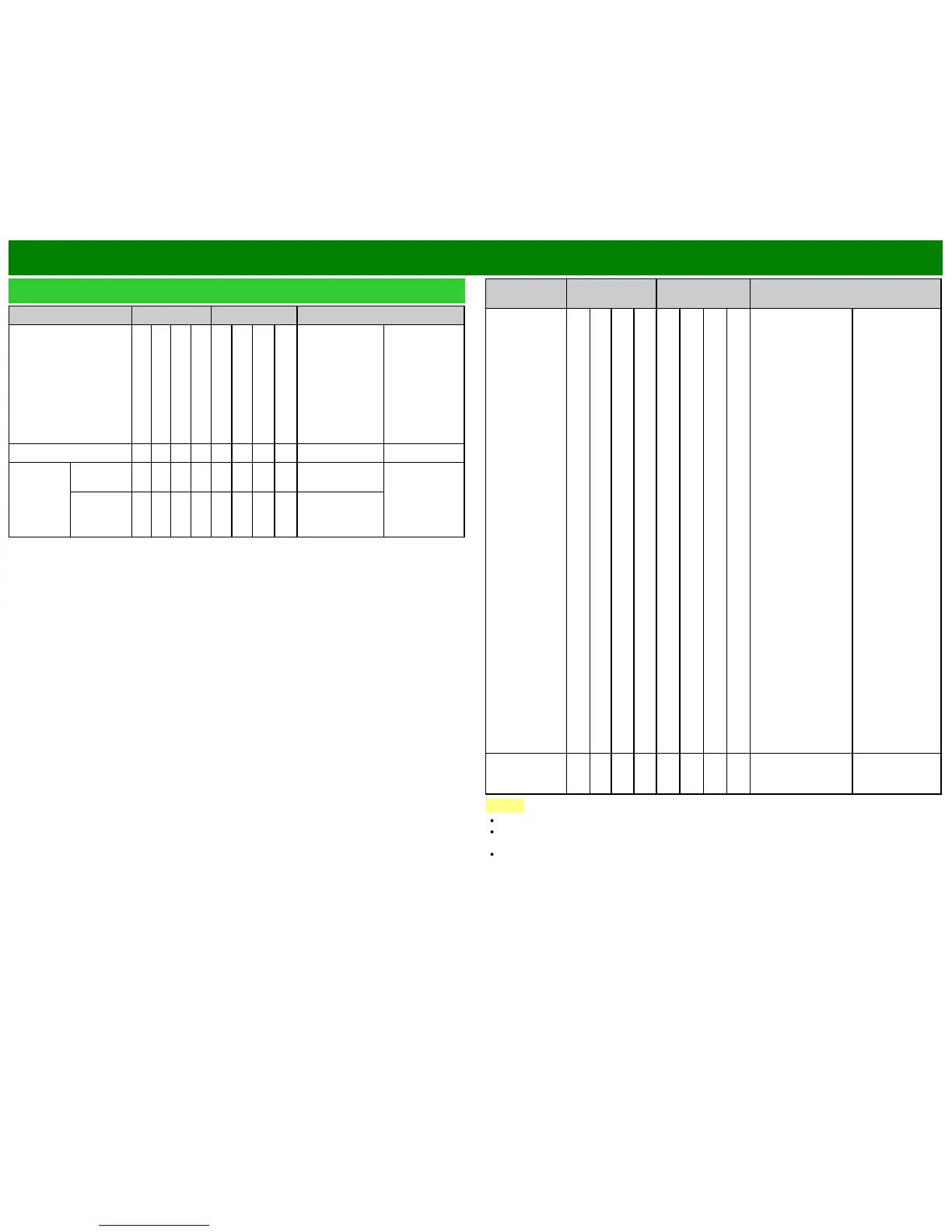
CONTROL ITEM COMMAND PARAMETER CONTROL CONTENTS
AV MODE SELECTION A V M D * * * _ 0: (Toggle),
1: STANDARD,
2: MOVIE,
3: GAME,
4: USER,
5: DYNAMIC
(Fixed),
6: DYNAMIC,
7: PC,
17: MOVIE THX
Although it can
choose now, it
is toggle
operation in
inside.
VOLUME V O L M * * *_ _ Volume (0-100)
POSITION H-
POSITION
H P O S * * * _ The screen
position
variable ranges
depend on the
View Mode or
the signal type.
V-
POSITION
V P O S * * * _
CONTROL
ITEM
COMMAND PARAMETER CONTROL CONTENTS
VIEW MODE W I D E * * _ _ 0: (Toggle) [AV],
1: Side Bar [AV],
2: S.Stretch [AV]
3: Zoom [AV],
4: Stretch [AV,
USB-Video, Home
Network Video or
Internet
applications],
5: Normal [PC]
6: Zoom [PC],
7: Stretch [PC],
8: Dot by Dot [PC]
[AV],
9: Full Screen [AV]
10: Auto [USB-
Video, USB-Photo,
SD-Video, SD-
Photo, Home
Network Video,
Photo or Internet
applications],
11: Original [USB-
Video, USB-Photo,
SD-Video, SD-
Photo, Home
Network Video,
Photo or Internet
applications]
0: Although it can
choose now, it is
toggle operation
in inside.
1: Only available
when 4:3 signal
is being input.
5, 6: Only
available when
4:3 signal is
being input.
8: [PC] Available
except when
UXGA is being
input.
[AV] Only
available when
the number of
pixels on the
screen and the
resolution of the
signal are the
same.
9: Only available
when the number
of pixels on the
screen and the
resolution of the
signal are
different.
10, 11: Available
when USB-
Video, USB-
Photo, SD-Video,
SD-Photo, Home
Network Video,
Photo or Internet
application is
used.
MUTE M U T E * _ _ _ 0: (Toggle),
1: On,
2: Off
NOTE
If an underbar (_) appears in the parameter column, enter a space.
If an asterisk (*) appears, enter a value in the range indicated in brackets under CONTROL
CONTENTS.
Any numerical value can replace the "x" on the table.
ENG 7-4












 To Next Page