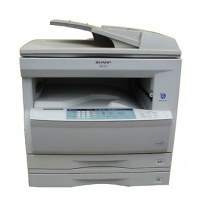
Open the original cover.
Place the original face down on the original table. Align it with the original scale and
the centering ( ) mark.
mark
Original scale
Gently close the original cover. When copying a book or an original which has been
folded or a crumpled original, press down the original cover lightly. If the original
cover is not securely closed, the copies may be striped or blurred.
A book, an original which has been
folded, or a crumpled original
Set the number of copies using the two copy quantity ( , ) keys.
●
Press the clear ( ) key to clear an entry if a mistake is made.
●
A single copy can be made with the initial setting, i.e., when “0” is displayed.
●
Press the right copy quantity key to set the units
digit from 0 to 9. This key will not change the
tens digit.
●
Press the left copy quantity key to set the tens
digit from 1 to 9.



 To Next Page