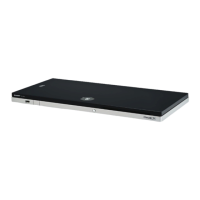
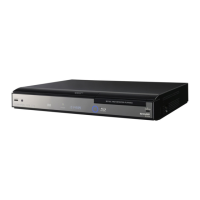
BD-HP90S
3 – 1
BDHP90S
Service Manual
CHAPTER 3. REMOVING OF MAJOR PARTS
[1] REMOVING OF MAJOR PARTS
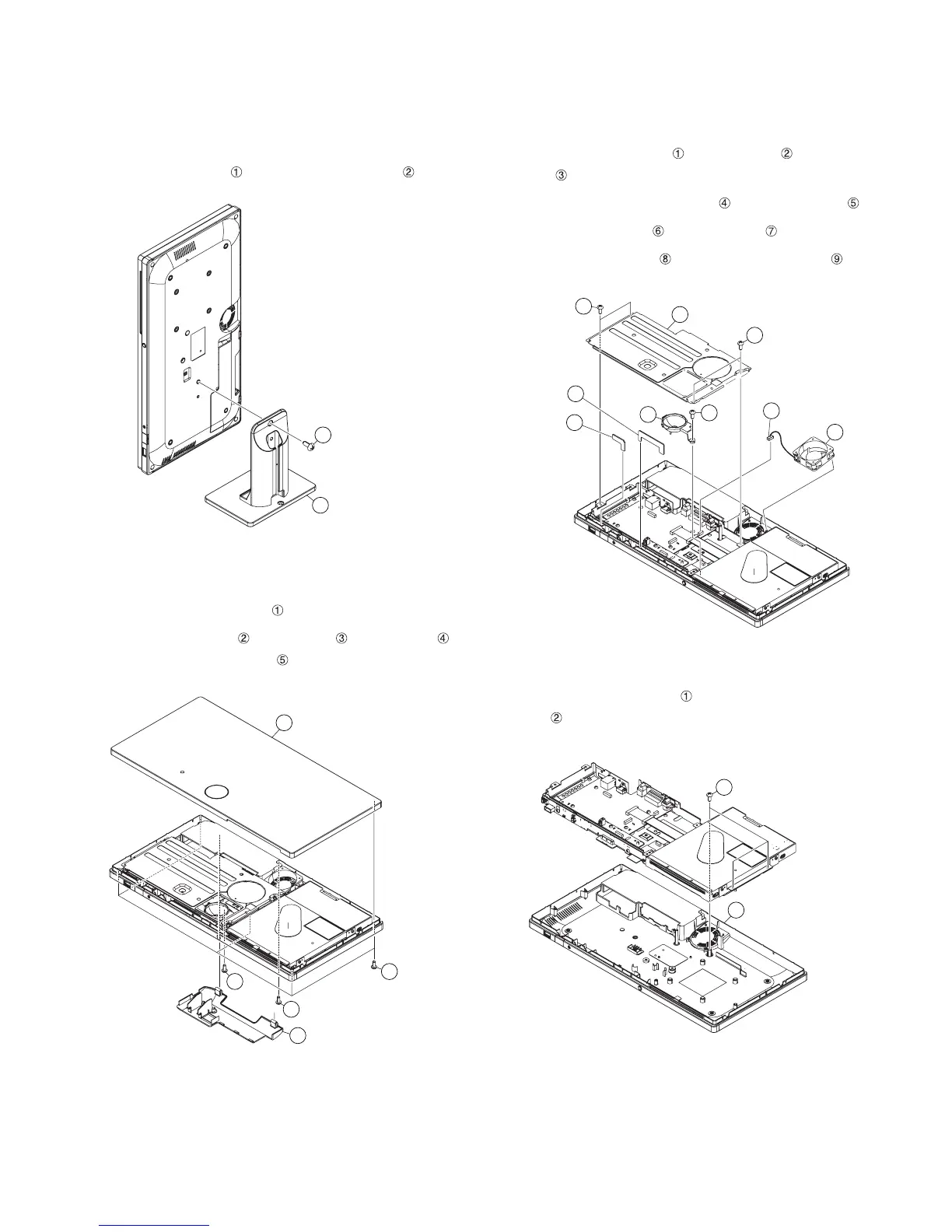
1. Removing the Stand Ass’y
1. Remove the 1 lock screw and detach the Stand Ass’y .
2. Removing the Terminal Cover Ass’y and Top Cab-
inet Ass’y
1. Detach the Terminal Cover Ass’y .
2. Remove the 5 lock screws , 1 lock screw , 1 lock screw
and detach the Top Cabinet Ass’y .
3. Removing the Shield, Fan, Fix PWB and LED
Holder
1. Remove the 2 lock screws , 2 lock screws and detach the
Shield .
2. Disconnect the Fan cable connector and detach the Fan .
3. Detach the Fix PWB (S) and Fix PWB (L) .
4. Remove the 1 lock screw and detach the LED Holder .
4. Removing the Bottom Cabinet Ass’y
1. Remove the 3 lock screws and detach the Bottom Cabinet
Ass’y .
1
2
Stand Ass'y
2
5
4
Top Cabinet Ass'y
3
Terminal Cover Ass'y
1
1
2
8
9
5
4
3
Shield
Fan cable connector
Fix PWB (S)
Fix PWB (L)
Fan
LED Holder
6
7
Bottom Cabinet Ass'y
1
2


 To Next Page