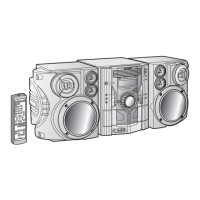
CD-M4000W/CP-M4000
Setting the Clock
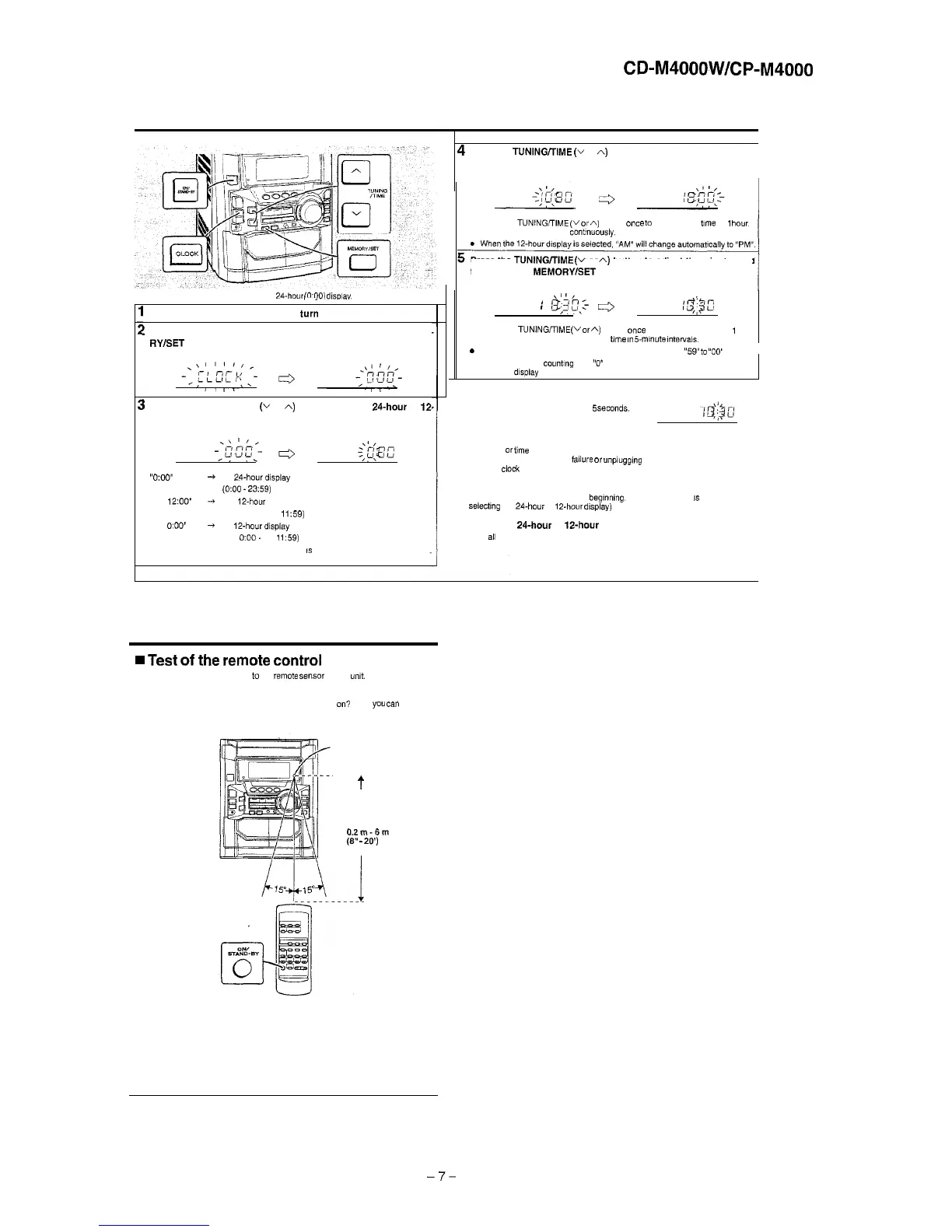
In this example, the clock is set for the 24.hour
CO:001
disolav.
._
Press the ON/STAND-BY button to turn the power on.
!
Press the CLOCK button and within 5 seconds, press the MEMO.
RY/SET
button.
1
Press the TUNING/TIME
(v
or A) button to select
24-hour
or
12.
hour display and then press the MEMORY/SET button.
“0:oo”
+
The
24-hour display
will appear.
(0:OO
-
23:59)
“AM
12:OO”
+
The 12.hour display will appear.
(AM 12’00 -PM
,159)
“AM
OXlO”
+
The
12-hour display
will appear.
(AM
O:OO.
PM
11:59)
Note that this can only be set when the unit
IS
first installed or it has been reset.
4
Press the
TUNlNGfrlME
(v
or A) button to adjust the hour and then
press the MEMORY/SET button.
.
Press the TUNlNG,TlME
(v
or
A)
button once
to
advance the time by
1
hour.
Hold it down to advance contnuousiy.
Press the TUNING/TIME
(v
or
A)
button to adjust the minutes and
then press the MEMORYISET button.
\I
1,
I
/3;30,:-
*
1%
qg:’
.
Press the TUNlNG,TlME
(v
or
A)
button once to advance the time by
1
minute. Hold it down to change the
bme
in
5mmute
Intervats.
s The hour will not advance even if minutes advance from “59”
to
“00’
I
l
The clock begins
counting
from
“0”
seconds. (Seconds are not displayed.)
The time
dlsptay
will disappear after a few seconds.
To confirm the time display:
Press the CLOCK button.
The time display will appear for about
5
seconds.
Note:
The “CLOCK”
or
iime will flash at the push of the CLOCK button when the AC power
supply is restored after a power
failure
or
unplugging
the “nit.
Readjust the
clock
as follows.
To readjust the clock:
Perform “Setting the Clock” from the
begrnning.
If the time display
IS
flashing, step 3
(for selecting the 24.hour or 12.hour
display)
will be skipped.
To change the
24-hour
or
Is-hour
display:
1
Clear
ali
the programmed contents.
2
Perform “Setting the Clock” from the beginning.
Remote Control
w
Test
of
the
remote
control
Face the remote control directly
to
the
rem&
sensor on the
wt.
The remote control can be used within the range shown below:
Press the ON/STAND-BY button Does the power turn
on?
Now.
you
can
enjoy the
music.
Remote sensor
t
O.Zm-6m
(8”
-
20’)
-7-


 To Next Page