No. S2015CDPC3500
CONTENTS
Page
IMPORTANT SERVICE NOTES (FOR U.S.A. ONLY)....................................................................................................... 2
SPECIFICATIONS ............................................................................................................................................................. 3
NAMES OF PARTS ........................................................................................................................................................... 4
OPERATION MANUAL ...................................................................................................................................................... 7
QUICK GUIDE ................................................................................................................................................................... 8
DISASSEMBLY.................................................................................................................................................................. 9
REMOVING AND REINSTALLING THE MAIN PARTS ................................................................................................... 12
ADJUSTMENT ................................................................................................................................................................. 13
NOTES ON SCHEMATIC DIAGRAM .............................................................................................................................. 16
BLOCK DIAGRAM ........................................................................................................................................................... 17
SCHEMATIC DIAGRAM / WIRING SIDE OF P.W.BOARD.............................................................................................. 20
VOLTAGE ........................................................................................................................................................................ 40
WAVEFORMS OF CD CIRCUIT ...................................................................................................................................... 41
TROUBLESHOOTING (CD SECTION) ........................................................................................................................... 42
FUNCTION TABLE OF IC................................................................................................................................................ 46
FL DISPLAY ......................................................................................................................................................................52
REPLACEMENT PARTS LIST/EXPLODED VIEW
PACKING OF THE SET (FOR U.S.A. ONLY)
CD-PC3500
• In the interests of user-safety the set should be restored to its
original condition and only parts identical to those specified be
used.
SERVICE MANUAL
This document has been published to be used
for after sales service only.
The contents are subject to change without notice.
SHARP CORPORATION
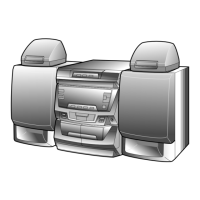
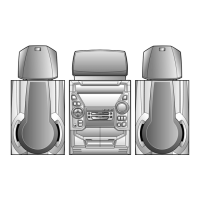
CD-PC3500 Mini Component System consisting of
PC3500 (main unit), CP-C3500 (front speakers),
GBOXS0036AWM1 (center speaker) and
GBOXS0037AWM1 (rear speakers).
CD-PC3500
Manufactured under license from Dolby Laboratories Licens-
ing Corporation.
DOLBY, the double-D symbol and "PRO LOGIC" are
trademarks of Dolby Laboratories Licensing Corporation.


 To Next Page
 General