EasyManua.ls Logo

Sharp CE-515P - Page 21

Sharp CE-515P
34 pages
Print Icon
To Next Page IconTo Next Page
To Previous Page IconTo Previous Page
Loading...
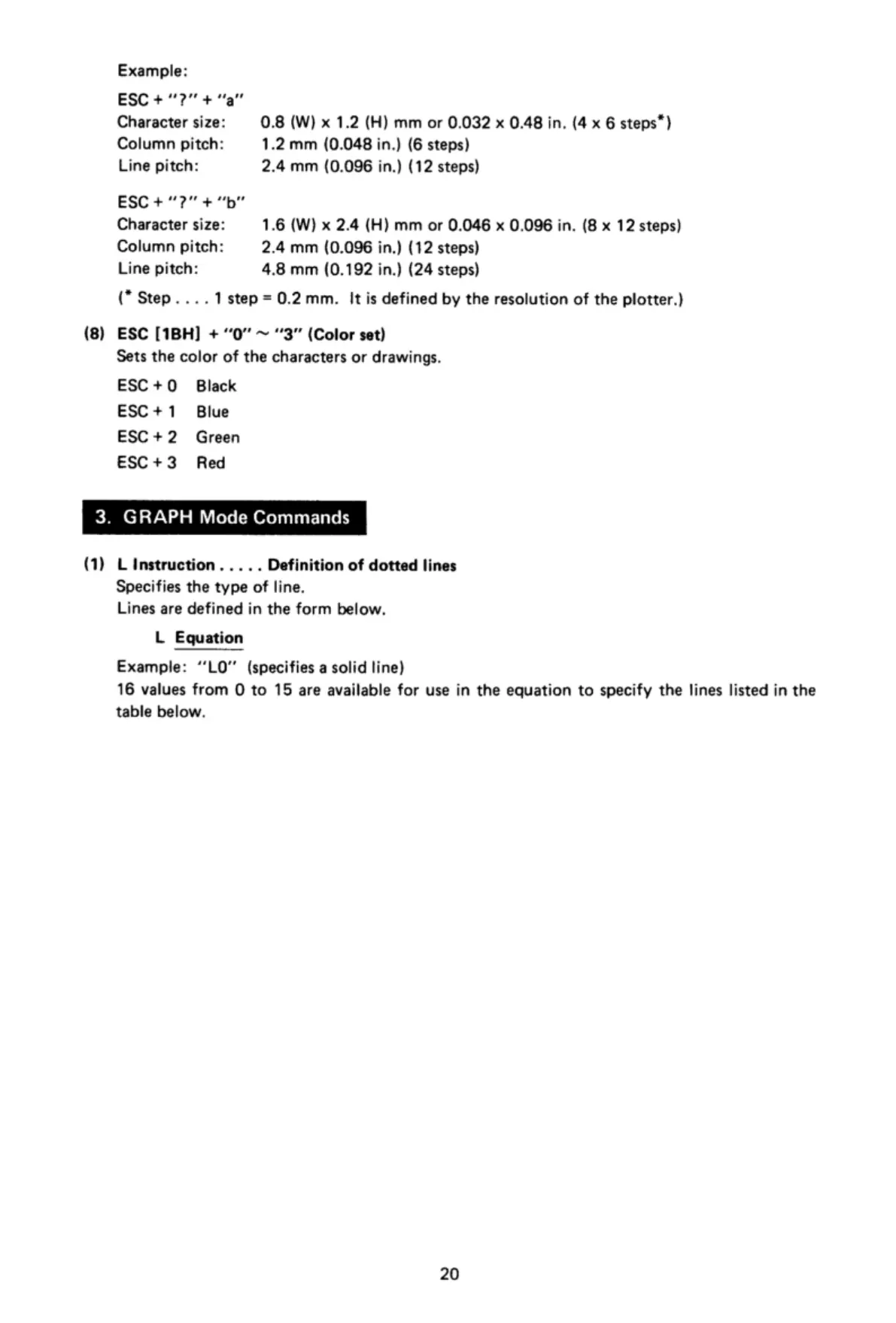
Example:
ESC+"?"+"a"
Character
size:
0.8
(W)
x
1.2
(H)
mm
or
0.032
x
0.48
in. (4
x
6
steps")
Column
pitch:
1.2
mm
(0.048
in.)
(6
steps)
Line
pitch:
2.4
mm
(0.096
in.)
(12
steps)
ESC+“?"
+"b"
Character
size:
1.6
(W)
x
2.4
(H)
mm
or
0.046
x
0.096
in.
(8
x
12
steps)
Column
pitch:
2.4
mm
(0.096
in.)
(12
steps)
Line
pitch:
4.8
mm
(0.192
in.)
(24
steps)
(*
Step.
...
1step=0.2mm.
Itis
defined
by
the
resolution
of
the
plotter.)
(8)
ESC
[1BH]
+
0"
~
"'3”
(Color
set)
Sets
the
color
of
the
characters
or
drawings.
ESC+
0
Black
ESC+1
Blue
ESC+
2
Green
ESC+3
Red
3.
GRAPH
Mode
Commands
(1)
L
Instruction.....
Definition
of
dotted
lines
Specifies
the
type
of
line.
Lines
are
defined
in
the
form
below.
L
Equation
Example:
“LO"
(specifies
a
solid
line)
16
values
from
O
to
15
are
available
for
use
in
the
equation
to
specify
the
lines
listed
in
the
table
below.
20

Related product manuals