15
DW-71-H
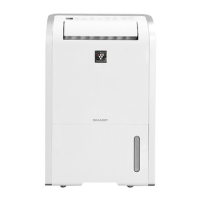
9. Removing the protector
(1) After removing the rear part of main unit, widen the
fixture of upper part of compressor, and remove the
terminal cover.
Connection of compressor cord ass'y
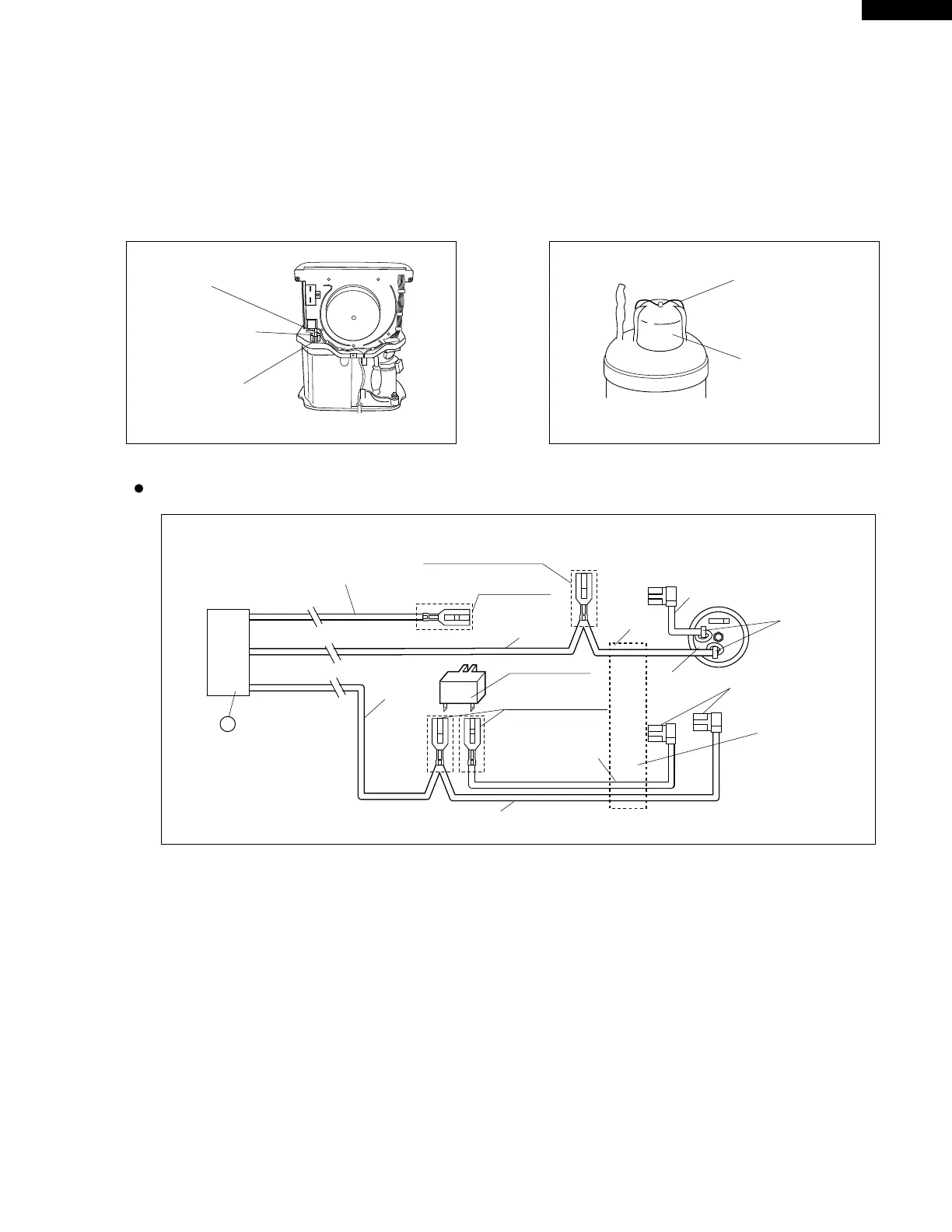
8. Removing the FULL switch
(1) After removing the rear part of main unit disengage
the rib of dew pan with which the switch holder is
engaged, and withdraw the switch holder.
FULL switch ass'y
Switch holder
Rib
CN-B
1
IS-187
(natural color)
Shinagawa Shoko
Purple
Red
I
S-187 (natural color)
Shinagawa Shoko
To FULL switch
IS-187 (natural color)
Shinagawa Shoko
To FULL switch
Orange
Capacitor
(4µF, 430VAC)
Red
Orange
Blue
Gray
Insert into hole
and solder.
Protector
With tube
With sleeve



 To Next Page