– E-3 –
INTRODUCTION
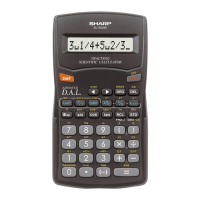
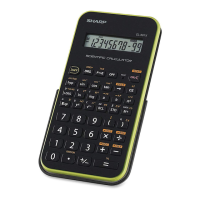
Thank you for purchasing the SHARP Scientific Calculator
Model EL-509E.
After reading this manual, store it in a convenient location for
future reference.
Operational Notes
• Do not carry the calculator around in your back pocket, as it
may break when you sit down. The display is made of glass
and is particularly fragile.
• Keep the calculator away from extreme heat such as on a
car dashboard or near a heater, and avoid exposing it to
excessively humid or dusty environments.
• Since this product is not waterproof, do not use it or store it
where fluids, for example water, can splash onto it. Rain-
drops, water spray, juice, coffee, steam, perspiration, etc.
will also cause malfunction.
• Clean with a soft, dry cloth. Do not use solvents or a wet
cloth.
• Do not drop it or apply excessive force.
• Never dispose of batteries in a fire.
• Keep batteries out of the reach of children.
• This product, including accessories, may change due to
upgrading without prior notice.
NOTICE
• SHARP strongly recommends that separate permanent
written records be kept of all important data. Data may
be lost or altered in virtually any electronic memory
product under certain circumstances. Therefore, SHARP
assumes no responsibility for data lost or otherwise
rendered unusable whether as a result of improper use,
repairs, defects, battery replacement, use after the
specified battery life has expired, or any other cause.
• SHARP will not be liable nor responsible for any incidental
or consequential economic or property damage caused
by misuse and/or malfunctions of this product and its
peripherals, unless such liability is acknowledged by law.
♦ Press the RESET switch (on the back), with the tip of a ball-
point pen or similar object, only in the following cases. Do
not use an object with a breakable or sharp tip. Note that
pressing the RESET switch erases all data stored in memory.
• When using for the first time
• After replacing the batteries
• To clear all memory contents
509E_en0610.p65 04.6.10, 2:51 PM3


 To Next Page