– E-4 –
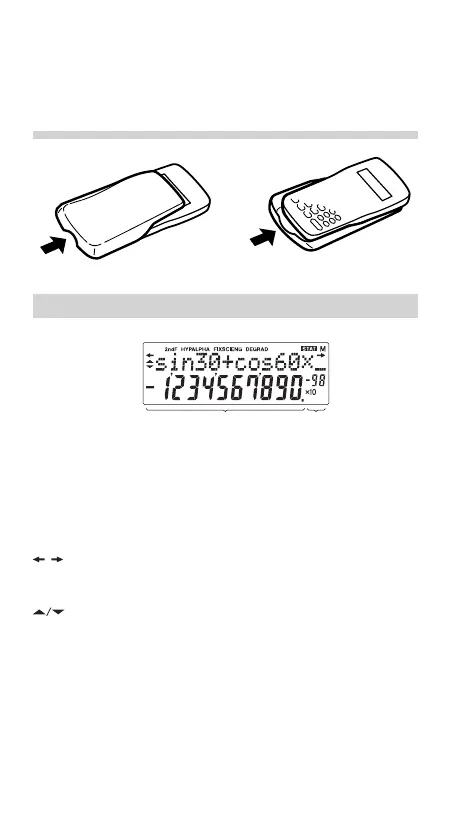
Exponent
Equation→
Display
Mantissa
←Symbol
• When an abnormal condition occurs and all keys are
inoperative.
If service should be required on this calculator, use only a
SHARP servicing dealer, SHARP approved service facility, or
SHARP repair service where available.
Hard Case
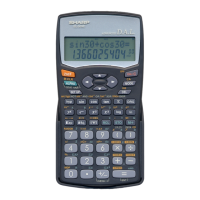
DISPLAY
• During actual use, not all symbols are displayed at the
same time.
• Only the symbols required for the usage under instruction
are shown in the display and calculation examples of this
manual.
/
: Appears when the entire equation cannot be dis-
played. Press </> to see the remaining (hid-
den) section.
: Indicates that data can be visible above/below the
screen. These indications may appear when menu,
multi-line playback, and statistics data are displayed.
Press [/] to scroll up/down the view.
2ndF : Appears when @ is pressed, indicating that the
functions shown in orange are enabled.
HYP : Indicates that h has been pressed and the hy-
perbolic functions are enabled. If @H are
pressed, the symbols “2ndF HYP” appear, indicat-
ing that inverse hyperbolic functions are enabled.
509E_en0610.p65 04.6.10, 2:51 PM4


 To Next Page