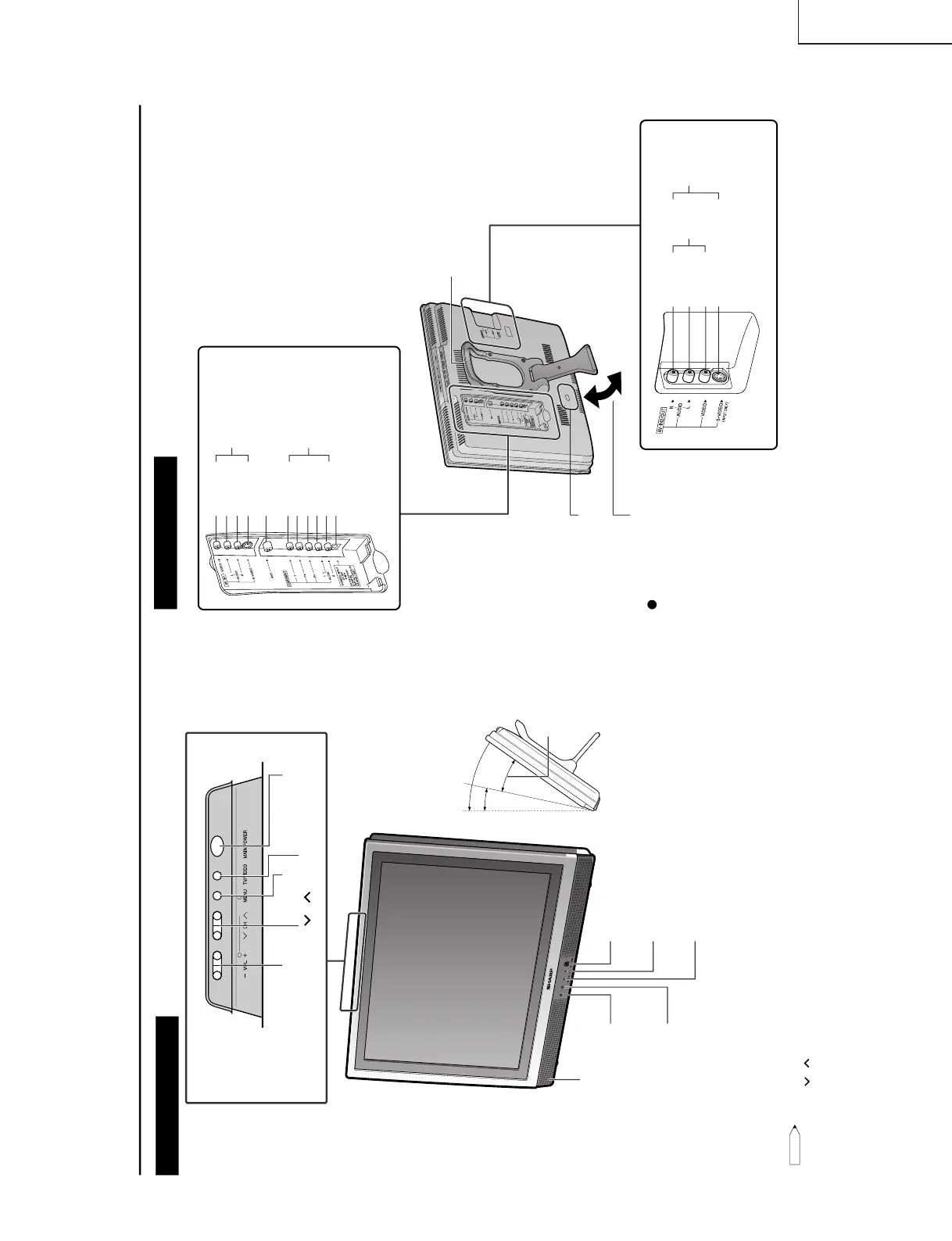
LOCATION OF USERS CONTROL
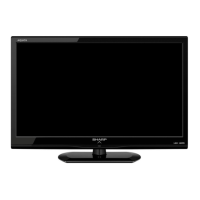
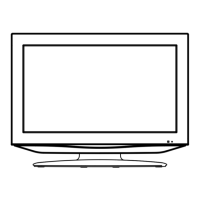
Main unit (front view)
12
35
PRESET
1
2
Note:
• TV/VIDEO, CH (
)/(
), VOL (–)/(+), and MENU on the main unit have the same functions as the same buttons
on the remote control. Basically, this operation manual provides a description based on operation with the remote
control.
MAIN POWER
TV/VIDEO
MENU
CH (
)/( )
VOL (–)/(+)
Upper control panel
Speaker
* The examples used throughout this manual are based
on the LC-20S1M model.
HEADPHONE jack
Plug the headphone mini-plug into the HEADPHONE
jack located on the front of the TV set.
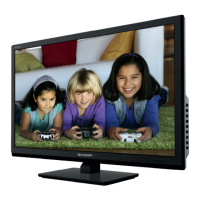
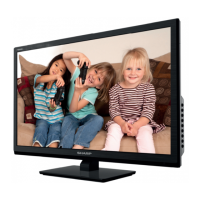
The screen can be adjusted
backwards to an angle be-
tween 12 degrees and 35
degrees. The screen cannot
be set up straight. When
changing the angle, make sure
to hold the stand and adjust
the screen to the best viewable
angle.
OPC sensor
Remote control sensor
OPC indicator (Optical Picture Control)
The Optical Picture Control indicator lights up green
when the BRIGHTNESS is set to AUTO.
POWER indicator
A green indicator lights when the power is on and a red
indicator lights when in the standby mode (the indicator
will not light when the main power is off).
Adjustable
range
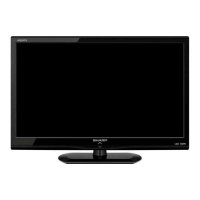
Main unit (rear view)
S-VIDEO
P
R
AUDIO (L)
P
B
VIDEO
AUDIO (R)
AUDIO (L)
COMPONENT
AUDIO (L)
AUDIO (R)
VIDEO
Y
AV-IN1
Carrying handle
AUDIO (R)
S-VIDEO
ANT. (Antenna terminal)
POWER INPUT
(DC12V)
AV-IN2/OUTAV-OUT
Stand
* Be careful to prevent the
product from falling over
when adjusting the angle.
Also place the product on
a stable base.
The screen can be
adjusted backwards to
an angle between 12
and 35 degrees.
When changing the
angle, make sure to hold
the stand and adjust to
the best viewable angle.
Round lock for Kensington
Security Standard Slot.




 To Next Page