LC-32D65E/RU, LC-37D65E/RU
3 – 13
5. ADC adjustment (Component 15K)
6. ADC adjustment (Component 33K)
7. PC signal adjustment (ANALOG D-sub15PIN)
8. RGB signal adjustment (SCART)
Adjustment point Adjustment Conditions Adjustment procedure
1 Setting [Signal]
COMP15K, 50Hz
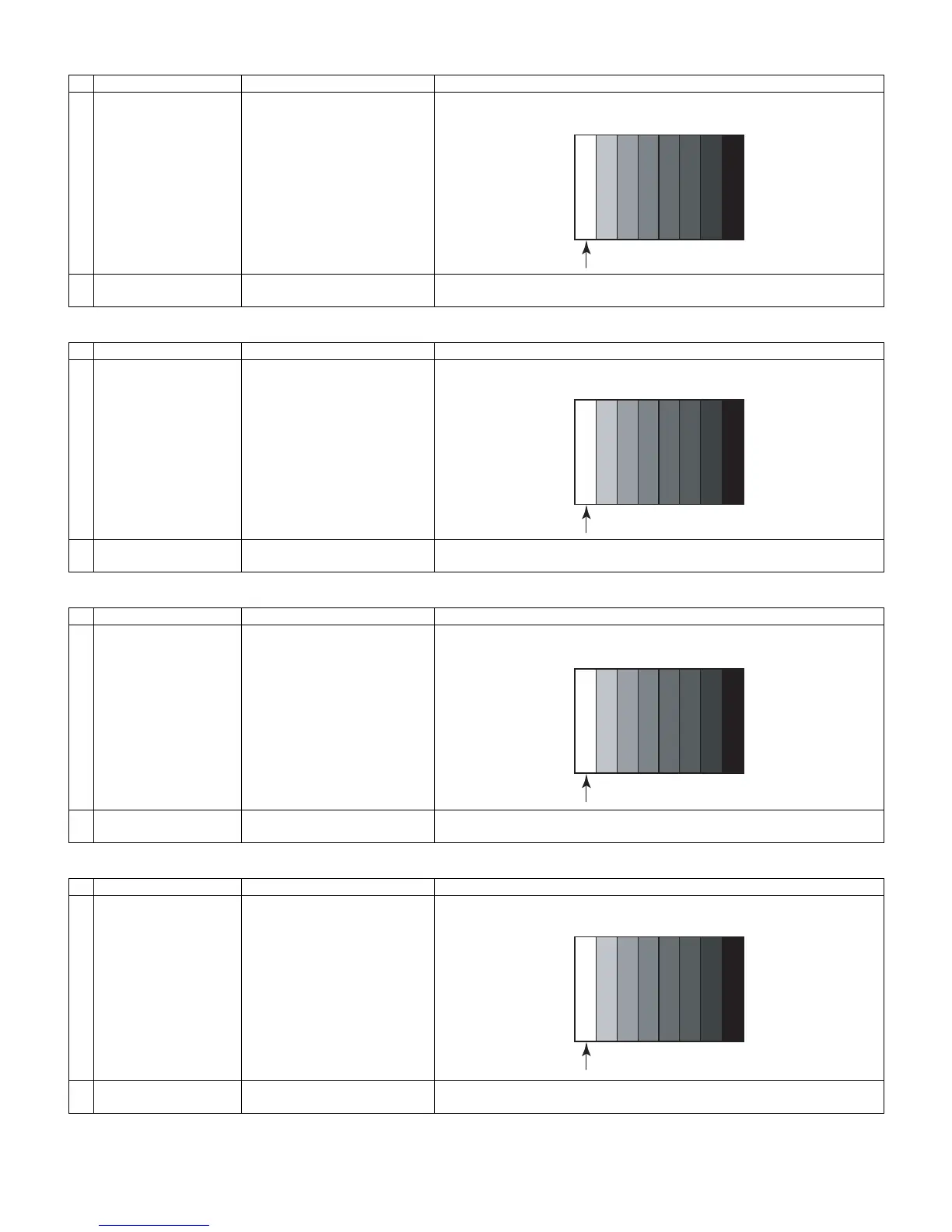
100% Full Field Colour Bar sig-
nal
[Terminal]
EXT3 COMPONENT IN
• Feed the COMPONENT 15K 100% full field colour bar signal (100% colour
saturation) to EXT3 COMPONENT IN.
2 Auto adjustment
performance
Page 6/16 Bring the cursor on [COMP15k ALL ADJ] and press [OK] [COMP15k ALL ADJ
OK] appears when finished.
Adjustment point Adjustment Conditions Adjustment procedure
1 Setting [Signal]
COMP33K, 50Hz
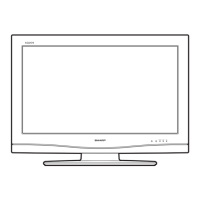
100% Full Field Colour Bar sig-
nal
[Terminal]
EXT3 COMPONENT IN
Feed the COMPONENT 33K 100% full field colour bar signal (100% colour sat-
uration) to EXT3 COMPONENT IN.
2 Auto adjustment
performance
Page 7/16 Bring the cursor on [HDTV ADJ] and press [OK]
[HDTV ADJ OK] appears when finished.
Adjustment point Adjustment Conditions Adjustment procedure
1 Setting [Signal]
XGA 60Hz
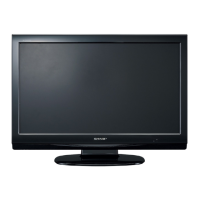
100% Full Field Colour Bar sig-
nal
[Terminal]
EXT4 PC IN
• Feed the XGA 60Hz 100% full field colour bar signal (100% colour saturation)
to EXT4 PC IN.
2 Auto adjustment
performance
Page 8/16 Bring the cursor on [ANALOG PC ADJ] and press [OK]
[ANALOG PC ADJ OK] appears when finished.
Adjustment point Adjustment Conditions Adjustment procedure
1 Setting [Signal]
RGB15K, 50Hz
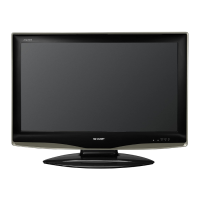
100% Full Field Colour Bar sig-
nal
[Terminal]
EXT1 SCART IN
• Feed the RGB 15k 50Hz 100% full field colour bar signal (100% colour
saturation) to EXT1 SCART IN.
2 Auto adjustment
performance
Page 9/16 Bring the cursor on [SCART RGB ADJ] and press [OK]
[SCART RGB ADJ OK] appears when finished.







 To Next Page