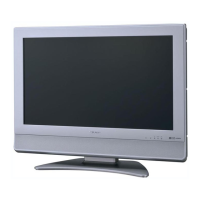
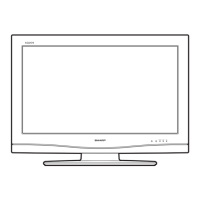
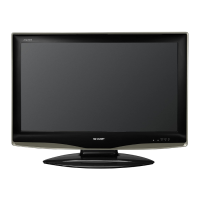
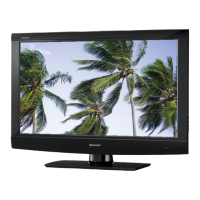
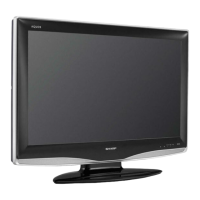
LC-32M400M-BK/WH/RD
2 – 2
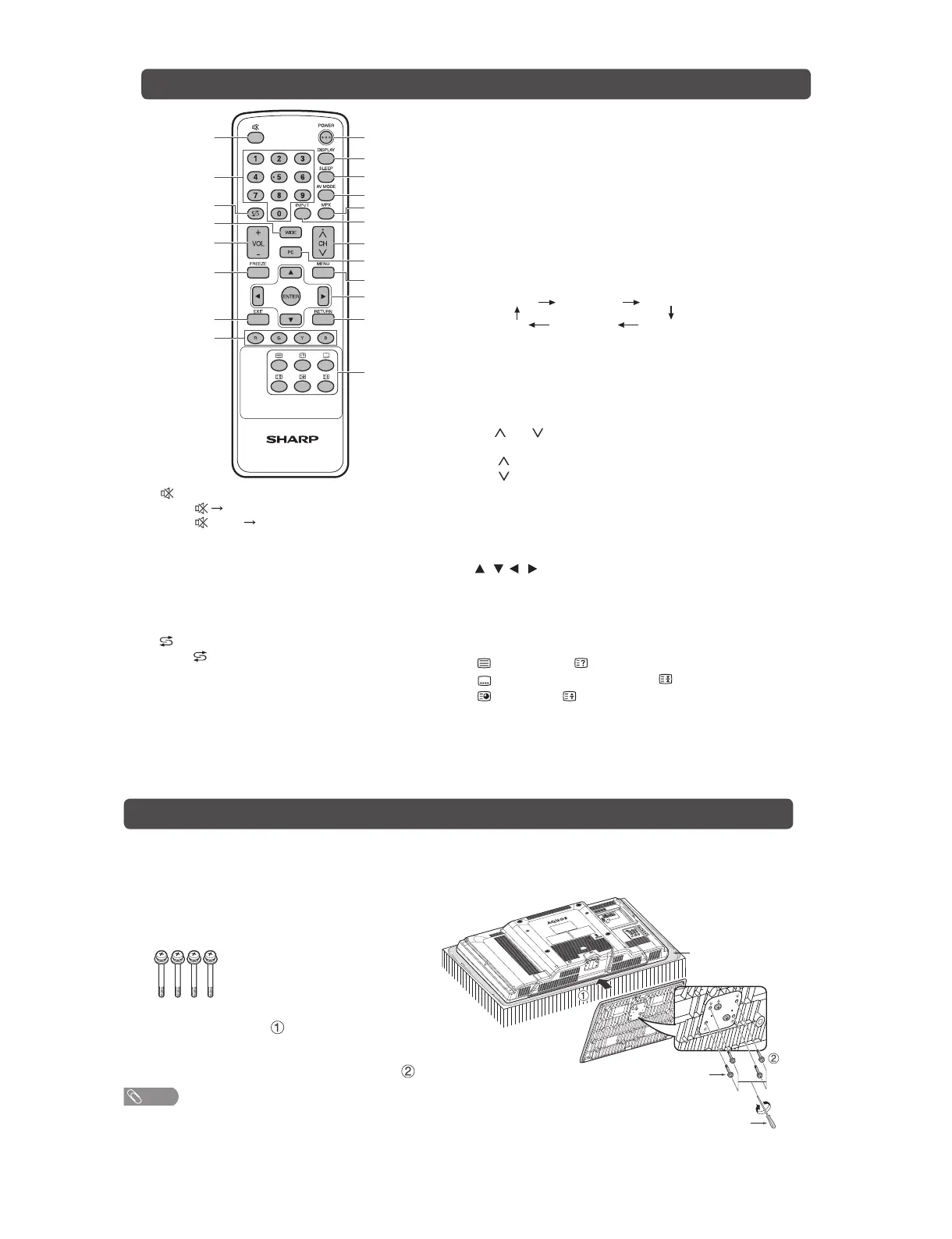
Remote control unit
1
2
3
4
5
6
7
8
9
10
11
12
13
14
15
16
17
18
19
20
6 FREEZE
Freeze a motion picture on the screen.
7EXIT
Return to the default screen.
8 Colour (Red/Green/Yellow/Blue)
TELETEXT mode: Select a page.
9 POWER (STANDBY/ON)
To switch the power on and off.
10 DISPLAY
Display the channel or input information.
11 SLEEP
Set the Sleep timer.
0 hr. 30 min. 1 hr. 00 min.
2 hr. 30 min.
1 hr. 30 min.
2 hr. 00 min.
Off
12 AV MODE
Select an audio and video setting.
13 MPX
Select the sound multiplex mode.
14 INPUT (INPUT SOURCE)
Select an input source.
15 CH /C H
TV input mode: Select the channel.
(CH ) Increase the channel number.
(CH ) Decrease the channel number.
TELETEXT mode: Select the page.
16 PC
Directly select the PC terminal.
17 MENU
Display the menu screen.
18 / / / (Cursor)
Select a desired item on the setting screen.
ENTER
Execute a command.
19 RETURN
MENU mode: Return to the previous menu screen.
20 (TELETEXT), (Reveal hidden for TELETEXT),
(SUBTITLE for TELETEXT), (Hold),
(Subpage), (Top/Bottom/Full)
Use for TELETEXT mode.
1 (Mute)
Press
Mutes sound.
Press again Restores sound.
Mute will be cancelled after 30 minutes. However,
the TV will not suddenly output loud sound as the
volume level will be set to 0 automatically. Increase
the volume level by pressing VOL +.
20–9
Set the channel.
TELETEXT mode: Set the page.
3 (Flashback)
Press to return to the previous selected channel
or external input mode.
4 WIDE
Change the wide image mode.
5VOL
+
/VOL
-
Set the volume.
(VOL
+
) Increase the volume.
(VOL
-
) Decrease the volume.
Attaching the stand
• Before attaching (or detaching) the stand, unplug the AC cord from the AC outlet.
• Before performing work spread cushioning over the base area to lay the TV on. This will prevent it from
being damaged.
1
Confirm the screws supplied with the TV.
Screw driver
Screw
Soft cushion
Screws (x 4)
(usedinstep3)
2
Insert the stand base to the stand post on the
bottom of the TV. ( )
3
Insert and tighten the 4 screws into the 4
holes on the bottom of the stand base.( )
NOTE
• To detach the stand, perform the steps in reverse
order.


 To Next Page