LC-37D44U
5 – 14
8.5. Component 33K signal adjustment
8.6. Analog RGB signal adjustment
8.7. Tuner/V-Chip test
Adjustment item Adjustment conditions Adjustment procedure
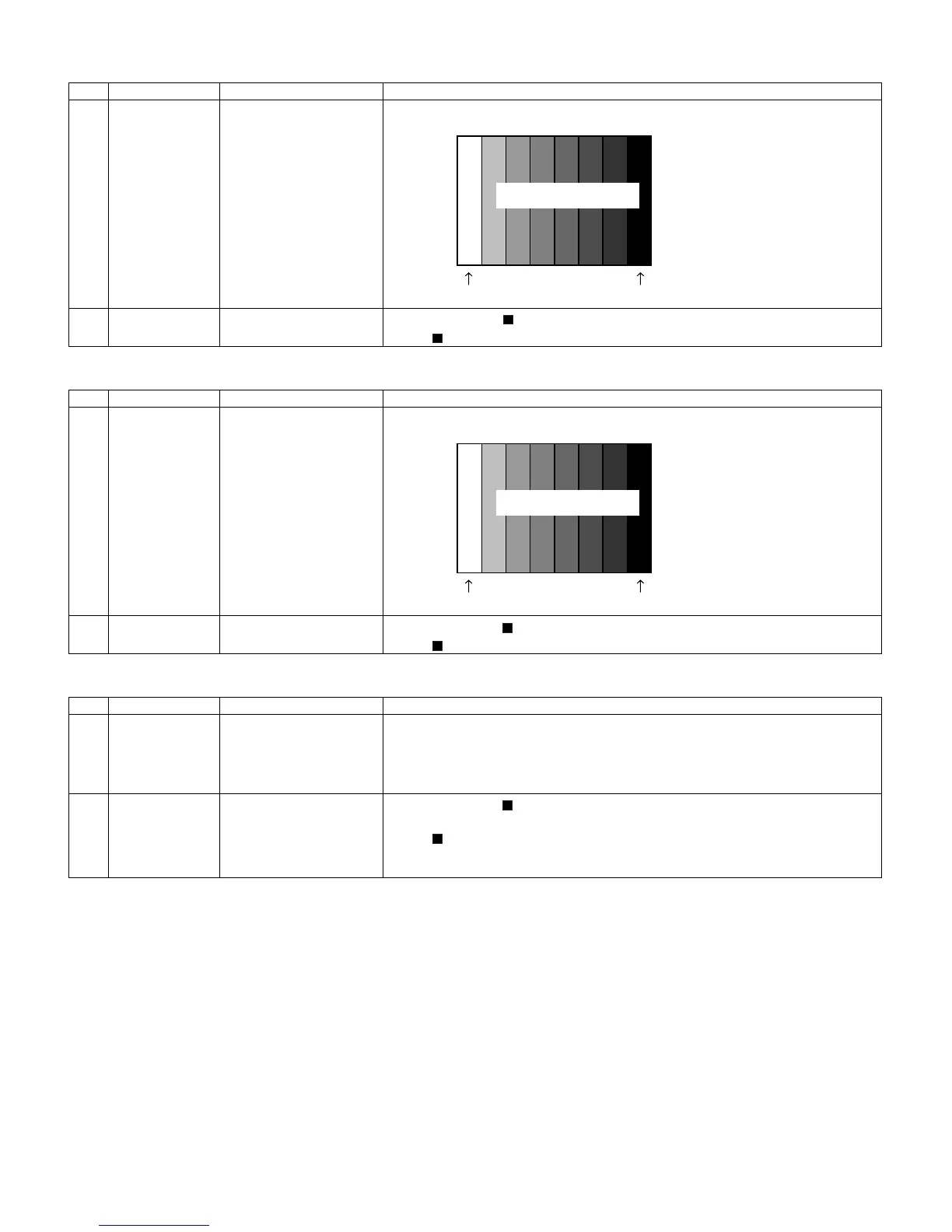
1 Setting 1080i signal Feed the 100% color bar signal to VIDEO 1 COMPONENT input.
2 Automatic adjust-
ment execution
Move the cursor to [ COMP 33K ADJ] and press the [ENTER] key.
When [ COMP 33K ADJ OK] appears, the adjustment is complete.
Adjustment item Adjustment conditions Adjustment procedure
1 Setting Analog RGB signal: XGA
(1024x768) 60Hz
SYNC: HV separate
Feed the XGA 100% color bar signal to ANALOG RGB input.
2 Automatic adjust-
ment execution
Move the cursor to [ ANALOG RGB ADJ] and press the [ENTER] key.
When [ ANALOG RGB ADJ OK] appears, the adjustment is complete.
Adjustment item Adjustment conditions Adjustment procedure
1 Setting NTSC RF signal
US-7(AIR)ch
Feed the NTSC signal to RF ANTENNA input.
2 Automatic adjust-
ment execution
Move the cursor to [ TUNER VCHIP TEST (*07ch)] and press the [ENTER] key. (*
Select the channel according to the RF signal.)
When [ A-OK(***.**)/VM-OK] appears in blue, the test is complete. (If [A-NG/VM-NG]
appears in yellow or red, the test is incomplete.)
Make sure a displacement of ± 0.0625 MHz from the center frequency is acceptable.
0% black
1080i
100% color bar
100% white
100% Color saturation
0% black
XGA
100% color bar
100% white
100% Color saturation




 To Next Page