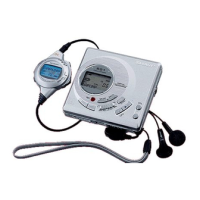
MD-S301/S301W
– 19 –
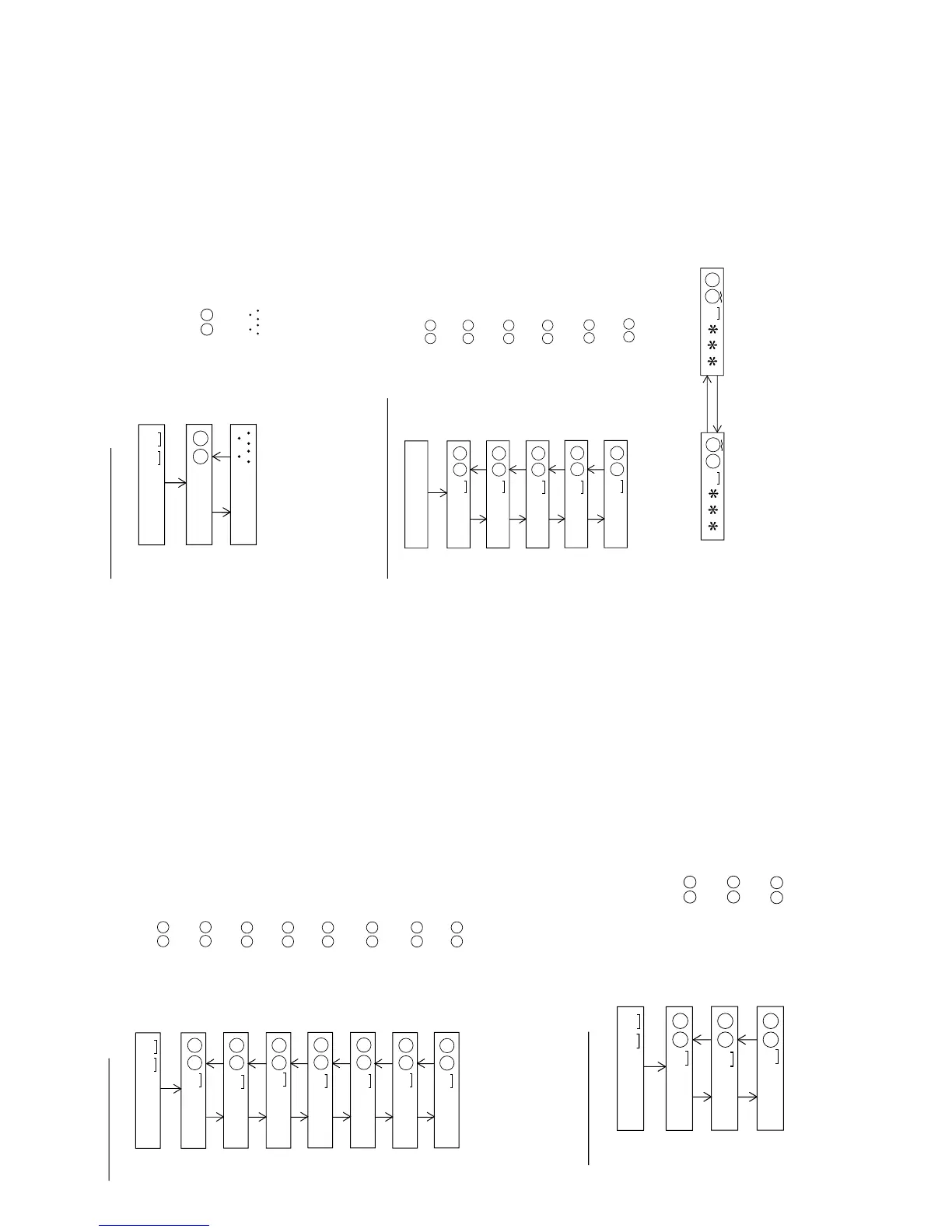
: BASS setting menu
: BASS1 characteristics setting
: BASS2 characteristics setting
: BASS3 characteristics setting
B a s s
BASS SETTING
B S 1
B S 2
B S 3
PLAY
SKIP UP SKIP DOWN
SKIP UP SKIP DOWN
: Setting
: Setting
: Setting
• When the "STOP" button is pressed in specific menu, the TEST MODE STOP state is set.
• In the specific state pressing the [DISP] key causes change to "focus setting menu".
• In the specific state the setting changed in the range of "00
H
to FF
H
"
when the [VOL UP/DOWN" key is pressed.
(The upper limit varies depending on the items)
: Slide setting menu
: Slide driver power supply duty
: Slide servo start error level
: Slide servo start feed mode/number of steps
: Slide servo start error correction
: Intermittent/specific quantity mode slide feed calculation parameter
: 1/10 jump error correction
: Dry cell prescaler, AC prescsler
S l e d
SLED SETTING
S L K
S T L
S T M
S T E
S D V
S J P
S R V
PLAY
SKIP UP SKIP DOWN
SKIP UP SKIP DOWN
SKIP UP SKIP DOWN
SKIP UP SKIP DOWN
SKIP UP SKIP DOWN
SKIP UP SKIP DOWN
• When the "STOP" button is pressed in specific menu, the TEST MODE STOP state is set.
• In the specific state pressing the [DISP] key causes change to "focus setting menu".
• In the specific state the setting changed in the range of "00
H
to FF
H
"
when the [VOL UP/DOWN" key is pressed.
(The upper limit varies depending on the items)
: Setting
: Setting
: Setting
: Setting
: Setting
: Setting
: Setting
: Setting
: Temp setting menu
: TEMP setting
: TEMP A/D input value
T e m p
TEMP SETTING
T M § §
T P i n
PLAY
SKIP UP SKIP DOWN
: Setting
§ § : Temperature code
: Measurement value
• When the "STOP" button is pressed in specific menu, the TEST MODE STOP state is set.
• In the specific state pressing the [DISP] key causes change to "focus setting menu".
• In the specific state the setting changed in the range of "00
H
to FF
H
"
when the [VOL UP/DOWN" key is pressed.
(The upper limit varies depending on the items)
: Adjustment setting menu
: Adjustment COUT level reference value
: Focus ATT reference value
: Tracking ATT reference value
: TCRS ATT reference value
: Focus balance conefficient
A D J S E T
ADJUSTMENT SETTING
C O K
F A T
T A T
C A T
F A B
• When the "STOP" button is pressed in specific menu, the TEST MODE STOP state is set.
• In specific state pressing the [DISP] key causes change to "focus setting menu".
• In the specific setting display state the setting change digit changes when the [P-MODE] key is pressed.
P-MODE
P-MODE
• In the specific state the setting changes in the range of "0
H
to F
H
" when the
[VOL UP/DOWN] key is pressed.
PLAY
SKIP UP SKIP DOWN
SKIP UP SKIP DOWN
SKIP UP SKIP DOWN
SKIP UP SKIP DOWN
: Setting
: Setting
: Setting
: Setting
: Setting
: Setting
1st digit (initial value)
2nd value


 To Next Page