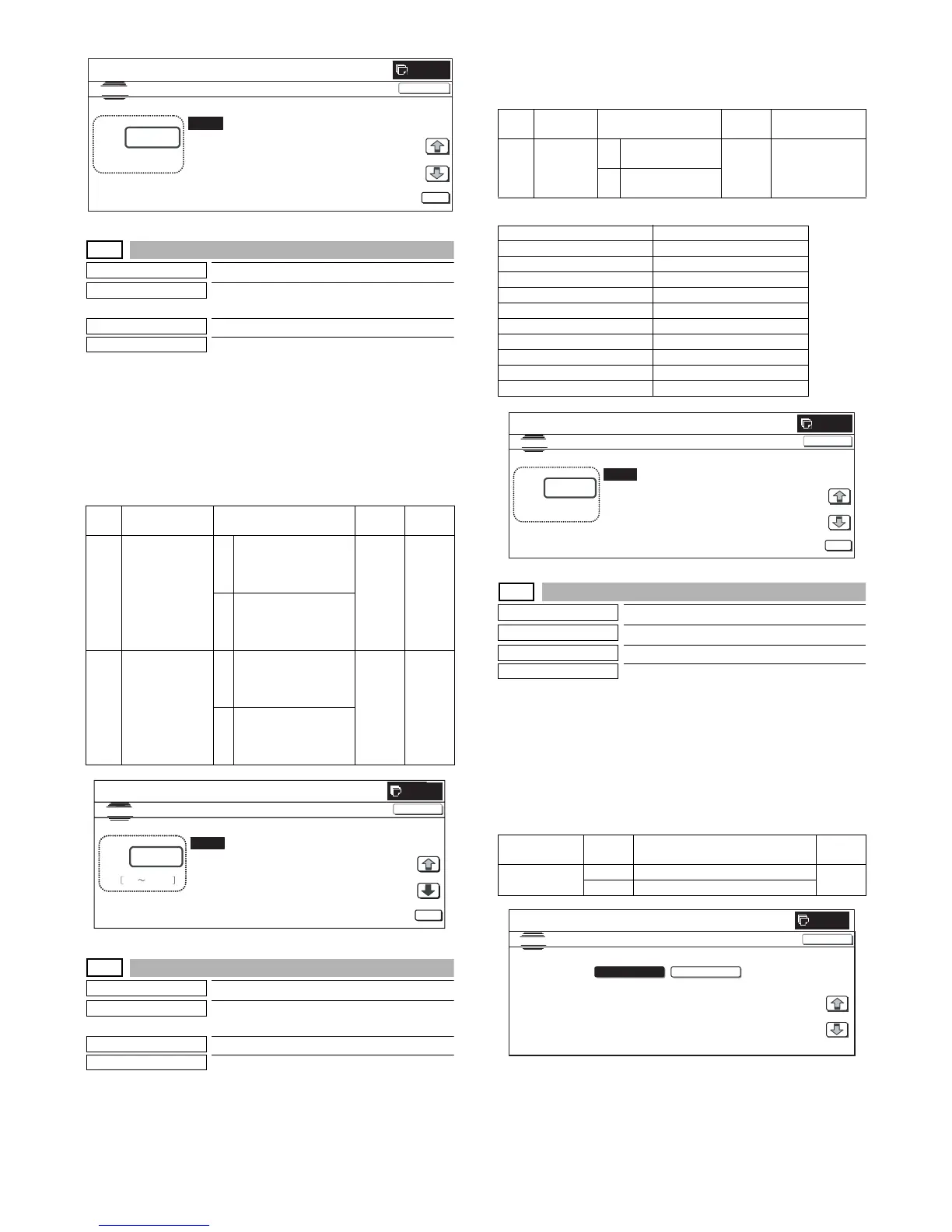
MX3500N SIMULATION 7 – 34
26-38
Purpose
Setting
Function (Purpose)
Used to set Continue/Stop of print when the
developer life is reached.
Section
Other
Item
Specifications (Operation mode)
Operation/Procedure
1) Enter the set value with 10-key.
* Press [C] key to clear the entered value.
2) When [OK] button is pressed, the current entered value is
saved to EEPROM and RAM.
* When [COLOR], or [BLACK] key is pressed, the current set
value is saved to EEPROM and RAM.
<Setting range and default value of each set value>
26-41
Purpose
Setting
Function (Purpose)
Used to set YES/NO of AMS setting in the
center binding mode.
Section
—
Item
Specifications (Operation mode)
Operation/Procedure
1) Enter the set value with 10-key.
* Press [C] key to clear the entered value.
2) When [OK] button is pressed, and the current entered value is
saved to EEPROM and RAM.
* When [COLOR], or [BLACK] key is pressed, the current set
value is saved to EEPROM and RAM.
<Setting range and default value of each set value>
<Initial value and set value liked with the destination>
26-49
Purpose
Setting
Function (Purpose)
Used to set the copy speed mode.
Section
—
Item
Setting
Operation/Procedure
1) When the machine enters Simulation 26-49, the current set
status is displayed.
* The current set button is highlighted.
2) Select an item to be changed, and it is highlighted. The setting
is saved to EEPROM and RAM.
* Only one can be selected for each item.
<Item description>
Item Display Content
Setting
range
Default
value
A MAINTENANCE
LIFE OVER
(0:CONTINUE
1:STOP)
0 Continue/Stop setting
of print when the
maintenance life is
over (Print Continue)
0 to 1 0
1 Continue/Stop setting
of print when the
maintenance life is
over (Print Stop)
B FUSER WEB
END
(0:CONTINUE
1:STOP)
0 Continue/Stop setting
of print when the
fusing web is end
(Print Continue)
0 to 1 0
1 Continue/Stop setting
of print when the
fusing web is end
(Print Stop)
0
:
A㧦 0
㧧 (0:ONCE 1:ANY)
SIMULATION
NO.26-35
TROUBLE MEMORY MODE SETUP
0
㨇 0㨪 1 㨉
OK
TEST
CLOSE
0
A:
A㧦 1
B㧦 1
㧧
MAINTENANCE LIFE OVER (0:CONTINUE 1:STOP)
㧧
FUSER WEB END (0:CONTINUE 1:STOP)
SIMULATION NO.26㧙38
ENGINE LIFE OVER SETTING
1
0 1
OK
TEST
CLOSE
Item Display Content
Setting
range
Default value
A (0:YES
1:NO)
0 Center binding
mode AMS setting
0 to 1 Refer to <Initial
value and set
value linked with
the destination>.
1 Center binding
mode AMS cancel
Destination Setting value
U.S.A 0 (Cancel)
CANADA 0 (Cancel)
INCH 0 (Cancel)
JAPAN 0 (Cancel)
AB_B 0 (Cancel)
EUROPE 1 (Setting)
U.K 1 (Setting)
AUS. 0 (Cancel)
AB_A 0 (Cancel)
CHINA 0 (Cancel)
Item
Set
value
Content
Default
value
POSTCARD LOW Postcard copy speed LOW LOW
HIGH Postcard copy speed HIGH
0



 To Next Page