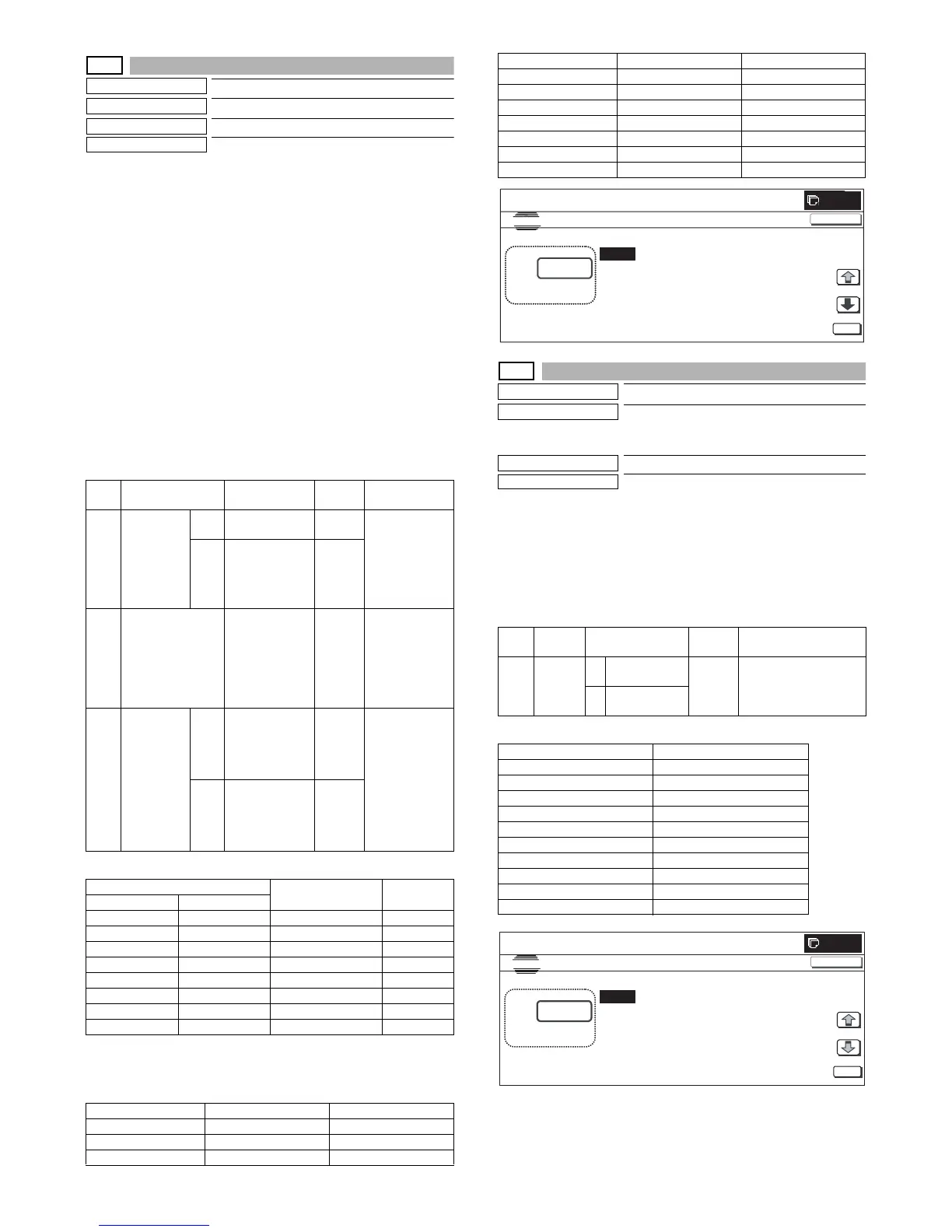
MX3500N SIMULATION 7 – 35
26-50
Purpose
Setting
Function (Purpose)
Used to set functions.
Section
—
Item
Specifications (Operation)
Operation/Procedure
1) Select an item to be set with [↑] and [↓] buttons.
The selected value is highlighted and the value is displayed in
the setting area.
* When there is an item over [↑], the display becomes active
and shifts to another item.
When there is no item over [↑], the display grays out and the
operation is disabled.
When there is an item under [↓], the display becomes active
and shifts to another item.
When there is no item under [↓], the display grays out and
the operation is disabled.
2) Enter the set value with 10-key.
* Press [C] key to clear the entered value.
3) When [OK] button is pressed, the entered value is set.
* When [↑], [↓] button, [COLOR], or [BLACK] key is pressed,
the current set value is saved to EEPROM and RAM.
<Setting range and default value of each set value>
<Display when 2-color/Single color inhibit>
* OFF: Inhibit cancel state
ON: Inhibit state
<Setting range and default value of each set value>
26-52
Purpose
Setting
Function (Purpose)
Used to set whether non-printed paper
(insertion paper, cover paper) is counted up
or not.
Section
—
Item
—
Operation/Procedure
1) Enter the set value with 10-key.
* Press [C] key to clear the entered value.
2) When [OK] button is pressed, the entered value is set.
* When [COLOR], or [BLACK] key is pressed, the current set
value is saved to EEPROM and RAM.
<Setting range and default value of each set value>
<List of default values depending on destinations>
Item Display
Content
description
Setting
range
Default value
ABW
REVERSE
YES B/W REVERSE
allowed
0 – 1 <Setting range
and default
value of each
set value>
Refer to
"Setting value
A."
NO B/W REVERSE
inhibited
0 – 1
B COLOR MODE 2-color/Single
color inhibit
setting
0 to 7 <Setting range
and default
value of each
set value>
Refer to
"Setting value
B."
C FINISHER
FUNCTION
YES The number of
discharge of
special paper
from the finisher
is limited.
0 – 1 0 (YES)
NO The number of
discharge of
special paper
from the finisher
is not limited.
0 – 1
Mode inhibit
When 2-color/
Single color inhibit
SIM setting
Single 2-color
OFF OFF OFF 0
OFF ON OFF 1
ON OFF OFF 2
ON ON OFF 3
OFF OFF ON 4
OFF ON ON 5
ON OFF ON 6
ON ON ON 7
Destination Setting value A Setting value B
U.S.A 1 (Display allowed) 0
CANADA 1 (Display allowed) 0
INCH 1 (Display allowed) 0
JAPAN 1 (Display allowed) 7
AB_B 1 (Display allowed) 0
EUROPE 1 (Display allowed) 0
U.K 0 (Display inhibited) 0
AUS. 1 (Display allowed) 0
AB_A 1 (Display allowed) 0
CHINA 1 (Display allowed) 0
Item Display Content
Setting
range
Default value
A (0:YES
1:NO)
0 White paper
countup (YES)
0 to 1 Refer to <List of default
values depending on
destinations>.
1 White paper
coutup (NO)
Destination Setting value
U.S.A 0 (countup)
CANADA 0 (countup)
INCH 0 (countup)
JAPAN 1 (No countup)
AB_B 0 (countup)
EUROPE 0 (countup)
U.K 0 (countup)
AUS. 1 (No countup)
AB_A 0 (countup)
CHINA 0 (countup)
Destination Setting value A Setting value B
0



 To Next Page