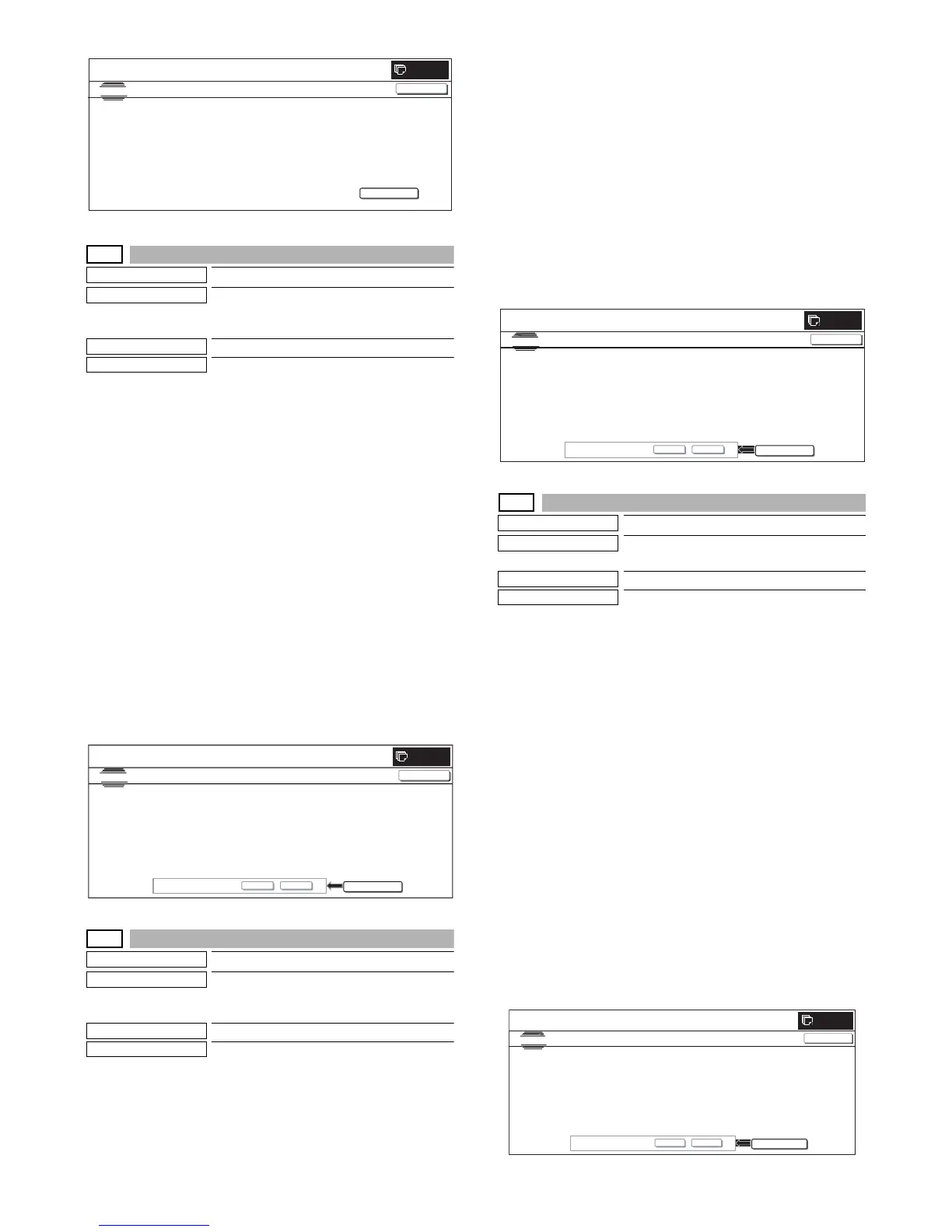
MX3500N SIMULATION 7 – 125
62-8
Purpose
Data clear
Function (Purpose)
Used to format the hard disk excluding the
system area and operation manual area.
* Be sure to format the HDD in FAT32.
Section
MFP (HDD)
Item
Clear
Operation/Procedure
1) Press [EXECUTE] button.
[EXECUTE] button is highlighted and [YES] and [NO] buttons
become active.
2) Press [YES] button.
3) The hard disk (excluding the system area) is formatted. [YES]
button is highlighted.
* When [NO] button or [EXECUTE] button is pressed, [EXE-
CUTE] button returns to the normal display, and [YES] and
[NO] buttons gray out.
* During formatting the hard disk (excluding the system area),
[EXECUTE] button is highlighted and "HDD FORMAT
(EXCEPT SYSTEM AREA) EXECUTING..." is displayed.
* If formatting of the hard disk (excluding the system area) is
not completed normally, " HDD FORMAT (EXCEPT SYS-
TEM AREA) NG" is displayed.
* When formatting of the hard disk (excluding the system
area) is completed, [EXECUTE] button returns to the normal
display and [YES] and [NO] buttons gray out.
* When [CA] key or [SYSTEM SETTINGS] key is pressed to
exit from the simulation are restart.
62-10
Purpose
Data clear
Function (Purpose)
Used to delete the job completion list. (The
job log data are also deleted.)
* Be sure to format the HDD in FAT32.
Section
MFP (HDD)
Item
Clear
Operation/Procedure
1) Press [EXECUTE] button.
[EXECUTE] button is highlighted and [YES] and [NO] buttons
become active.
2) Press [YES] button.
The job log data are deleted. [YES] button is highlighted.
* When [NO] button or [EXECUTE] button is pressed, [EXE-
CUTE] button returns to the normal display, and [YES] and
[NO] buttons gray out.
* During delete operation of the job log data [EXECUTE] but-
ton is highlighted and "EXECUTING..." is displayed.
* If delete of the jog log data is not completed normally, "NG"
is displayed.
* After completion of delete of the job log data, [EXECUTE]
button returns to the normal display and [YES] and [NO] but-
tons gray out.
* When [CA] key is pressed during delete operation, the oper-
ation is interrupted and the simulation is terminated. When
[SYSTEM SETTINGS] key is pressed, the operation is inter-
rupted and the display returns to the sub number entry
screen.
62-11
Purpose
Data clear
Function (Purpose)
Used to delete the document filing data.
* Be sure to format the HDD in FAT32.
Section
MFP (HDD)
Item
Clear
Operation/Procedure
1) Press [EXECUTE] button.
[EXECUTE] button is highlighted and [YES] and [NO] buttons
become active.
2) Press [YES] button.
The document filing data are deleted.
[YES] button is highlighted.
* When [NO] button or [EXECUTE] button is pressed, [EXE-
CUTE] button returns to the normal display, and [YES] and
[NO] buttons gray out.
* During delete of the document filing data, [EXECUTE] but-
ton is highlighted and "DOCUMENT FILING DATA CLEAR
EXECUTING..." is displayed.
* If delete of the document filing data is not completed nor-
mally, "NG" is displayed.
* After completion of delete of the document filing data, [EXE-
CUTE] button returns to the normal display and [YES] and
[NO] buttons gray out.
* When [CA] key is pressed during delete operation, the oper-
ation is interrupted and the simulation is terminated. When
[SYSTEM SETTINGS] key is pressed, the operation is inter-
rupted and the display returns to the sub number entry
screen.
SIMULATION
NO.62-07
TEST
SMART ERROR LOG PRINT OUT
EXECUTE
0
CLOSE
PRESS [EXECUTE] TO PRINT THE SMART ERROR PRINT
0
SIMULATION NO.62-08
TEST
HDD FORMAT(EXCEPT SYS TEM AREA)
CLOSE
EXECUTE
ARE YOU SUR E?
YES NO
0
SIMULATION
NO.62
㧙
10
TEST
JOB COMPLETE DATA CLEAR(WITH JOB LOG DATA)
CLOSE
EXECUTE
ARE YOU SURE?
YES
NO



 To Next Page