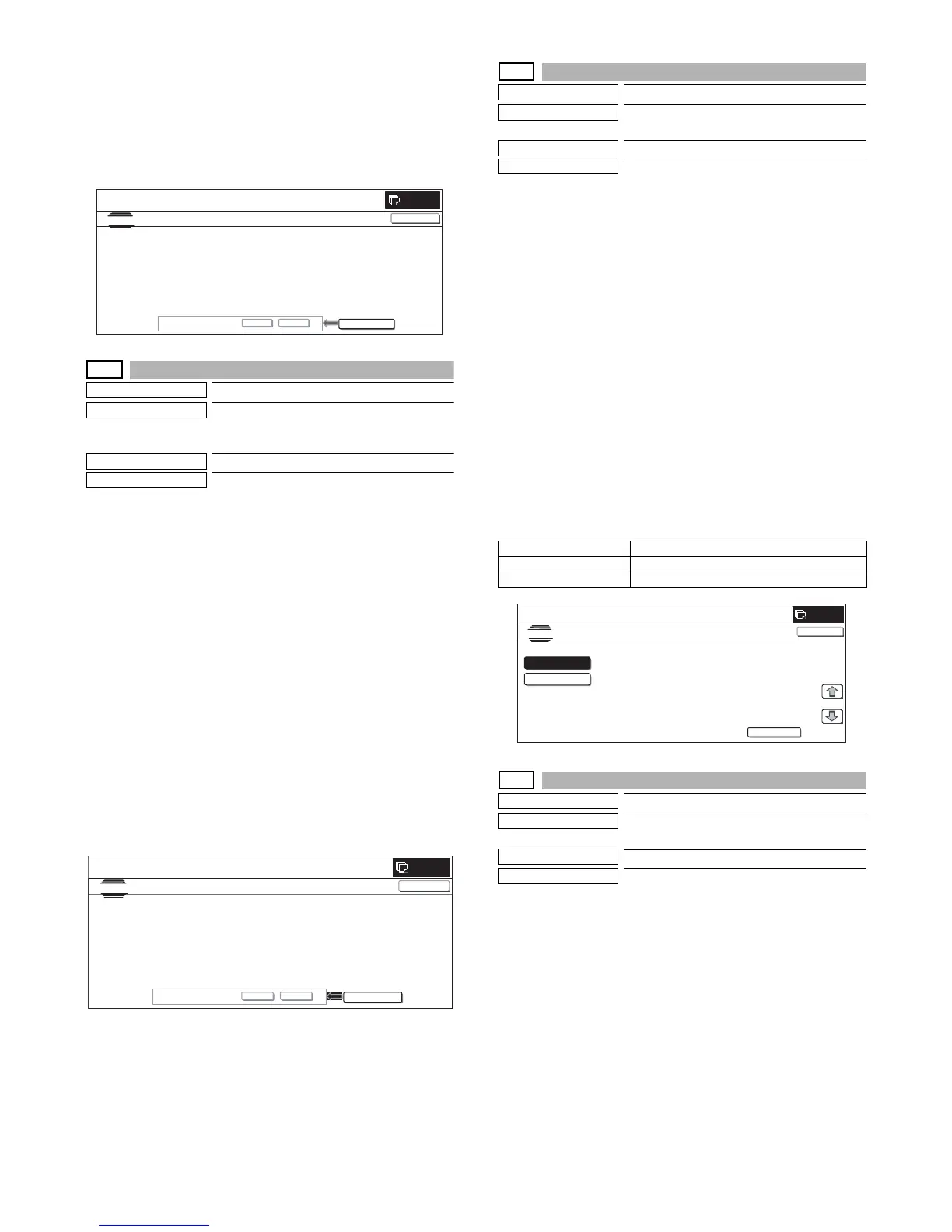
MX3500N SIMULATION 7 – 124
* When the procedures (Write → Retrieve → Abnormality
check) are completed normally, [EXECUTE] button returns
to the normal display and [YES] and [NO] buttons gray out.
* When [CA] key is pressed during the procedures (Write →
Retrieve → Check for any abnormality.), the operation is
interrupted and the simulation is terminated. When [SYS-
TEM SETTINGS] key is pressed, the operation is interrupted
and the display returns to the sub number entry screen.
62-3
Purpose
Operation test/Check
Function (Purpose)
Used to execute read/write check (all
areas) of the hard disk.
* Be sure to format the HDD in FAT32.
Section
MFP (HDD)
Item
Operation
Operation/Procedure
1) Press [EXECUTE] button.
[EXECUTE] button is highlighted and [YES] and [NO] buttons
become active.
2) Press [YES] button.
The procedures (Write → Retrieve → Check for any abnormal-
ity.) are executed.
* When [NO] button or [EXECUTE] button is pressed, [EXE-
CUTE] button returns to the normal display, and [YES] and
[NO] buttons gray out.
* When the procedures (Write → Retrieve → Abnormality
check) are not completed normally, "HDD R/W TEST NG" is
displayed.
* When the procedures (Write → Retrieve → Abnormality
check) are completed normally, [EXECUTE] button returns
to the normal display and [YES] and [NO] buttons gray out.
* When [CA] key is pressed during Write → Retrieve, the
operation is interrupted and the simulation is terminated.
When [SYSTEM SETTGINGS] key is pressed instead, the
operation is interrupted and the display is shifted to the sub
number entry screen.
62-6
Purpose
Operation test/Check
Function (Purpose)
Used to execute the HDD self-diagnostics.
* Be sure to format the HDD in FAT32.
Section
MFP (HDD)
Item
Operation
Operation/Procedure
1) Select an item to execute the self-diagnostics.
* The selected button is highlighted and "ENABLE" is dis-
played in the corresponding display section.
* When another button is selected, the newly selected button
is highlighted and "ENABLE" is displayed in the correspond-
ing display section. The previously selected button returns to
the normal display and "DISABLE" is displayed in the corre-
sponding display section.
2) When [EXECUTE] button is pressed, it is highlighted and the
self-diagnostics is started.
* During self diagnostics, "EXECUTING..." is displayed in the
corresponding display section.
* After completion of self-diagnostics, [EXECUTE] button
returns to the normal display and the result of diagnostics is
displayed in the corresponding display section. (In the case
of OK, "OK (RESULT:0)" is displayed. In the case of NG,
"NG (RESULT: Other than 0)" is displayed.
* If the operation is not executed or completed for any reason,
"ERROR" is displayed in the corresponding display section.
<Self diagnostics method>
62-7
Purpose
Operation test/Check
Function (Purpose)
Used to print the self-diagnostics error log.
* Be sure to format the HDD in FAT32.
Section
MFP
Item
Data
Operation/Procedure
1) When the machine enters Simulation 62-07, the following
screen is displayed.
Check that there is A4 paper in the paper feed tray. If not, sup-
ply paper.
2) When [EXECUTE] button is pressed, it is highlighted and the
error log is printed.
After completion of self-printing, the display returns to the initial
screen.
* When [C], [CA], [SYSTEM SETTINGS], or [EXECUTE] key
is pressed during printing, the operation is interrupted.
* When the machine returns to the ready state after occur-
rence of an interruption, printing is resumed.
0
SIMULATION NO.62-02
TEST
HDD R/W TEST(PART)
CLOSE
EXECUTE
ARE YOU SURE?
YES NO
0
SIMULATION
NO.62
㧙
03
TEST
HDD R/W TEST(ALL)
CLOSE
EXECUTE
ARE YOU SURE?
YES
NO
Target data Content
SHORT S.T Partial check
EXTENDED S.T All areas check
0
SHORT
S.T
EXTENDED
S.T
SIMULATION
NO.62
06
TEST
SMART OFFLINE TEST
EXECUTE
ENABLE
DISABLE
㧦
㧦
1/1
CLOSE



 To Next Page