MX3500N SIMULATION 7 – 133
64-2
Purpose
Adjustment/Setup/Operation data output/
Check (Display/Print)
Function (Purpose)
Used to print the density adjustment pat-
tern.
Section
Printer
Item
Operation
Operation/Procedure
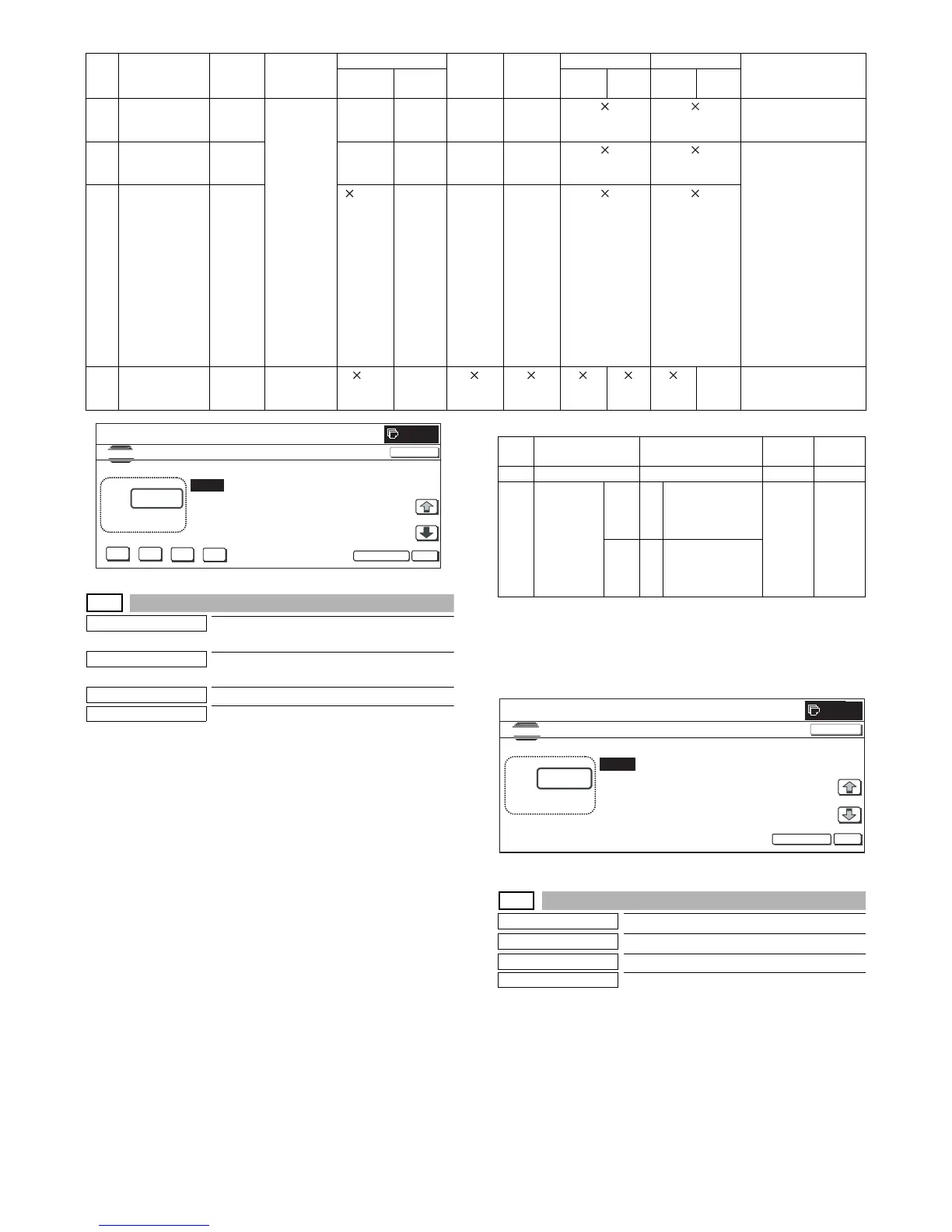
1) Select the set item with [↑] and [↓] buttons.
The highlighted set value is switched and the value is dis-
played in the setting area.
* If there is any item over [↑], an active display is made and
item is shifted.
If there is no item over [↑], the display grays out and the
operation is invalid.
If there is any item under [↓], an active display is made and
item is shifted.
If there is no item over [↓], the display grays out and the
operation is invalid.
2) Enter the set value with 10-key.
* When [C] key is pressed, the entered value is cleared.
3) When [EXECUTE] button is pressed, it is highlighted and the
main scan direction registration adjustment pattern is printed.
After completion of printing, [EXECUTE] button returns to the
normal display.
* When [OK], [↑], [↓], [EXECUTE] button, [COLOR], or
[BLACK] key is pressed, the value is saved to EEPROM and
RAM.
* When [C], [CA], [SYSTEM SETTINGS], or [EXECUTE] key
is pressed during printing, the operation is interrupted.
* When the machine returns to the ready state after occur-
rence of an interruption, self-printing is resumed.
<Description of item>
* When PROC ADJ is set to YES, the pattern with the half tone
process control correction value added is printed after execution
of high density process control.
* Item B is displayed as "Display item: Detail of display."
Example:PROC ADJ:NO
64-3
Purpose
Operation test/Check
Function (Purpose)
Used to execute self-print. (BW mode)
Section
Printer
Item
Operation
Operation/Procedure
1) Select the set item with [↑] and [↓] buttons.
* If there is any item over [↑], an active display is made and
item is shifted.
If there is no item over [↑], the display grays out and the
operation is invalid.
If there is any item under [↓], an active display is made and
item is shifted.
If there is no item over [↓], the display grays out and the
operation is invalid.
17 All background
(Half tone)
All
surface
Half tone
(IMG-ASIC
after-
process)
{ (up to
3 colors)
K only {{ • When all colors are
selected, print is
made in CMY.
18 256-gradation
pattern (Other
dither)
Fixed
range
{ (up to
3 colors)
K only No { • When all colors are
selected, print is
made in CMY.
• Print is made for 16
gradations in the
main scan direction,
and for the next 16
gradations, in return.
(16 x 16 patch print)
• Print is started at
5mm from the paper
lead edge.
• Print is started from
255 gradation in the
range of 0 to 254
gradations.
19 256-gradation
pattern (Dither
for text)
Fixed
range
(up to
3 colors)
K only No {
20 4-color grid
pattern (Cross):
main/sub scan
All
surface
Controller
(memory)
(4-
color
fixed)
–117–
NO. Content
Pattern
size
Pattern
forming
section
Color select
Gradation
select
Exposure
select
M parameter N parameter
Remark
Condition
When
NO
Enable/
Disable
Default
value
Enable/
Disable
Default
value
0
K



 To Next Page