MX3500N SIMULATION 7 – 134
2) Enter the set value with 10-key.
* When [C] key is pressed, the entered value is cleared.
3) When [EXECUTE] button is pressed, it is highlighted and print-
ing is started.
* After completion of printing, [EXECUTE] button returns to
the normal display.
* When [OK], [↑], [↓] button, [COLOR], or [BLACK] key is
pressed, the value is set to the set item. (The value is not
saved to EEPROM and RAM.)
* When [C], [CA], [SYSTEM SETTINGS], or [EXECUTE] key
is pressed during printing, the operation is interrupted.
* When the machine returns to the ready state after occur-
rence of an interruption, printing is resumed.
<Description of item>
• When paper which does not satisfy the paper feed and paper exit conditions is selected, printing cannot be executed.
• Paper feed condition PLAIN: Cassette/Manual. For the other, manual feed only.
• Items F, G, H and I are as "Display item: Detail of display."
Example: PAPER:CS1
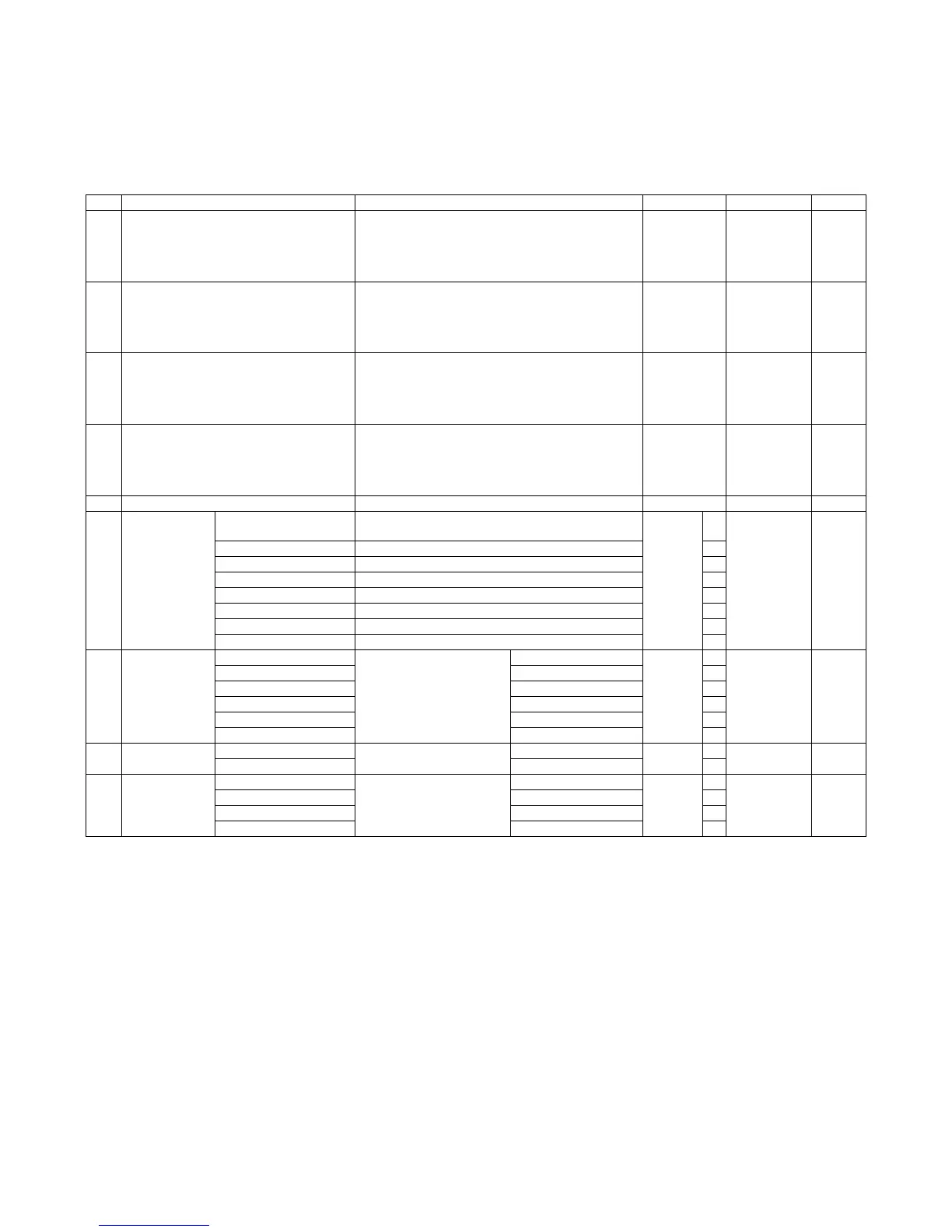
Item Display item & Detail of display Description of item Set range Default value Writing
A PRINT PATTERN (1,2,9 ~ 11, 14 ~ 19) Print pattern specification (* For details, refer to below.) 1 to 20
(Only 1, 2, 9 to
11, and 14 to
19 can be
printed.)
1Yes
B DOT1 (DOT1>=2 IF A : 2, 11) Print dot number setting (Self print pattern: for M BY N) Pattern 2, 11:
2 to 255
Other than
above: 1 to
255
1Yes
C DOT2 (DOT2>=2 IF A : 2, 11) Space dot number setting (Self print pattern: for M BY N) Pattern 2, 11:
2 to 255
Other than
above: 0 to
255
254 Yes
D DENSITY (FIXED”255” IF A : 9) Print gradation specification Pattern 9: 255
(fixed)
Other than
above: 1 to
255
255 Yes
E MULTI COUNT Print quantity 1 to 999 1 No
F EXPOSURE
(2 ~ 8 IF A : 14 ~
19)
THROUGH Exposure
mode specification
No process (Through) Pattern
14 to 19:
2 to 8
Other
than
above: 1
to 8
1 8 (STANDARD
DITCH)
Yes
CHAR/PIC Text/Printed Photo 2
CHAR/PRPIC Text/Photograph 3
CHAR Text 4
PRINT PIC Printed Photo 5
PRINT PAPER Photograph 6
MAP Map 7
STANDARD DITCH Dither without correction 8
G PAPER MFT Paper feed tray select Manual feed 1 to 6 1 2 (CS1) No
CS1 Cassette 1 2
CS2 Cassette 2 3
CS3 Cassette 3 4
CS4 Cassette 4 5
LCC LCC 6
H DUPLEX YES Duplex print select Selected 0 to 1 0 1 (NO) No
NO Not selected 1
I PAPER TYPE PLAIN Paper kind select Plain paper 1 to 4 1 1 (PLAIN) No
HEAVY Heavy paper 2
OHP OHP 3
ENVELOPE Envelope 4



 To Next Page