27
Releasing Prints at the MFP
Once you have authenticated at the MFP (see Page 21 for details):
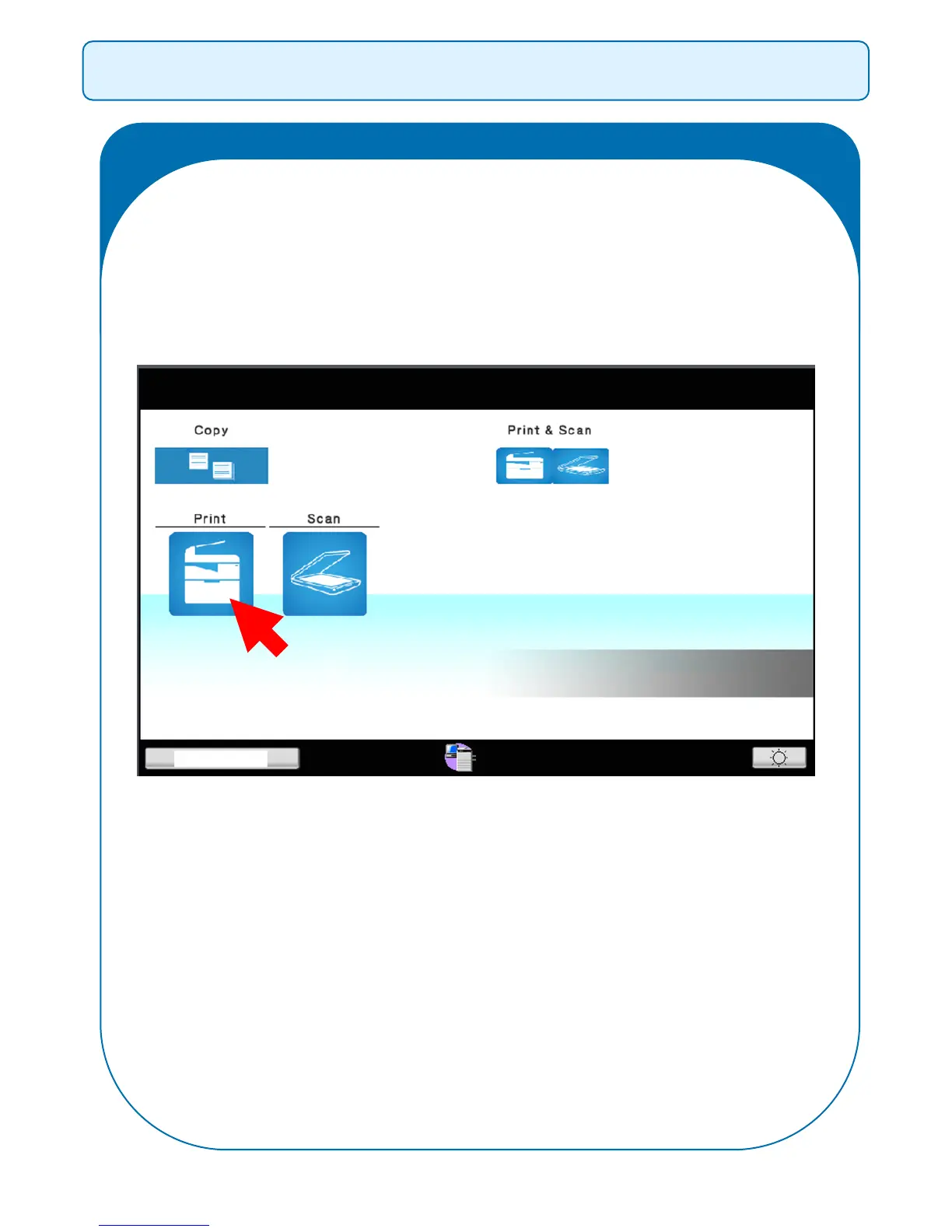
Select Print from the Home Screen:
NB: Print Jobs will only be held for a period of 36 hours from the
time the job gets sent. If jobs have not been released during this
timeframe they will get deleted from the system.



 To Next Page