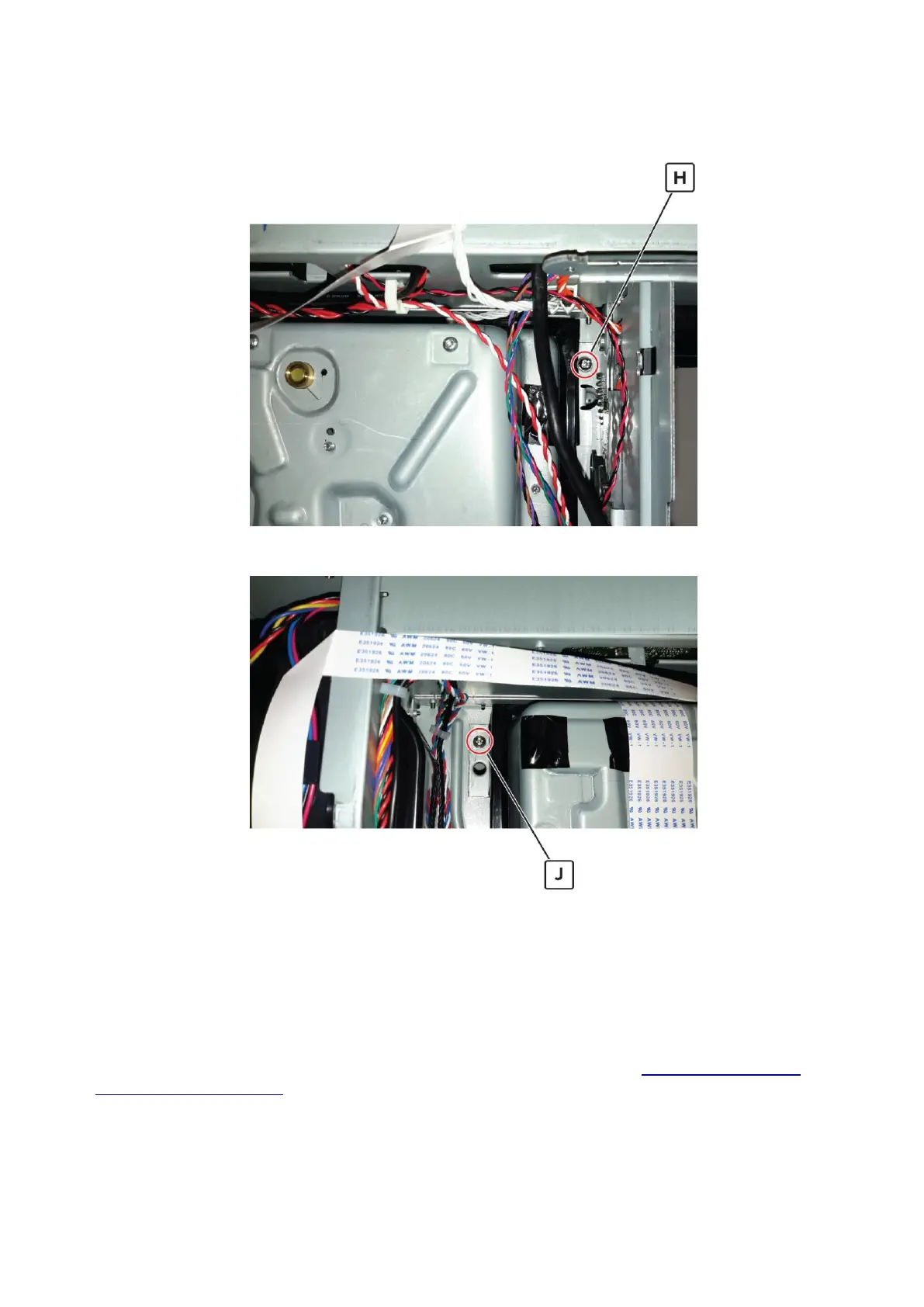
When installing the printhead, replace the screws but do not tighten them right away. After installing the
screws, turn the printhead clockwise until it stops.
Enter the Diagnostics menu, and then navigate to:
Printer diagnostics & adjustments
>
Registration adjust
>
Quick test
If the printhead needs alignment, perform a printhead alignment adjust. See
“Printhead alignment
adjustment” on page 297
.



 To Next Page