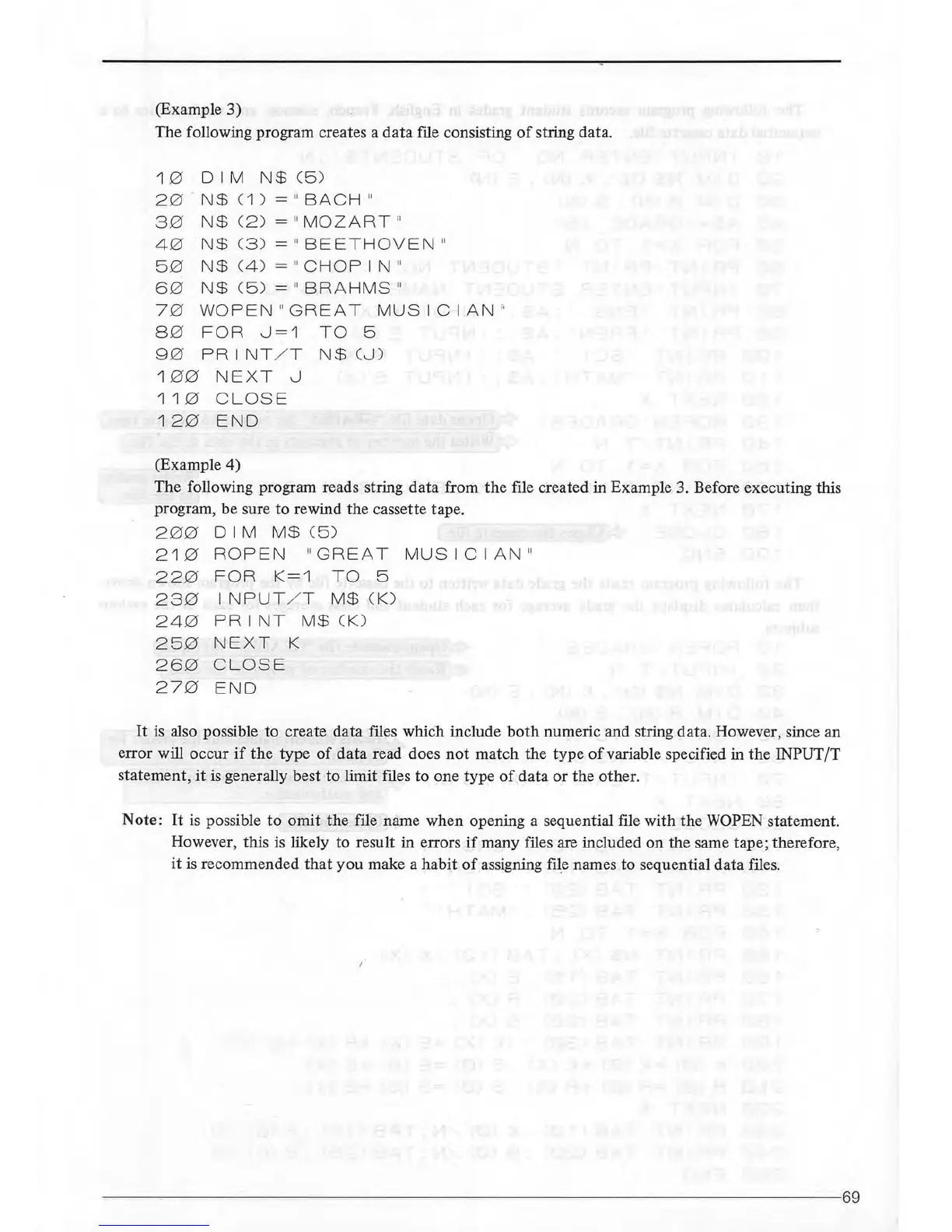
(Example
3)
The following program creates a
data
file consisting
of
string data.
1 0
DIM
N$
(5 )
20
.
N$
(1 ) = " BACH "
30
N$
C2 ) = "MO
ZART
"
40
N$
C3)
= "
BEETHO
VEN "
5 0
N$
C4)
= "
CHOPIN
"
60
N$
C5 ) = " BRAHMS "
70
WOPEN "
GREAT
MUSICIAN
"
8 0
FOR
0=1
TO
5
9 0
PRINT
/ T
N$
(0)
1
00
NE XT 0
11
0
CLOSE
120
END
(Example 4)
The following program reads string data from
the
file created
in
Example 3. Before executing this
program, be sure
to
rewind the cassette tape.
2
00
D I M M$ (5 )
210
ROPEN
"G
REAT
MUSICIAN
"
22
0
FOR
K=1
TO
5
23
0
INPUT
/ T M$CK)
240
PRINT
M$
CK)
25
0
NEXT
K
26
0
CLOSE
27
0 END
It
is
also possible to create data files whiCh include
both
numeric and string data. However, since an
error will occur
if
the
type
of
data
read does
not
match
the
type
of
variable specified in the INPUT/T
statement,
it
is
generally best to limit files to one type
of
data
or
the other.
Note:
It
is
possible
to
omit
the file name when opening a sequential file with
the
WOPEN statement.
However, this is likely to result in errors
if
many files are included
on
the same tape; therefore,
it
is recommended
that
you
make a
habit
of
assigning file names to sequential
data
files.
--------------------
-------------------------------------------------69



 To Next Page