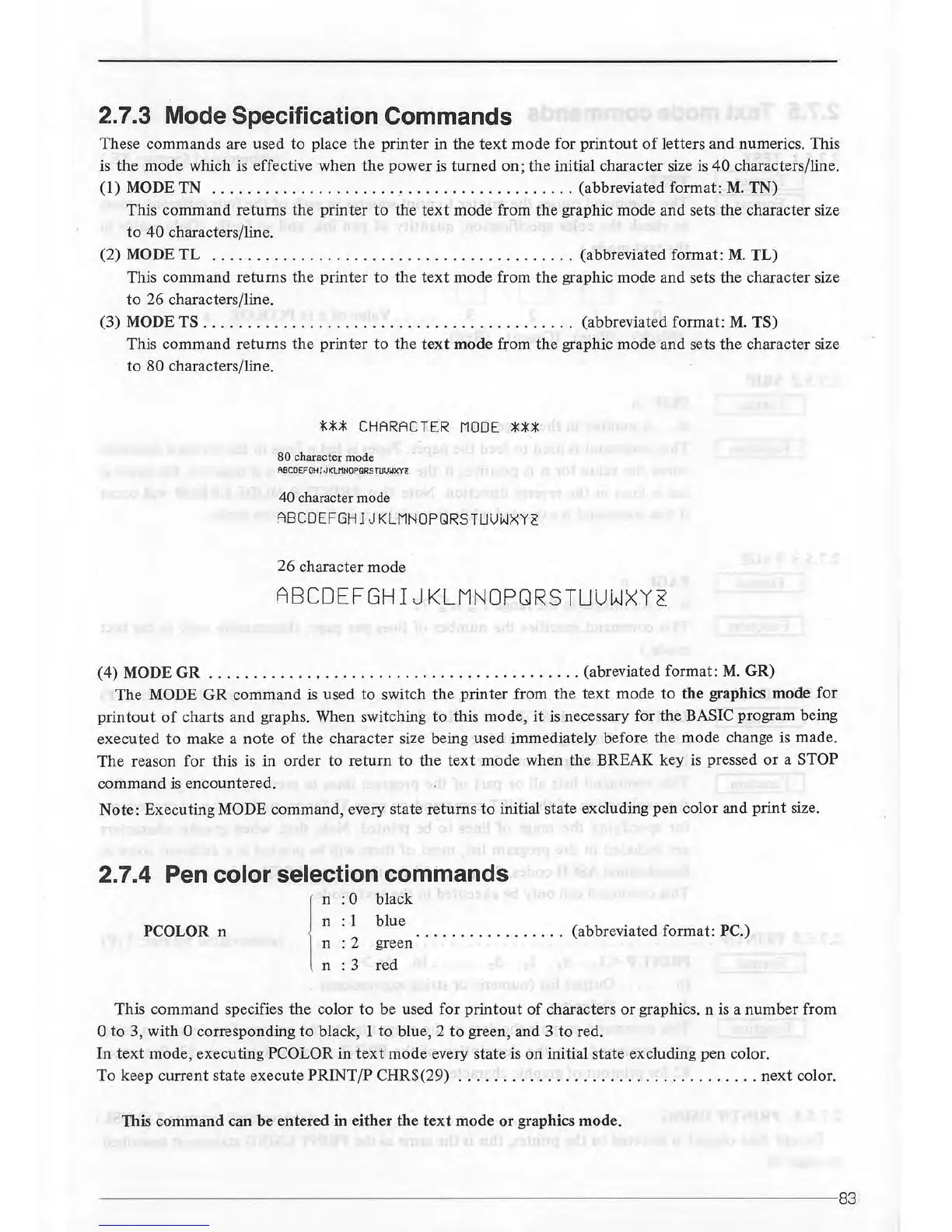
2.7.3 Mode Specification Commands
These
commands
are
used
to
place
the
printer
in
the
text
mode
for
printout
of
letters
and
numerics. This
is
the
mode
which is effective
when
the
power
is
turned
on;
the
initial character size is
40
characters/line.
(1)
MODE
TN
.........................................
(abbreviated
format:
M.
TN)
This
command
returns
the
printer
to
the
text
mode
from
the
graphic
mode
and
sets
the
character size
to
40
characters/line.
(2)
MODE
TL
.........................................
(abbreviated
format:
M.
TL)
This
command
returns
the
printer
to
the
text
mode
from
the
graphic
mode
and
sets
the
character size
to
26
characters/line.
(3)
MODE
TS
..........................................
(abbreviated
format:
M.
TS)
This
command
returns
the
printer
to
the
text
mode
from
the
graphic
mode
and sets
the
character size
to
80
characters/line.
***
CHARACTER
MODE
***
80 character mode
ABCOEFGH
I
.J
KLMNOPGRS
TUUWXYg
40 character mode
ABCDEFGHIJKLMNOPQRSTUUWXY~
26
character
mode
ABCDEFGHIJKLMNOPQRSTUUWXY~
(4) MODE
GR
..
....
..
....
, . . . . .
..
..
...
..
.
..............
(abreviated
format:
M.
GR)
The
MODE
GR
command
is used
to
switch
the
printer
from
the
text
mode
to
the
graphics
mode
for
printout
of
charts
and
graphs. When switching
to
this
mode,
it
is necessary for
the
BASIC program being
executed
to
make
a
note
of
the
character
size being used immediately
before
the
mode
change is made.
The
reason
for
this is in
order
to
return
to
the
text
mode
when
the
BREAK
key is pressed
or
a STOP
command
is
encountered.
Note:
Executing MODE
command,
every state
returns
to
initial state excluding
pen
color
and
print
size.
2.7.4 Pen color selection commands
PCOLOR n
n
:0
black
n
:1
n
:2
n : 3
blue
green
red
(abbreviated
format:
PC.)
This
command
specifies
the
color
to
be used
for
printout
of
characters
or
graphics. n is a
number
from
0
to
3,
with
0 corresponding
to
black, 1
to
blue, 2
to
green, and 3
to
red.
In
text
mode,
executing
PCOLOR in
text
mode
every
state
is
on
initial
state
excluding
pen
color.
To
keep
current
state
execute
PRINT/P
CHR$(29)
....
........
...
....
......
........
.
next
color.
This
command
can
be
entered
in
either
the
text
mode
or
graphics
mode.
----
-----------------------------------------------------------------83



 To Next Page