2.7.5 Text mode commands
2.7.5.1 TEST . .
.......
.
.........
.
...............................
(abbreviated format: TE.)
Format
Format
2. 7.5 .2
SKIP
I Format
Function
2.7.5.3
PAGE
I Format
Function
2.7.5.4
LIST/P
I Format
Function
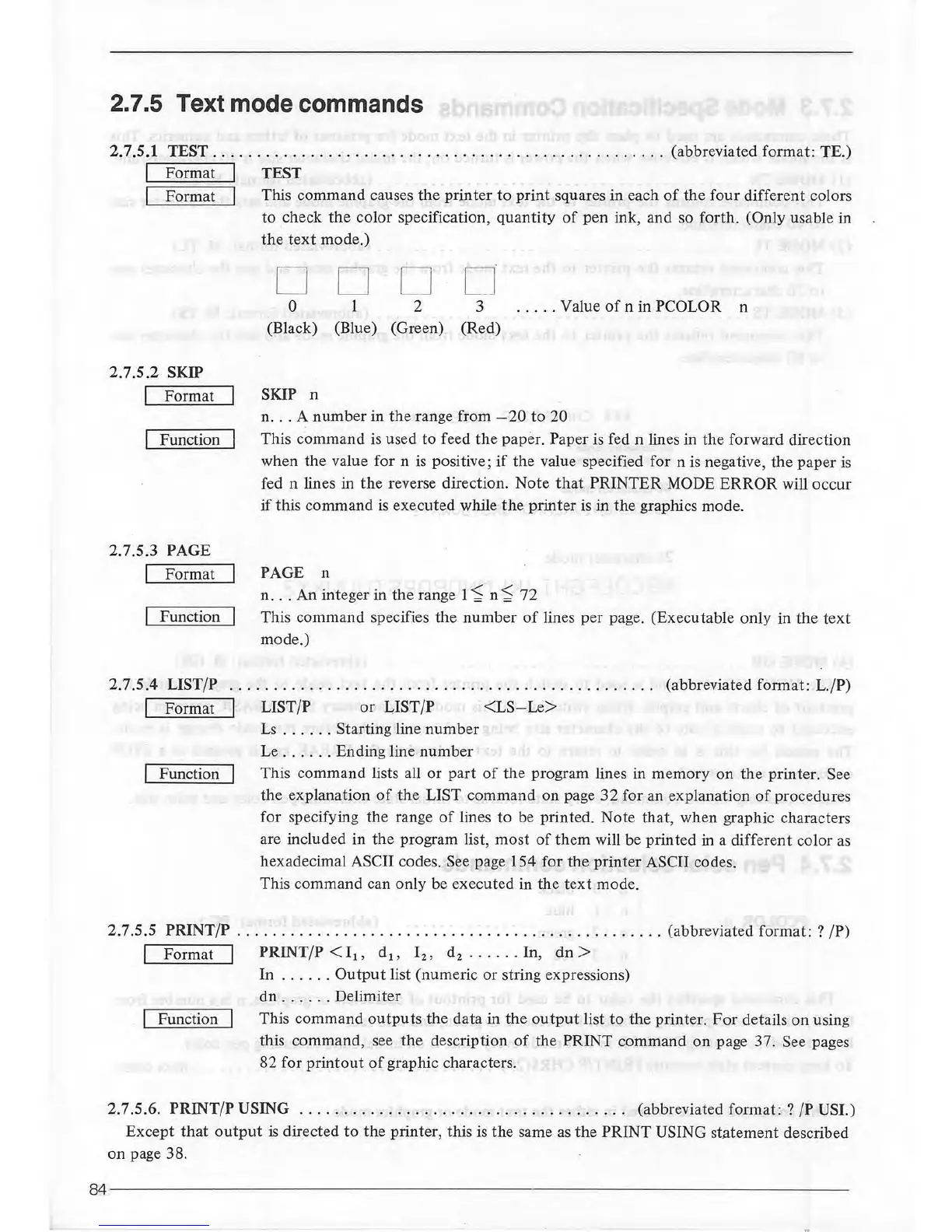
TEST
This command causes
the
printer
to
print
squares in each
of
the
four
different colors
to
check
the
color specification,
quantity
of
pen
ink, and so forth. (Only usable in
the
text
mode.)
D
D D D
0
2
3
.....
Value
of
n in PCOLOR n
(Black) (Blue) (Green) (Red)
SKIP n
n
...
A
number
in
the
range from
-20
to
20
This
command
is
used
to
feed
the
paper. Paper is fed n lines in
the
forward direction
when
the
value for n
is
positive;
if
the value specified for n is negative,
the
paper
is
fed n lines in
the
reverse direction.
Note
that
PRINTER
MODE
ERROR
will
occur
if
this command
is
executed while
the
printer
is in
the
graphics mode.
PAGE n
n .
..
An integer in
the
range 1 '$ n
'$
72
This command specifies the
number
of
lines
per
page. (Executable only in
the
text
mode.)
(abbreviated format:
L./P)
LIST/P
or
LJST/P
<LS-Le>
Ls
..
.
...
Starting line
number
Le .
....
. Ending line
number
This command lists all
or
part
of
the program lines in
memory
on
the
printer. See
the
explanation
of
the
LIST command
on
page
32
for an explanation
of
procedures
for specifying the range
of
lines
to
be printed. Note that, when graphic characters
are included in
the
program list,
most
of
them will be printed in a different color
as
hexadecimal ASCII codes. See page 154 for the printer ASCII codes.
This command can only be executed in the
text
mode.
2.7.5.5
PRINT/P
.......................
..
.......
.
.....
..
........
(abbreviated format: ? /P)
I Format I PRINT /P < I 1 , d 1 , l2,
d2
......
In,
dn
>
FunCtion
In
. .
...
.
Output
list (numeric or string expressions)
dn
......
Delimiter
This
command
outputs
the
data in
the
output
list
to
the
printer.
For
details
on
using
this command, see
the
description
of
the
PRINT
command
on
page 37. See pages
82 for
printout
of
graphic characters.
2.7.5.6.
PRINT/P USING
.......
.....
. .
..............
..
.......
(abbreviated
format:?
/P USI.)
Except
that
output
is
directed
to
the
printer, this is the same
as
the
PRINT USING statement described
on
page 38.
84-------------------------------------------------------------------------



 To Next Page