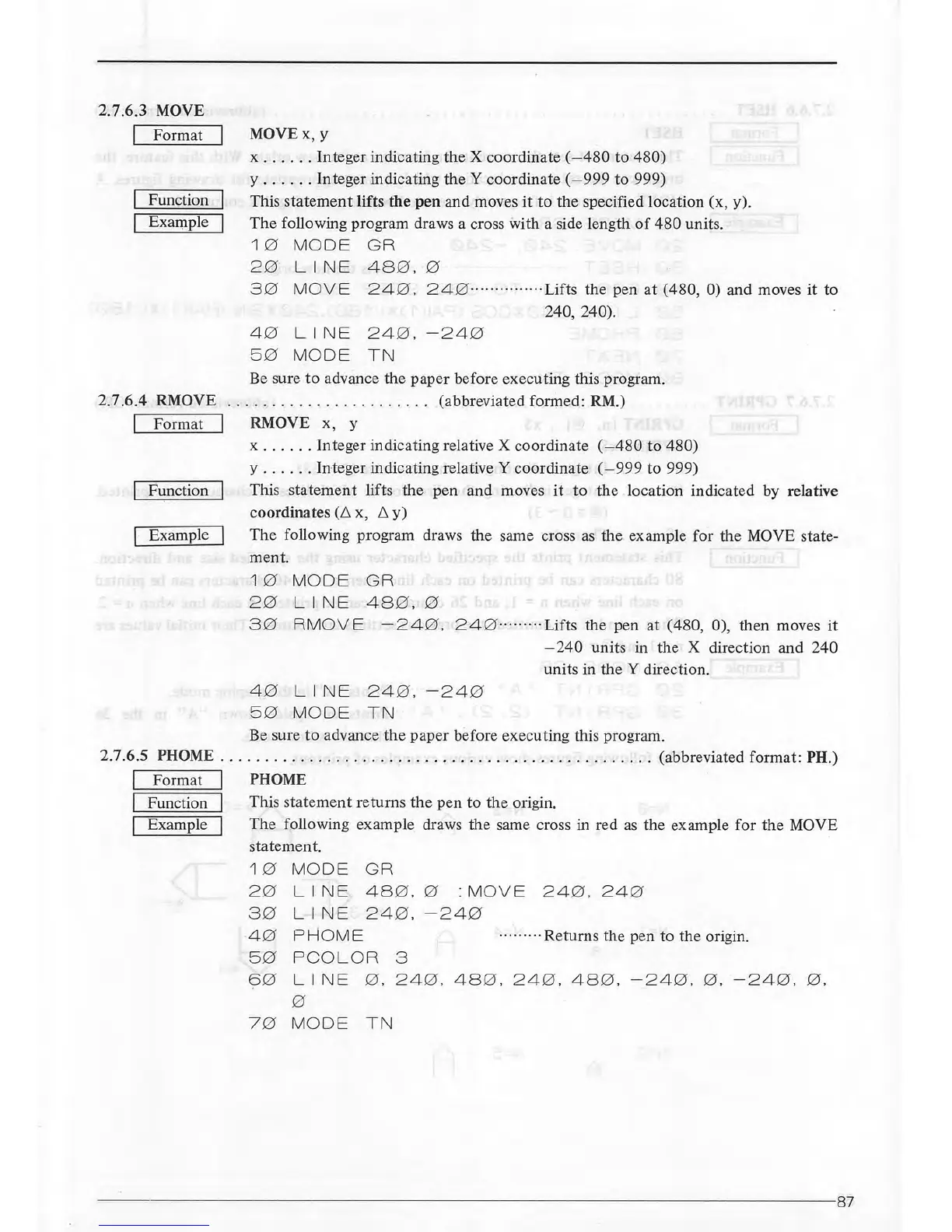
2.7.6.3 MOVE
I Format
Function
Example
MOVEx,
y
x
......
Integer indicating the X coordinate (
-480
to
480)
y
......
Integer indicating
theY
coordinate (
-999
to 999)
This
statement
lifts
the
pen and moves
it
to
the specified location (x, y).
The
following program draws a cross with a side length
of
480 units.
10
MODE
GR
20
LINE
48
0
.0
30
MOVE
240.
240··
············· Lifts
the
pen
at
(480,
0)
and moves
it
to
240, 240).
40
LINE
240.-240
5 0
MODE
TN
Be
sure
to
advance the paper before executing this program.
2.7.6.4
RMOVE
...
...
. . .
.........
.
....
(abbreviated formed: RM.)
Format I RMOVE x, y
Function
Example
x
...
.
..
Integer indicating relative X coordinate (
-480
to
480)
y
......
Integer indicating relative Y coordinate (
-999
to 999)
This
statement
lifts the pen and moves
it
to
the location indicated by relative
coordinates
(L. x,
L.
y)
The
following program draws the same cross
as
the example for the MOVE state-
ment.
10
MODE
GR
20
LINE
48
0.0
30
RMOVE
-240.
24
0 ·····
····Lifts
the pen at (480, 0), then moves
it
-240
units in the X direction and 240
units in the Y direction.
4 0
LINE
24
0.
-24
0
50
MODE
TN
Be sure
to
advance
the
paper before executing this program.
2.7.6.5
PHOME
...
.
.......
..
....................................
(abbreviated format: PH.)
I
I
I
Format I PHOME
Function I
Example I
This
statement
returns the pen to the origin.
The following example draws the same cross in red
as
the example for
the
MOVE
statement.
1 0
MODE
GR
20
LINE
48
0.0
:
MOVE
24
0
.24
0
30
LINE
240.-240
4 0
PHOME
········
·Returns
the pen to the origin.
50
PCOLOR
3
60
LINE
0.
24
0
.48
0
.240.48
0
.-24
0
.0.-240
.
0.
0
70
MODE
TN
----------------------
--------
--------------------------
-----------------87



 To Next Page