2.7.6.6 HSET .
...
..
. . .
....
..
.....
.......
....
. . .
..........
. . .
..
. . (abbreviated format: H.)
Format
Function
Example
2.7.6.7
GPRINT
I Format I
Function
Example
HSET
This
statement
sets the current pen location
as
the
new origin. With this feature, the
origin can be set to the location which
is
most
appropriate for drawing figures. A
MOVE
statement
is
frequently executed before executing this command.
1 0
MODE
GR
20
MOVE
24
0,
-240
3 0 H
SET
· · · · · · · · · · · · · · · · · · · · · · · · · · · · · ·······Sets the new origin.
4 0
FOR
1=1
T O
360
S
TEP
30
50
L I
NE
24
0*COS
CPAI
C1
)*
1/
18
0)
,24
0*S
IN CPAI
C1
)*
1/
18
0)
60
PHOME
70
NE
X T
80
MODE
TN
GPRINT [n, @] , x$
GPRINTx$
n
.......
Integer indicating
the
character size
(0
~ 63)
(abbreviated format:
GP.)
@
..
....
Integer indicating the direction in which lines
of
characters are printed.
(@ = 0
~
3)
x$
......
Character
This
statement
prints
the
specified character using the specified size and direction.
80
characters can be printed on each line when n = 0;
40
characters can be printed
on each line when n =
1;
and 26 characters can
be
printed on each line when n =
2.
When n
and@
are
omitted
, the previous settings are assumed. Their initial values are
n = 1 and @=
0.
1 0 M
ODE
GR
20
G P R I
NT
11
A
11
••••••
• • •
..
····Prints
"A"
in the graphic mode.
30
GP
R I N T
C2
,
2)
,
11
A
11
···Prints an upside down
"A"
in the 26
characters/line mode.
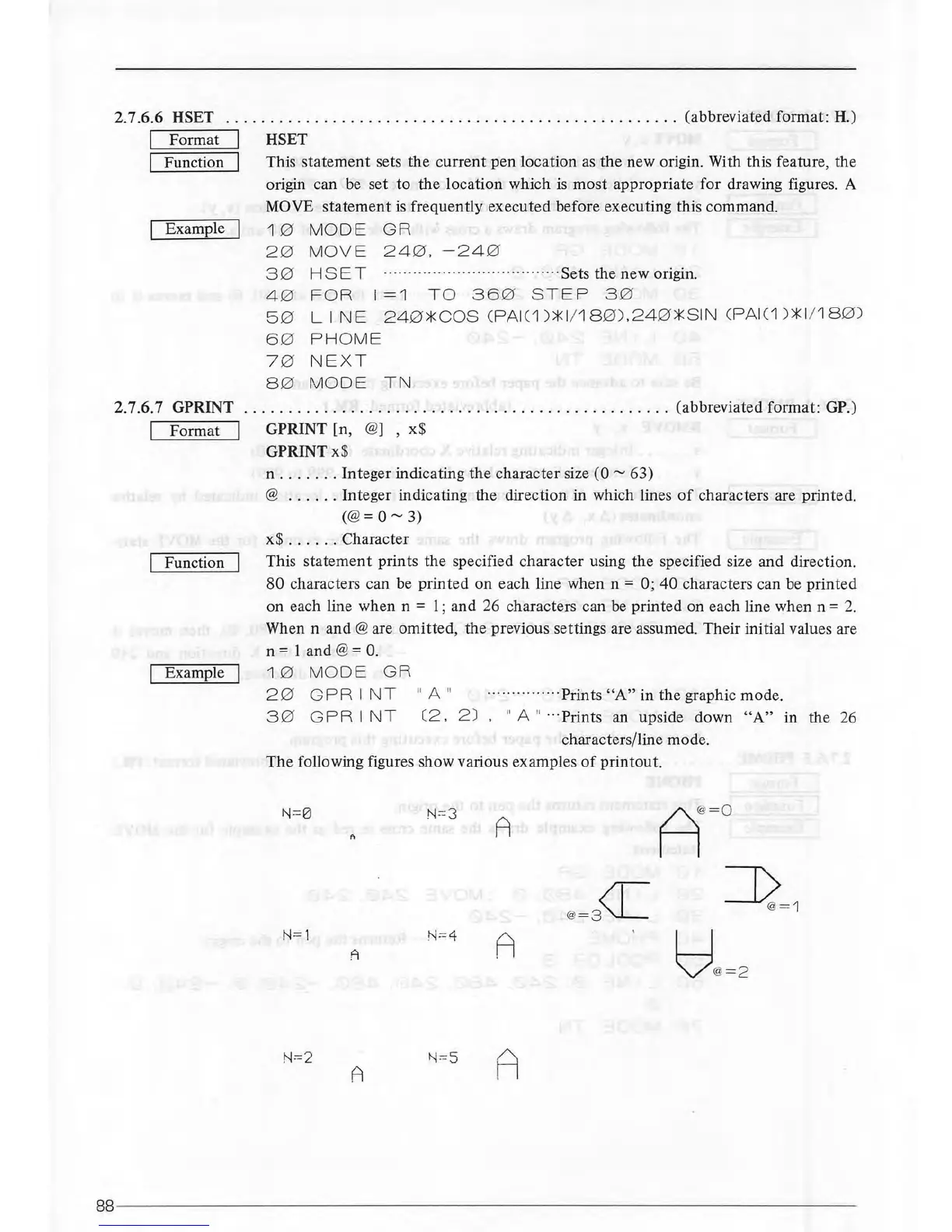
The
following figures show various examples
of
printout.
N=0
N
=--=3
A
A
N=1
N=4
A
A
N=2
A
N=S
A
88------------------
----
-----------------------------------------------



 To Next Page