EasyManua.ls Logo

Sharp MZ-800 - Page 123

Sharp MZ-800
221 pages
Print Icon
To Next Page IconTo Next Page
To Previous Page IconTo Previous Page
Loading...
SYMBOL
SYMBOL
[<colour
specification>]
<X-coordinate>,<
Y-coordinate>,
<text
data>[,<horizontal
magnification
>]*[,
<
vertical
magnification
>
]*
[,<angle
code>]
<colour
specification>
=
[<palette
code>][,<superimpose
mode>]
Abbreviated
Format
Example
SY.
The
SYMBOL
statement
draws
a
graphics
pattern
of
a
given
size
at
a
given
angle.
When
this
statement
is
encountered,
BASIC
positions
the
lower
left
corner
of
the
graphics
pattern
represented
by
<text
data>
at
point
(X-coordinate,
Y-coordinate),
rotated
by
<angle
code>,
and
magnified
by
a
factor
of
<horizontal
magnifica-
tion>
and/or
<vertical
magnification>.
The
meanings
of
the
<colour
specification>
parameter
are
identical
to
those
of
the
SET
statement.
When
this
parameter
is
omitted,
the
parameters
in
the
COLOR
statement
are
assumed.
The
range
of
values
that
<
X-coordinate>
and
<
Y-coordinate>
can
have
is
iden-
tical
to
that
specified
in
the
SET
statement.
<horizontal
magnification>
and
<vertical
magnification>
are
integers
from
1
to
255
and
default
to
1.
When
<angle
code>
is
specified,
the
pattern
is
rotated
counterclockwise
with
respect
to
the
upper
left
corner
of
the
pattern
at
point
(X-coordinate,
Y-coordinate)
by
the
angle
specified
by
<angle
code>.
The
reference
position
of
the
pattern
remains
unchanged
after
the
rotation.
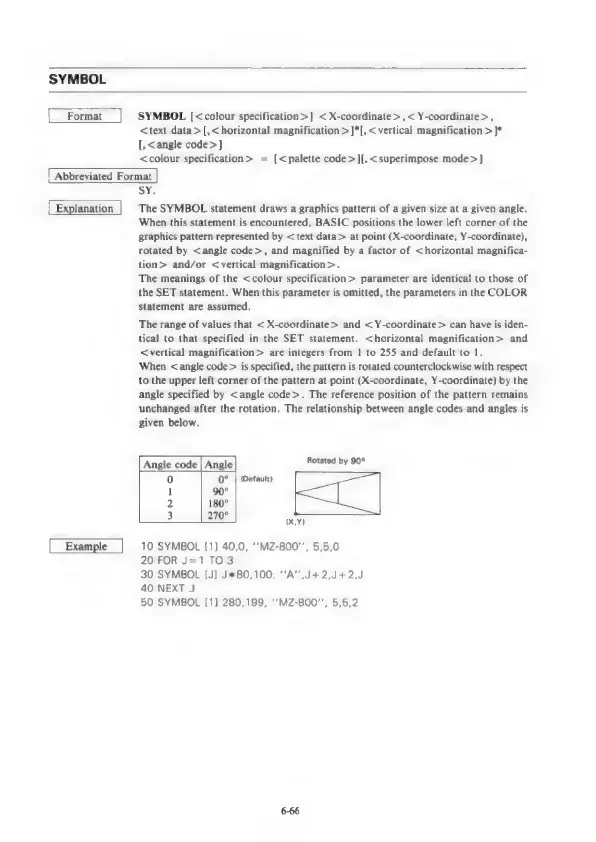
The
relationship
between
angle
codes
and
angles
is
given
below.
Angle
code
|
Angle
Rennes
bir
0"
|
Defauit)
90°
180°
270°
(XY)
10
SYMBOL
[1]
40,0,
**MZ-800"',
5,5,0
20
FOR
J=1T03
30
SYMBOL
[J]
J*80,100,
‘A’
J+2,J+2,J
40
NEXT
J
50
SYMBOL
[1]
280,199,
‘‘MZ-800"’,
5,5,2

Other manuals for Sharp MZ-800

Related product manuals