1
Important Information
Safety Precautions and Maintenance
FOR OPTIMUM PERFORMANCE, PLEASE NOTE
THE FOLLOWING WHEN SETTING UP AND
USING THE REMOTE POWER SWITCH:
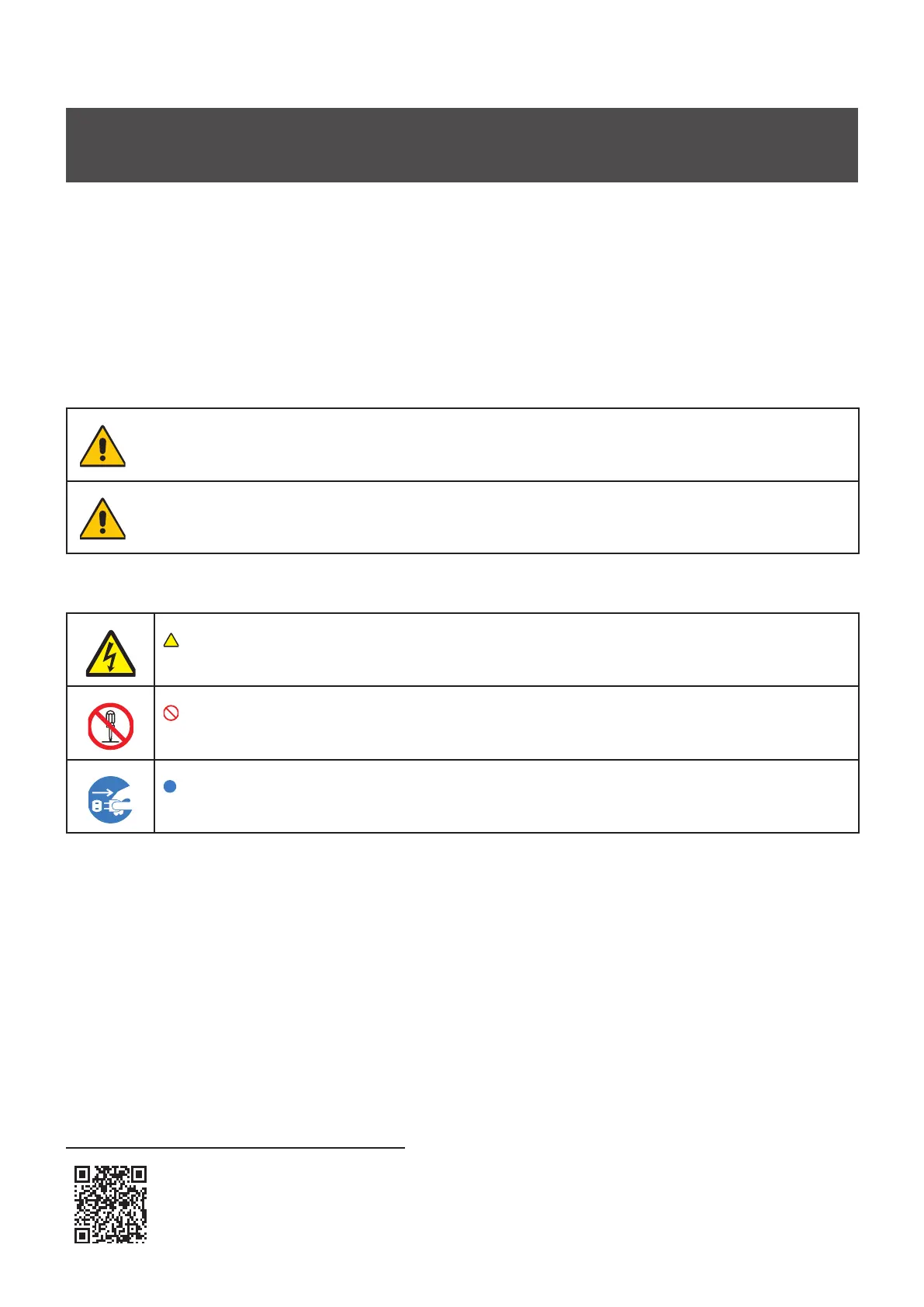
About the Symbols
To ensure safe and proper use of the product, this manual uses a number of symbols to prevent injury to you and
others as well as damage to property. The symbols and their meanings are described below. Be sure to understand
them thoroughly before reading this manual.
WARNING
Failing to heed this symbol and handling the product incorrectly
could result in accidents leading to major injury or death.
CAUTION
Failing to heed this symbol and handling the product incorrectly
could result in personal injury or damage to surrounding property.
Examples of symbols
Indicates a warning or caution.
This symbol indicates you should be careful of electric shocks.
Indicates a prohibited action.
This symbol indicates something that must be prohibited.
Indicates a mandatory action.
This symbol indicates that the power cord should be unplugged from the power outlet.
● Be sure to read the following before using the product to use it correctly and safely.
Service & Support
Service & Support in Europe
Please contact:
Sharp NEC Display Solutions Europe GmbH
Landshuter Allee 12-14, D-80637 München
Phone: + 49 (0) 89/99699-0
Fax: + 49 (0) 89/99699-500
For the latest information please see
https://www.sharpnecdisplays.eu
Data is subject to change without notice.
Safety Manual, Installation Manual and more information are available here:
https://www.sharpnecdisplays.eu/led-rps-cl-r



 To Next Page