10
E
Direct Drawing for Android
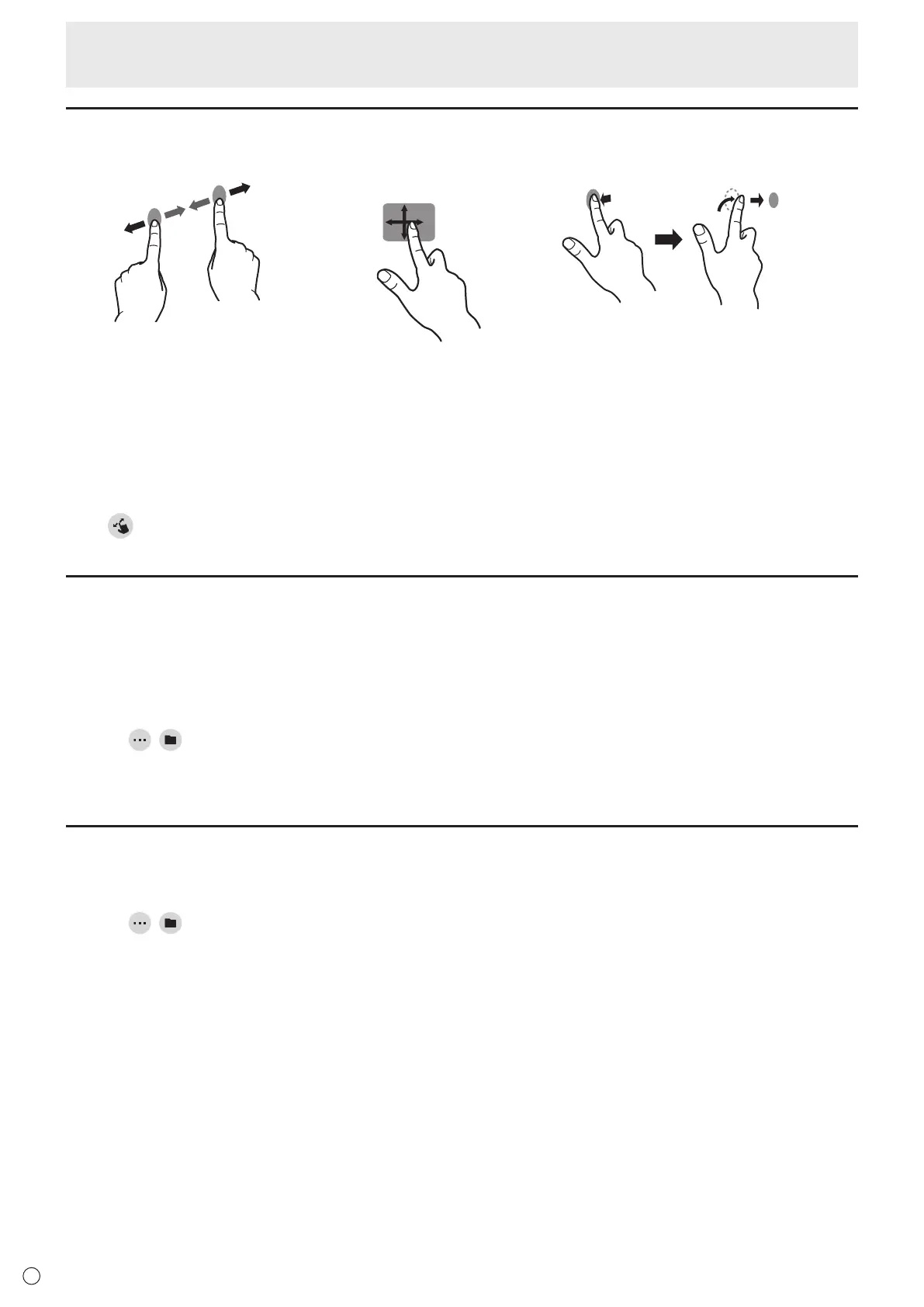
Actions using your finger (gesture)
Enlarge/reduce a sheet Movingthedisplaypositionofasheet
(when enlarged)
Movetotheprevious/nextsheet
Pinch-in/pinch-out Swipe Left/rightflick
When drawing with a touch pen (supplied)
(When“Drawonlywithpen” is selected (See page 12.))
Yourfingercanonlybeused for a gesture action.
When drawing with your finger
(When“Drawwith pen and finger” is selected (See page 12.))
Touch
to perform a gesture action.
Opening a PDF or image on the current sheet
YoucanopenafileinPDFformatoranimage(inJPEGorPNGformat)onthecurrentsheet.
• Iftherearelinesdrawnonthesheet,thefilewillappearunderthelines.
• Anopenedimagewillappearinthefullscreenwithoutchangingtheaspectratio.
• Uptothe10pagesofaPDFfilecanbeopened.
Whentherearemultiplepages,thepageswillappearinorderstartingfromthecurrentsheet.
• Dependingonmemoryusageandotherfactors,itmaynotbepossibletoopenafileevenifitisinasupportedformat.
1. Touch
, .
2. Touch “Insert a PDF or an image to background”.
3. Select the file.
Opening a file
Dataofthisapplicationthatissavedindedicatedformat(SDSWformat)isopenedasanewsheet.
The current sheet closes.
1. Touch
, .
2. Touch “Open file”.
3. Touch “Open without saving”.
Tosavethecurrentsheet,touch“Save”andperformthesaveprocedure.
4. Select the file.



 To Next Page
 Loading...