26
BIOS update procedure
Flash BIOS with AMI utility Afuefix64.efi (For EFI Shell)
RZ-601:
BIOS update procedure
BIOS setting choice boot to “UEFI: Built-in EFI Shell”
1. Make sure the Sharp SKU name is match to BIOS file name.
(RZ-E601: ME70AA15.C4B)
2.Ensure that the USB-key include afuefix64.efi and BIOS bin file.
3.Type “fs0:” to entry USB-Key.
4.Flash command “Afuefix64.efi ME70AA15.C4B /p /b /n /r”
- /P Program Main BIOS
- /B Program Boot Block
- /N Program NVRAM
5.Unplug power adapter after flash completed.
6.Complete BIOS update.
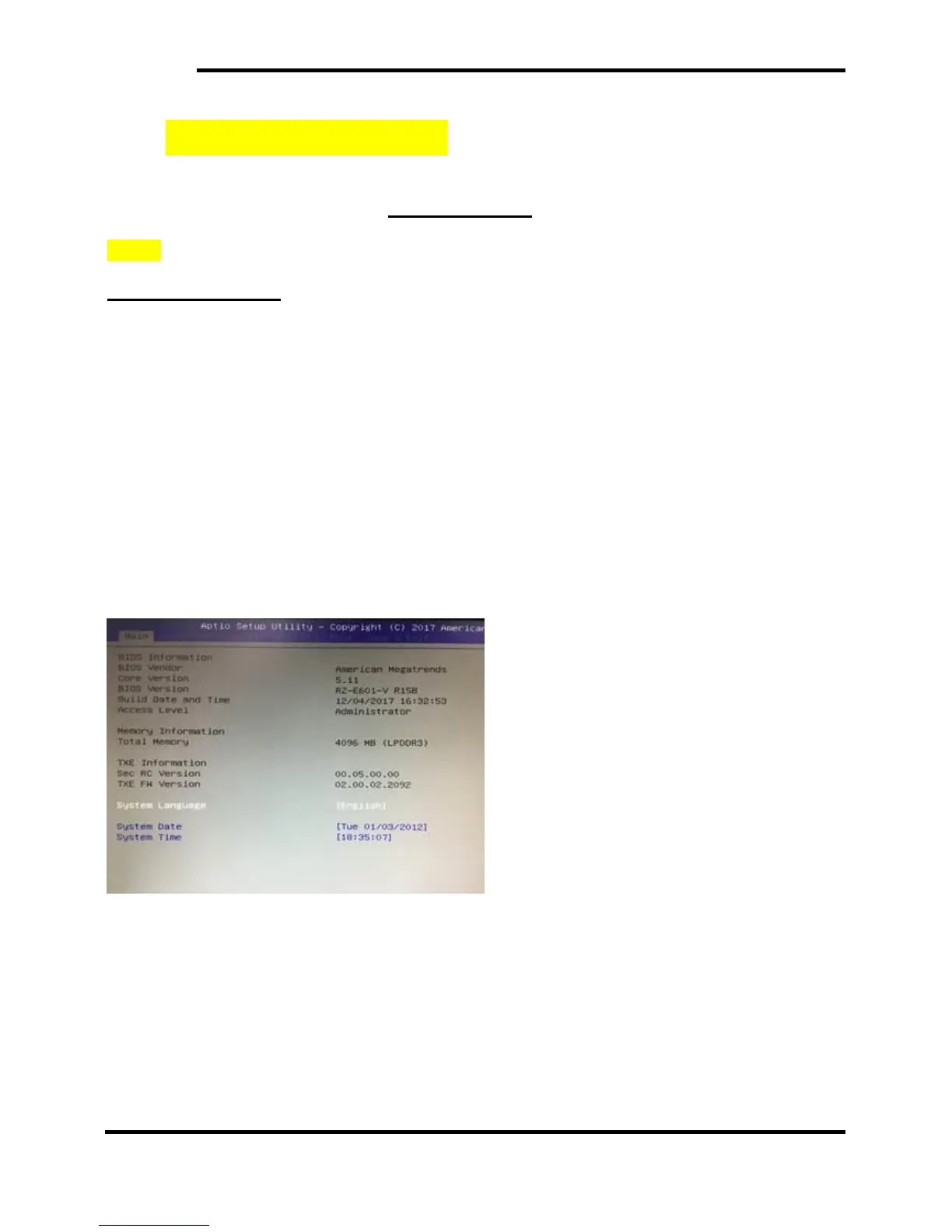
BIOS Version Confirmation Procedure after BIOS Update
Procedure to reset the BIOS setting to the initial value after updating the BIOS (Load Optimized
Defaults)


 To Next Page