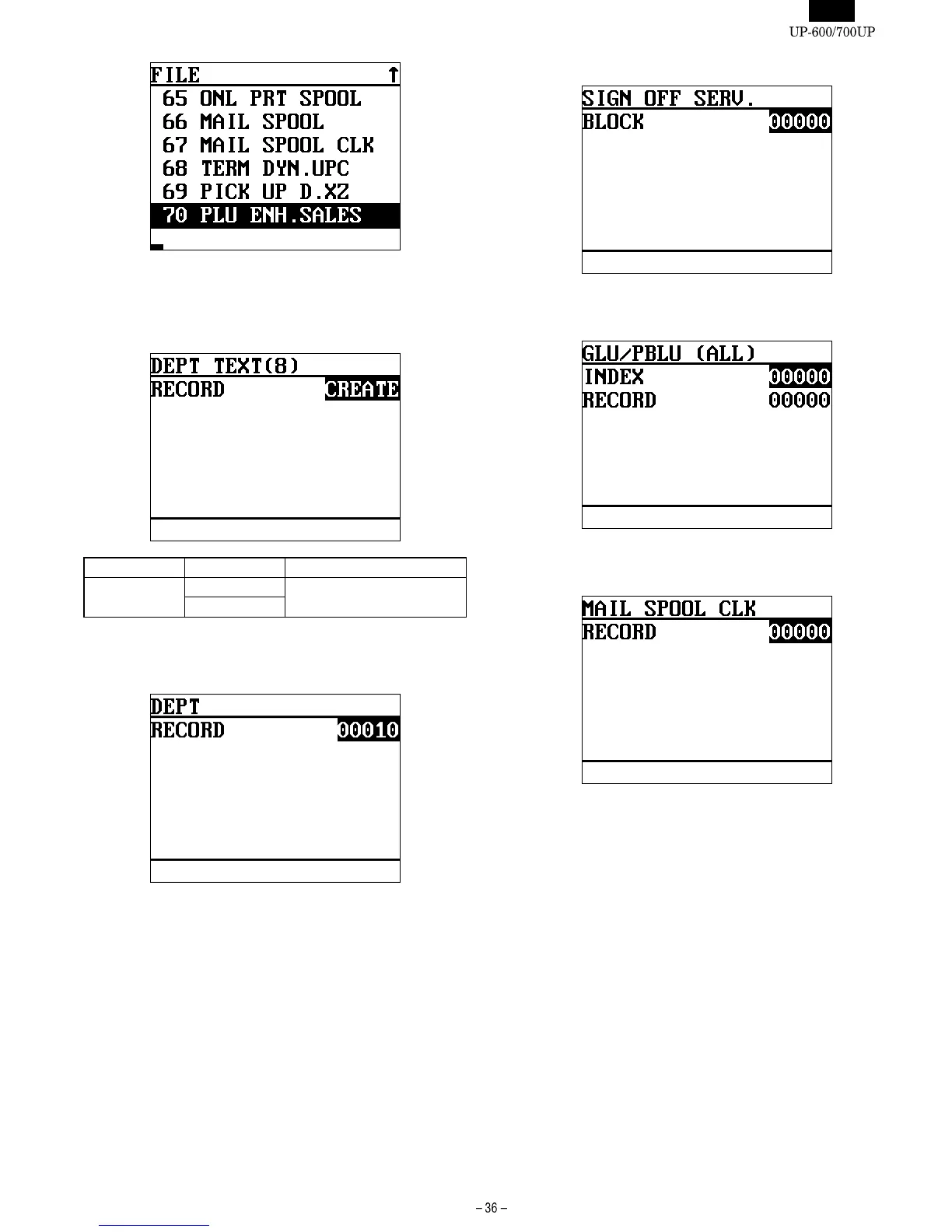
Select the file name to be changed and enter the number of records.
The content of displayed are as listed in the file table.
DISPLAY: File group Type 0 input screen
DISPlAY TEXT SELECT ITEM NOTE
RECORD CREATE Select and press the CA/AT
key
ERASE
Select the CREATE/ ERASE to be changed and enter the number of
records.
DISPLAY: File group Type 1 input screen
Enter the bumber of records.
When an item of Type 2 is selected, the following display is shown.
DISPLAY: File group Type 2 input screen
Enter the bumber of blocks.
DISPLAY: File group Type 3 input screen
Enter the bumber of index records and data records.
DISPLAY : File group Type 4 input screen
Enter the bumber of records.













 To Next Page