10
Entry
<Example>
1. Tap
v
, and select “BUSINESS”,
then press
x
.
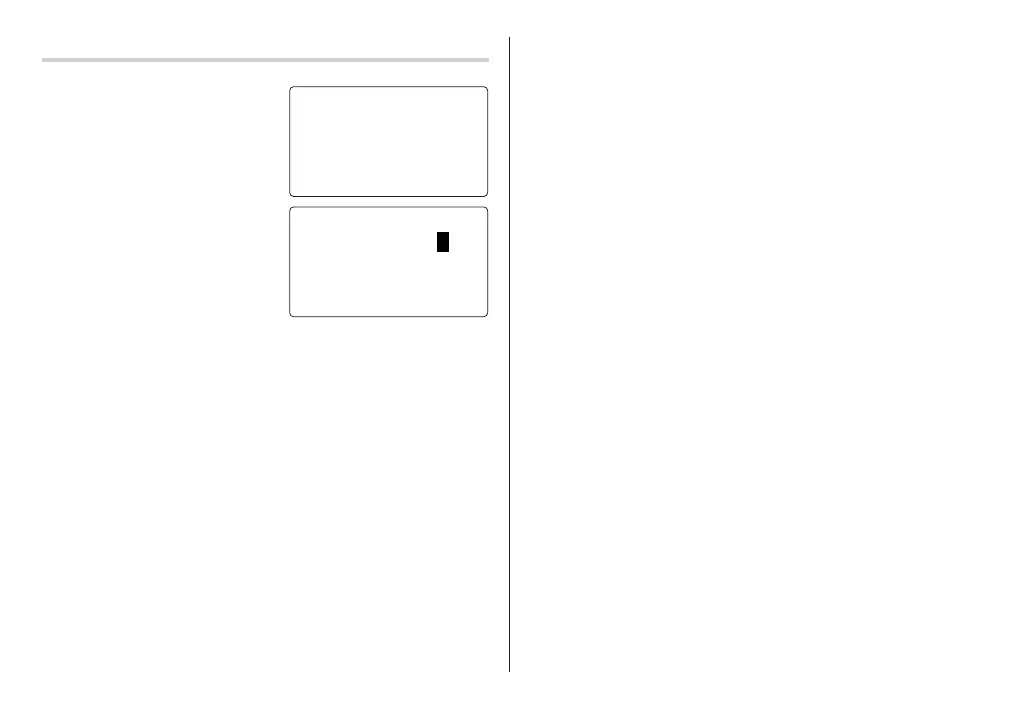
The Business search display will
appear.
2. Tap
e
.
The display will change to the
record input mode.
3. Enter the Last name.
For example, “Smith”.
4. Press
m
, then enter the First name. For example, “John”.
5. Press
m
to move the cursor to the Company field and enter “ABC
International Co.”.
6. Press
m
to move the cursor to the Home # field.
7. Enter “585-4280”.
8. Press
m
to move the cursor to the Office # field and enter “619-542-
7320”.
9. Enter each field in the same manner.
10.
At the Note field, press
x
to store the telephone listing.
The Business search display will appear.
<
BUS I NESS
>
SEAR
C
HNA
M
E?
<
BUS I NESS
>
LAST NA
M
E
:
0
FIRST NA
M
E
:
C
O
M
PANY
:
OZ-290H(En).pm65 04.3.31, 5:08 PM10



 To Next Page