XEA147BK and XEA147WH Frequently Asked Questions Page 13 of 21
How do I get my business name and ABN to print on the receipt?
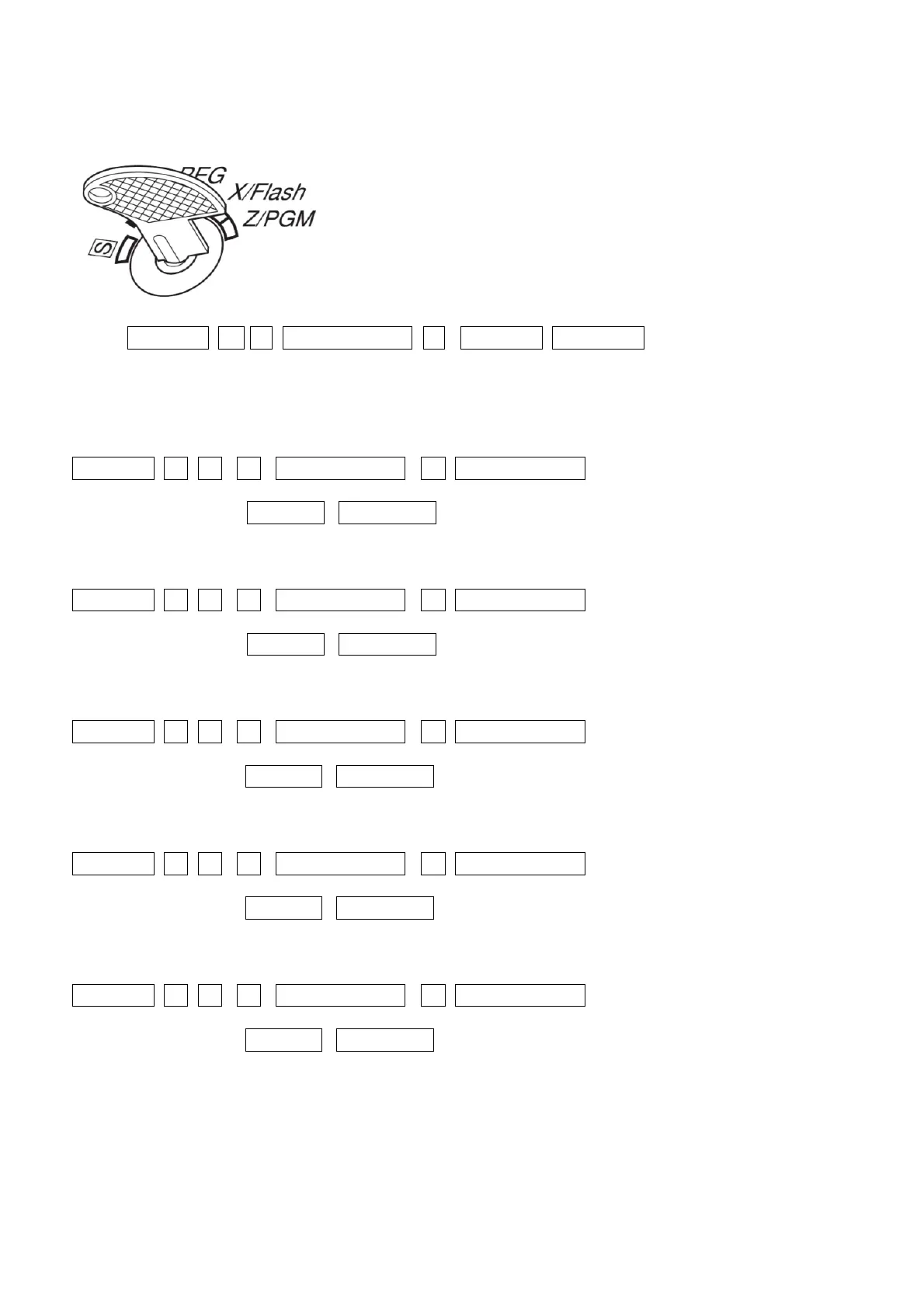
1. Set the mode key to the Z/PGM position
2. Enter: #/TM/ST 1 1 _/RCPT SW_ 3 #/TM/ST TL/AT/NS
3. Type each line of your information, up to 6 lines as follows:
4. Enter the Top (first) line do the following:
#/TM/ST -1- -0- -4- _/RCPT/SW_ -1- _/RCPT/SW_ use the keyboard to enter
up to 30 characters #/TM/ST TL/AT/NS
Enter the second line do the following:
#/TM/ST -1- -0- -4- _/RCPT/SW_ -2- _/RCPT/SW_ use the keyboard to enter
up to 30 characters #/TM/ST TL/AT/NS
5. Enter the third line do the following:
#/TM/ST -1- -0- -4- _/RCPT/SW_ -3- _/RCPT/SW_ use the keyboard to enter
up to 30 characters #/TM/ST TL/AT/NS
6. Enter the fourth line do the following:
#/TM/ST -1- -0- -4- _/RCPT/SW_ -4- _/RCPT/SW_ use the keyboard to enter
up to 30 characters #/TM/ST TL/AT/NS
7. Enter the Fifth line do the following:
#/TM/ST -1- -0- -4- _/RCPT/SW_ -5- _/RCPT/SW_ use the keyboard to enter
up to 30 characters #/TM/ST TL/AT/NS


 To Next Page