XEA147BK and XEA147WH Frequently Asked Questions Page 16 of 21
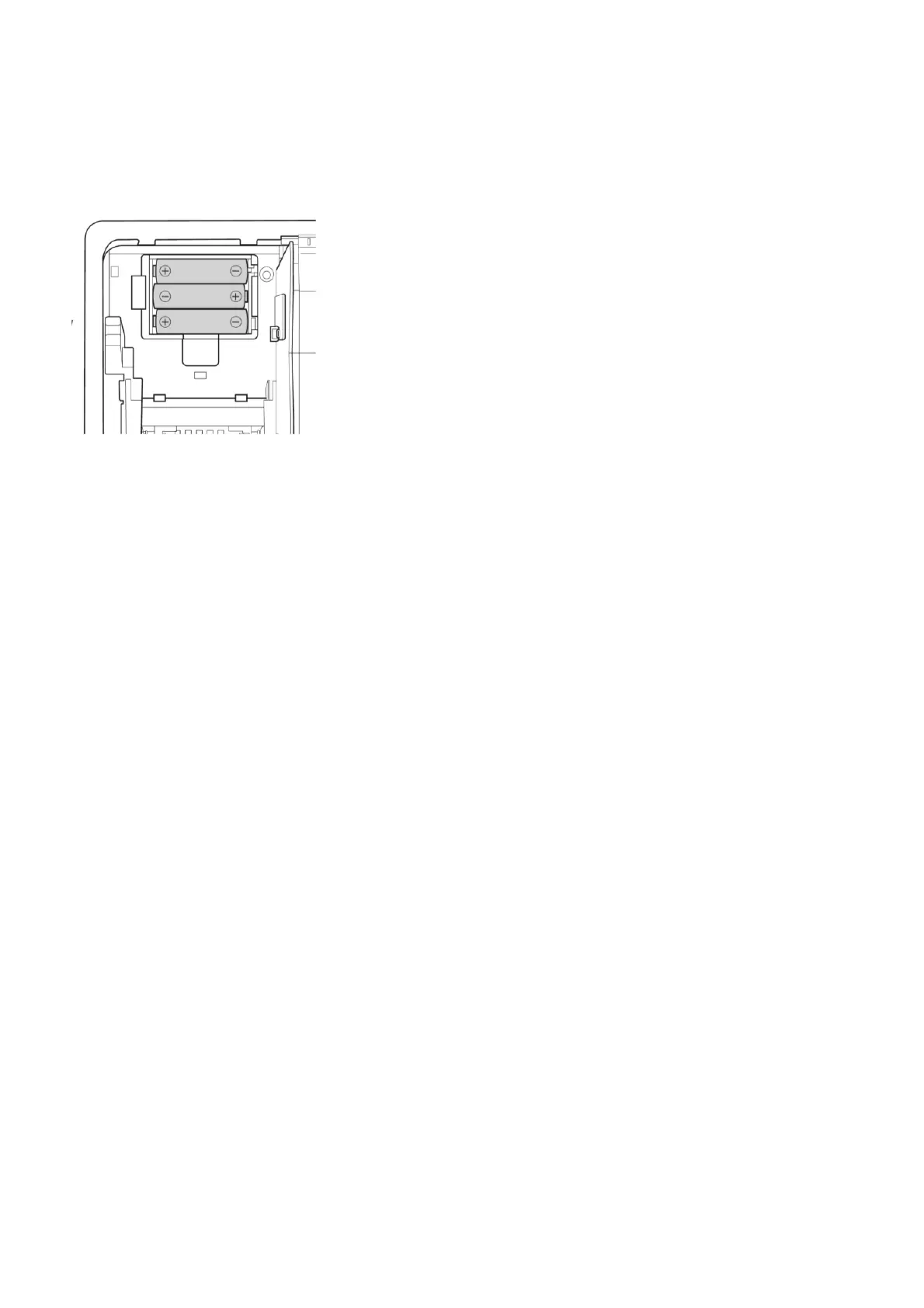
To replace the batteries, do the following.
1. Make sure the XEA147 is plugged in.
2. Remove the printer cover.
3. Open the battery compartment cover next to the paper roll cradle, and remove the old batteries.
4. Install three (3) new alkaline batteries (AA size), in the battery compartment. Be sure the positive
and negative poles of each battery are facing in the correct direction. When they are installed
correctly, the low battery or no battery message will disappear.
5. Close the battery compartment cover.
6. Replace the printer cover.


 To Next Page