EasyManua.ls Logo

Sharp XEA21S - Thermal Fax Machine - User Manual

Sharp XEA21S - Thermal Fax Machine
119 pages
Print Icon
To Next Page IconTo Next Page
Loading...
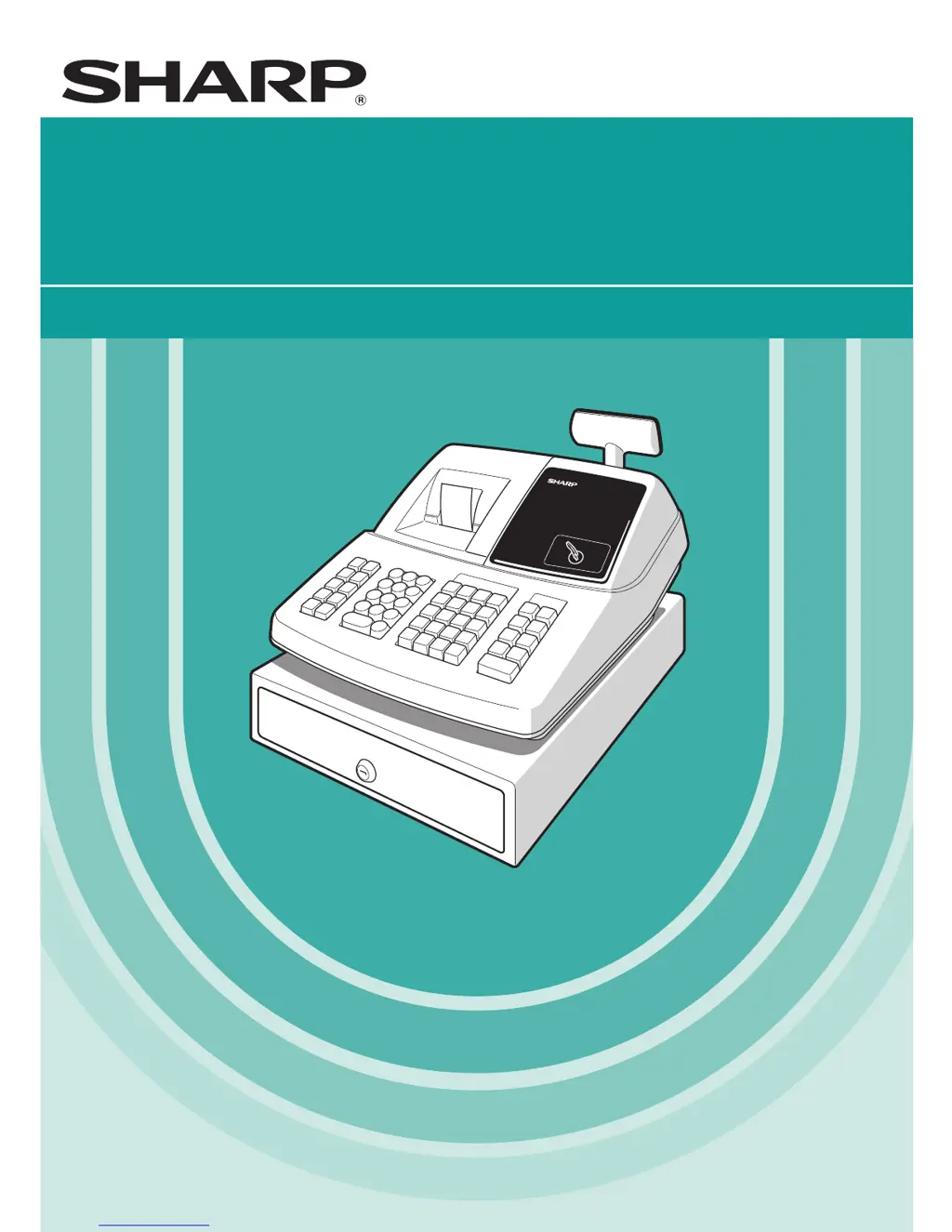
ELECTRONIC CASH REGISTER
CAJA REGISTRADORA ELECTRONICA
INSTRUCTION MANUAL MANUAL DE INSTRUCCIONES
XE-A21S
MODEL
MODELO

Table of Contents

Questions and Answers

  • S
    schmidtstephanieSep 2, 2025
    Why is the display on my Sharp XEA21S - Thermal Fax Machine Cash Register not illuminating?
    • J
      Janice GeorgeSep 2, 2025
      If the display of your Sharp Cash Register isn’t illuminated, even when the mode switch is not on “OFF”, check if power is supplied to the electrical outlet and if the power cord is properly connected to the outlet.
  • P
    Pamela DodsonAug 31, 2025
    Why won't my Sharp Cash Register register sales even though the display is on?
    • N
      Nicole McdowellAug 31, 2025
      If your Sharp Cash Register display is lit but the machine won't register anything, verify the following: * Confirm that a clerk code is assigned to the register. * Ensure the mode switch is correctly set to the “REG” position.
  • F
    fbentleyAug 29, 2025
    What to do if my Sharp XEA21S - Thermal Fax Machine doesn't issue receipts?
    • S
      Stephen JonesAug 29, 2025
      If your Sharp Cash Register isn't issuing receipts, check the following: * Ensure the paper roll is correctly installed. * Check for and clear any paper jams. * Verify the receipt function is not set to the “OFF” status. * Confirm that the print roller arm is securely locked.
  • J
    John StevensAug 27, 2025
    What does E02 error mean on a Sharp XEA21S - Thermal Fax Machine Cash Register?
    • G
      gesparzaAug 28, 2025
      If your Sharp Cash Register shows error code E02, indicating a misoperation error, ensure you make a correct key entry.
  • M
    Michael NortonAug 26, 2025
    What does E01 error mean on a Sharp Cash Register?
    • K
      Karl DeanAug 26, 2025
      If your Sharp Cash Register displays error code E01, which indicates a registration error, you should make a correct key entry.
  • K
    Kelly CookAug 25, 2025
    What to do if journal paper is not being taken up in my Sharp Cash Register?
    • F
      frankjonesAug 25, 2025
      If the journal paper is not being taken up by your Sharp Cash Register, check if: * The take-up spool is correctly installed on the bearing. * There is a paper jam. * The journal printing is selected in the printing style programming (if receipt printing is selected, the paper will not wind around the take-up spool).
  • J
    julia77Aug 22, 2025
    How to fix unusual printing on a Sharp XEA21S - Thermal Fax Machine Cash Register?
    • J
      jeffery95Aug 22, 2025
      If the printing quality is unusual on your Sharp Cash Register, consider these points: * Make sure the print roller arm is securely locked. * Check that the paper roll is properly installed. * Ensure that the print head, sensor, and roller are clean.

Summary

PARTS AND THEIR FUNCTIONS

GETTING STARTED

Initial Setup Procedures

Guides users through initial setup, including initialization and battery installation.

Paper Roll Installation and Basic Programming

Covers installing the paper roll and initial programming of date, time, and tax.

BASIC SALES ENTRY

Sales Entry Steps and Error Handling

Details basic sales entry, item registration, and error management.

CORRECTION

PRIOR TO PROGRAMMING

Procedure for Programming and Basic Setup

Outlines the programming process and essential basic settings.

LECTURA Y REPOSICION DE INFORMES EJ

AUXILIARY FUNCTION PROGRAMMING

ADVANCED PROGRAMMING

READING (X) AND RESETTING (Z) OF SALES TOTALS

Summary of Sales Reports

Explains how to read and reset daily and periodic sales reports (X/Z reports).

CORRECTION AFTER FINALIZING A TRANSACTION (Void mode)

HOW TO USE AN SD MEMORY CARD

OPERATOR MAINTENANCE

Printer Cleaning and Troubleshooting

Details cleaning procedures and troubleshooting common printer issues.

Before Calling for Service

Provides checks to perform before contacting technical support.

SPECIFICATIONS

Sharp XEA21S - Thermal Fax Machine Specifications

General IconGeneral
BrandSharp
ModelXEA21S - Thermal Fax Machine
CategoryCash Register
LanguageEnglish

Related product manuals