EN
EN – 13EN – 13
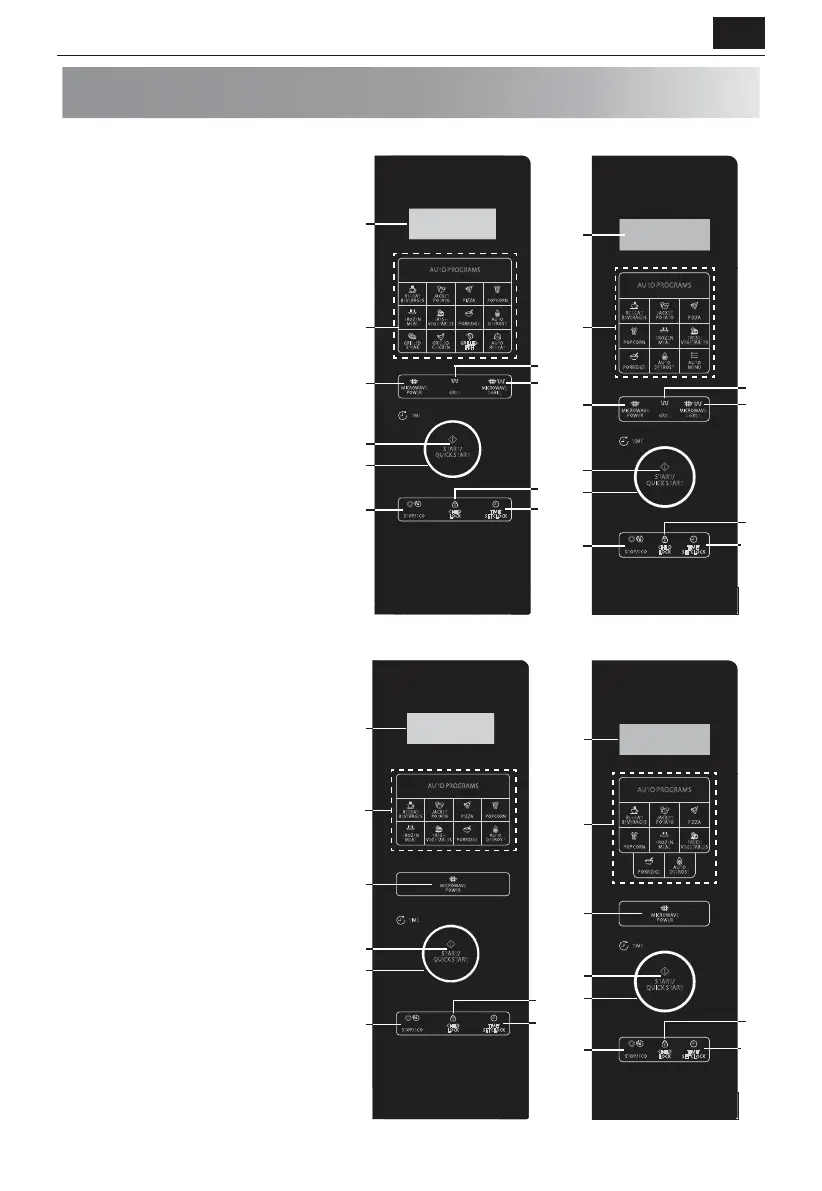
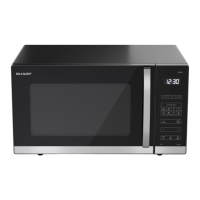
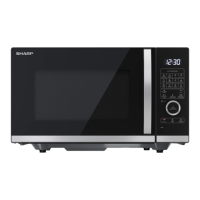
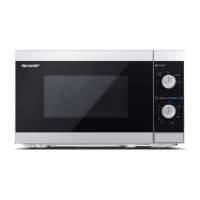
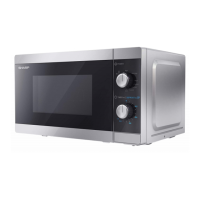
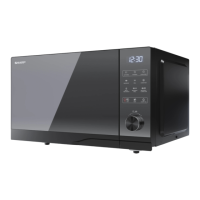
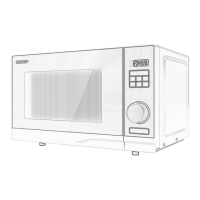
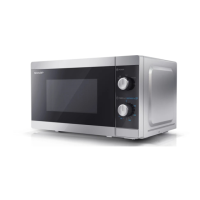
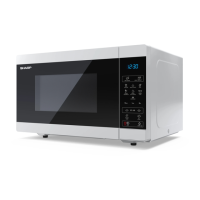
CONTROL PANEL
1. DIGITAL DISPLAY – Cooking time, power,
indicators and clock time are displayed.
2. AUTO MENU keys – Press to select auto
cooking menu. (Refer to page 17 for
advice on use).
3. MICROWAVE POWER – Press to select
microwave power level. (Page 15).
4. GRILL – Press to set grill cooking
program. (Page 16).
5. MICROWAVE+GRILL – Press to set
microwave and grill combination cooking
program. (Page 16).
6. START/QUICK START – (Page 16).
7. JOG DIAL – Rotate clockwise or
anticlockwise to set various functions.
8. STOP/ECO – Press once to temporarily
stop cooking, or twice to cancel cooking
altogether.
Use to set power saving mode.
(Page 18).
9. CHILD LOCK – (Page 19).
10. TIME/SET CLOCK – Use to set clock time.
Use to set timer function. (Page 14).
STOP/ECO
TIME/
SET CLOCK
CHILD
LOCK
TIME
AUTO PROGRAMS
REHEAT
BEVERAGES
JACKET
POTATO
PIZZA
POPCORN
FROZEN
MEAL
FRESH
VEGETABLES
PORRIDGE
AUTO
DEFROST
GRILLED
STEAK
GRILLED
CHICKEN
AUTO
REHEAT
G
RILLED
F
ISH
MICROWAVE
POWER
MICROWAVE
+
GRILLGRILL
START/
QUICK START
9
4
2
10
5
6
7
8
3
1
TIME
STOP/ECO
TIME/
SET CLOCK
CHILD
LOCK
MICROWAVE
POWER
GRILL
MICROWAVE
+
GRILL
AUTO PROGRAMS
REHEAT
BEVERAGES
FROZEN
MEAL
AUTO
DEFROST
JACKET
POTATO
PIZZA
POPCORN
FRESH
VEGETABLES
PORRIDGE
AUTO
MENU
START/
QUICK START
9
4
2
10
5
6
7
8
3
1
STOP/ECO
TIME/
SET CLOCK
CHILD
LOCK
TIME
AUTO PROGRAMS
REHEAT
BEVERAGES
JACKET
POTATO
PIZZA
POPCORN
FROZEN
MEAL
FRESH
VEGETABLES
PORRIDGE
AUTO
DEFROST
MICROWAVE
POWER
START/
QUICK START
9
2
10
6
7
8
3
1
TIME
STOP/ECO
TIME/
SET CLOCK
CHILD
LOCK
START/
QUICK START
MICROWAVE
POWER
AUTO PROGRAMS
REHEAT
BEVERAGES
FROZEN
MEAL
AUTO
DEFROST
JACKET
POTATO
PIZZA
POPCORN
FRESH
VEGETABLES
PORRIDGE
9
2
7
6
1
8
3
YC-QG234A, YC-QG254A
YC-QS254A
YC-QG204A
YC-QS204A


 To Next Page