EN
EN – 12EN – 12
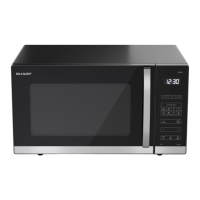
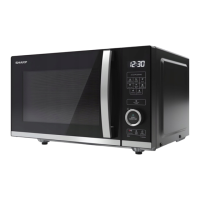
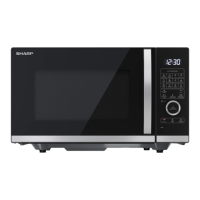
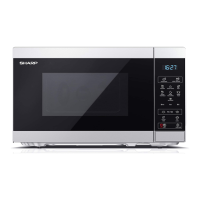
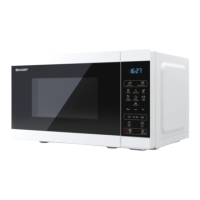
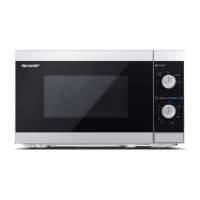
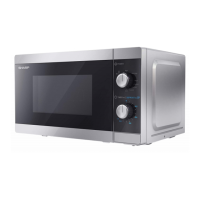
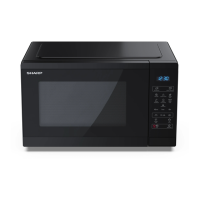
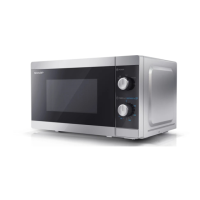
OVEN AND ACCESSORIES
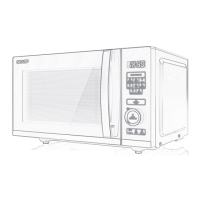
1. Door safety lock system
2. Oven window
3. Control Panel
4. Display
5. Oven cavity
6. Flatbed, Keep this clean and free from food
deposits
7. Grill Rack (YC-QG302A only)
8. Ventilation openings
9. Outer cabinet
10. Power supply cord
Check to make sure the following accessories
are provided:
YC-QG302A only:
• Grill Rack – for use when cooking on the grill
function only.
• The Grill Rack is designed for use with grill
ovens only. DO NOT use any metal accessories
when using the microwave function.
• For use of the Grill Rack refer to the GRILL
sections of this User Manual.
Never touch the grill when it is hot.
NOTE: When you order accessories, please
mention two items: part name and model name.
NOTES:
• After cooking fatty foods without a cover,
always clean the cavity and any cooking
utensils thoroughly, these must be dry and
free from grease. Built-up grease may overheat
and begin to smoke or catch re.
• When microwaving, always place cookware on the oven baseplate.
• DO NOT use the Grill Rack while using the microwave function.
WARNING: This symbol means that the surfaces are liable to get hot during use. The door, outer
cabinet, oven cavity, accessories and dishes will become very hot during operation. To prevent burns,
always use thick oven gloves.
Inverter Technology
This oven uses inverter technology for powering the microwave function and allows faster and more e cient cooking.
EN – 13
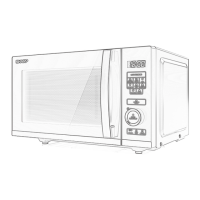
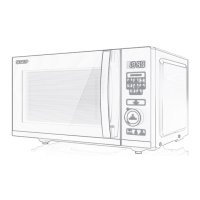
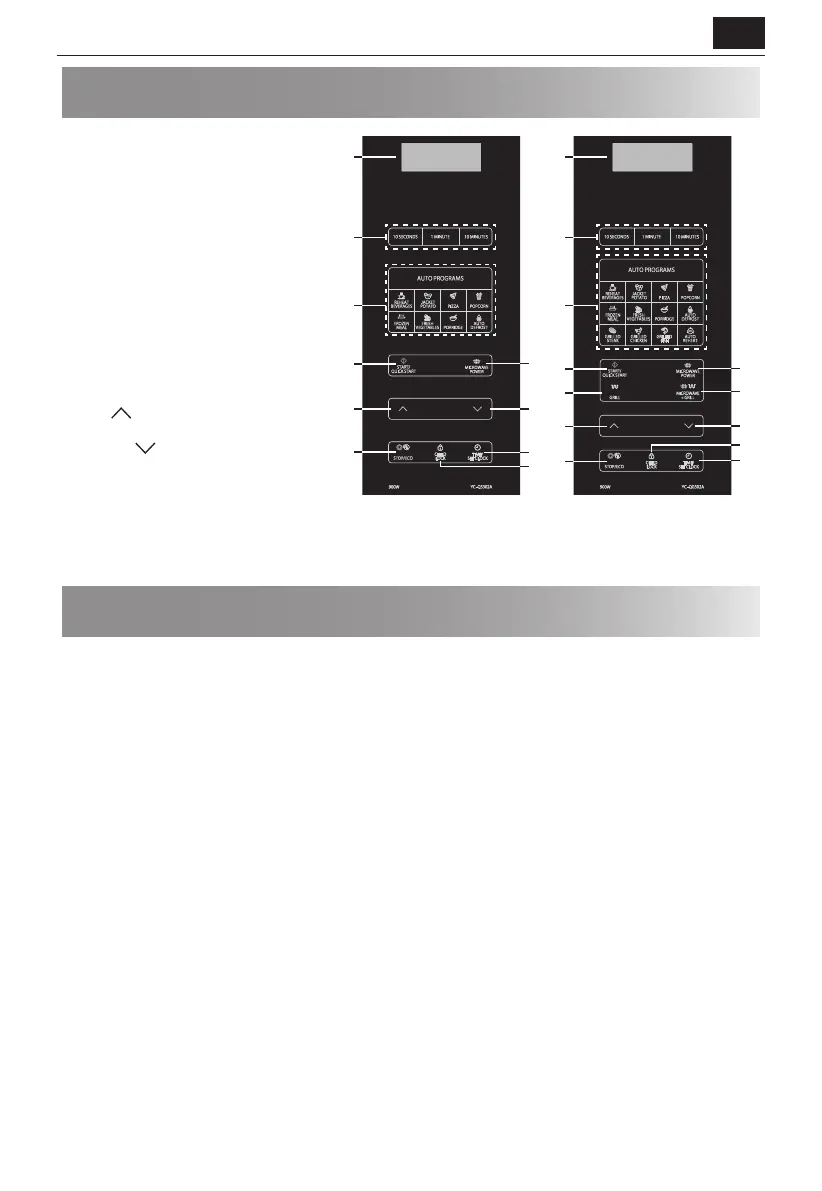
CONTROL PANEL
1. DIGITAL DISPLAY – Cooking time, power,
indicators and clock time are displayed.
2. 10 SECONDS, 1 MINUTE, 10 MINUTES –
Use to set time of cooking or the clock.
3. AUTO MENU keys – Press to select auto
cooking menu. (Refer to page 16 for
advice on use).
4. START/QUICK START – (Page 14).
5. MICROWAVE POWER – Press to select
microwave power level. (Page 14).
6. GRILL – Press to set grill cooking
program. (Page 15).
7. MICROWAVE+GRILL – Press to set
microwave and grill combination cooking
program. (Page 15).
8. UP
– Press to set food weight or
servings.
9. DOWN
– Press to set food weight or
servings.
10. STOP/ECO – Press once to temporarily
stop cooking, or twice to cancel cooking
altogether. Use to set power saving mode. (Page 17).
11. CHILD LOCK – (Page 18).
12. TIME/SET CLOCK –
Use to set clock time. Use to set timer function. (Page 14).
BEFORE USING THE OVEN
When the oven rst plugged in, beep will sound and the display will show "1:00". Note that the clock does not have to
be set for the oven to operate correctly. To set the clock, follow the instructions in the “Setting the Clock” section of
this User Manual.
When new, the very rst time the grill and/or convection is used, smoke and odors will be given o . To avoid this
happening when food is being cooked, use the grill and convection function without food for approx. 20 minutes.
• After opening and closing the door, the oven will enter the standby mode. If no buttons are press within 1 minute,
the display will remain on and the buttons will not operate. To enter standby mode again, open and close the door.
• During cooking, if the STOP/ECO button is pressed once, the cooking cycle will be paused. To restart cooking press
the START/QUICK START button. If the STOP/ECO button is pressed twice, cooking will be canceled.
• When programming the oven for a particular function and there is a pause between button presses of more than 30
seconds the oven will return to the standby mode.
• When a cooking cycle is completed, the display will show “End” and a tone will be heard every two minutes until a
button is pressed or the door is opened.
3
2
11
5
12
9
8
10
4
1
11
3
2
12
9
5
7
6
8
10
4
1


 To Next Page
 Loading...