EasyManua.ls Logo

Sharp ZQ-6100M - Page 112

Sharp ZQ-6100M
194 pages
Print Icon
To Next Page IconTo Next Page
To Previous Page IconTo Previous Page
Loading...
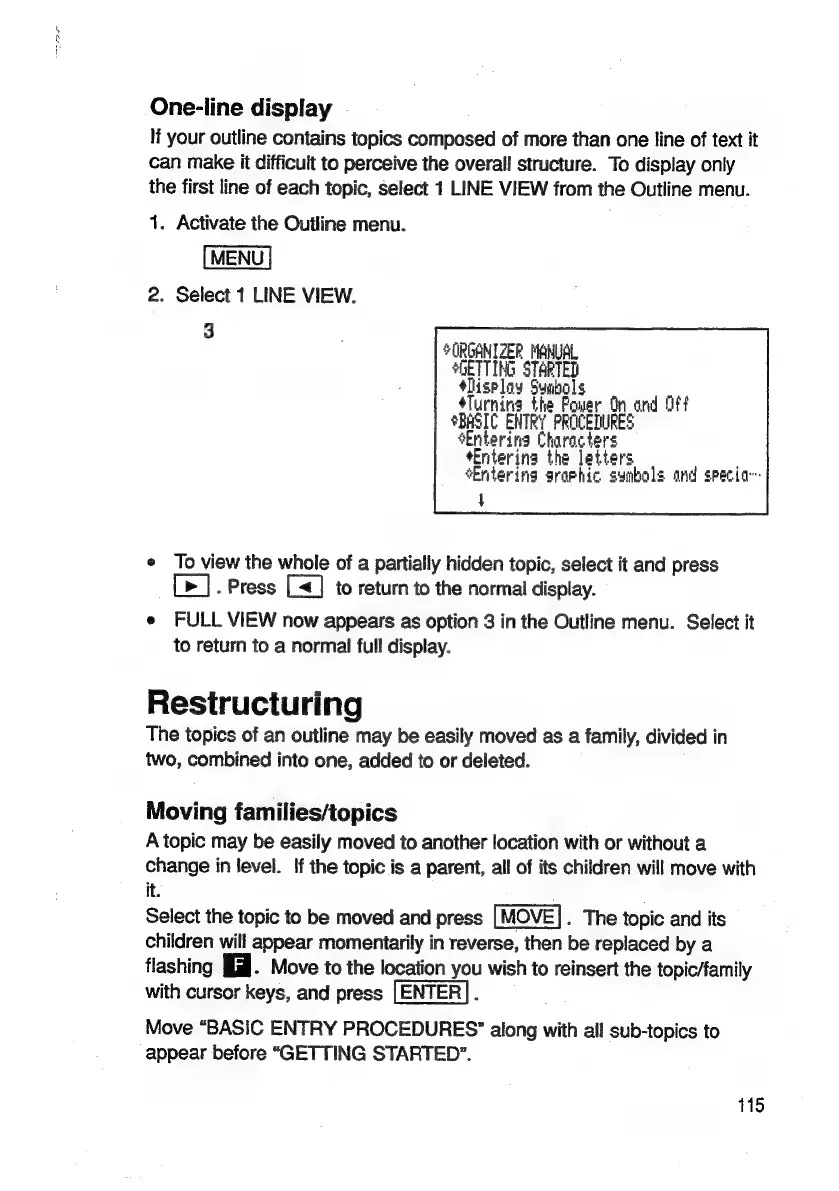
One-line
display
If
your
outline
contains
topics
composed
of
more
than
one
line
of
text
it
can
make
it
difficult
to
perceive
the
overall
structure.
To
display
only
the
first
line
of
each
topic,
select
1
LINE
VIEW
from
the
Outline
menu.
1.
Activate
the
Outline
menu.
MENU
2.
Select
1
LINE
VIEW.
3
ORGANIZER
MANUAL
GETTING
STARTED
*lisploy
Syibols
‘Turning
the
Power
On
ond Off
SBASIC
ENTRY
PROCEDURES
Entering
Characters
+Enterina
the
letters
‘Entering
graphic symbols
and
specia--
4
¢
To
view
the
whole
of
a
partially
hidden
topic,
select
it
and
press
[>].
Press
[<]
to
return
to
the
normal
display.
e
FULL
VIEW
now
appears
as
option
3
in
the
Outline
menu.
Select
it
to
return
to
a
normal
full
display.
Restructuring
The
topics
of
an
outline
may
be
easily
moved
as
a
family,
divided
in
two,
combined
into
one,
added
to
or
deleted.
Moving
families/topics
A
topic
may
be
easily
moved
to
another
location
with
or
without
a
change
in
level.
If
the
topic
is
a
parent,
all
of
its
children
will
move
with
it.
Select
the
topic
to
be
moved
and
press
.
The
topic
and
its
children
will
appear
momentarily
in
reverse,
then
be
replaced
by
a
flashing
i.
Move
to
the
location
you
wish
to
reinsert
the
topic/family
with
cursor
keys,
and
press
;
Move
“BASIC
ENTRY
PROCEDURES”
along
with
all
sub-topics
to
appear
before
“GETTING
STARTED”.
115

Related product manuals