EasyManua.ls Logo

Sharp ZQ-6100M - Page 126

Sharp ZQ-6100M
194 pages
Print Icon
To Next Page IconTo Next Page
To Previous Page IconTo Previous Page
Loading...
e
Inthe
BUSINESS
CARD
mode,
setting
one
person
in
a
company
as
secret,
makes
all
people
in
the
same
company
secret.
In
this
case,
when
you
press
in
step
2
above,
SET
ALL
COMPANY
DATA
TO
SECRET?
Y/N
will
appear.
If
you
press
all
people
in
the
same
company
will
become
secret.
Turning
the
Secret
Function
Off
and
On
Turning
the
Secret
function
off
While
the
Secret
function
is
off,
secret
data
is
viewed
in
the
same
manner
as
non-secret
data.
1.
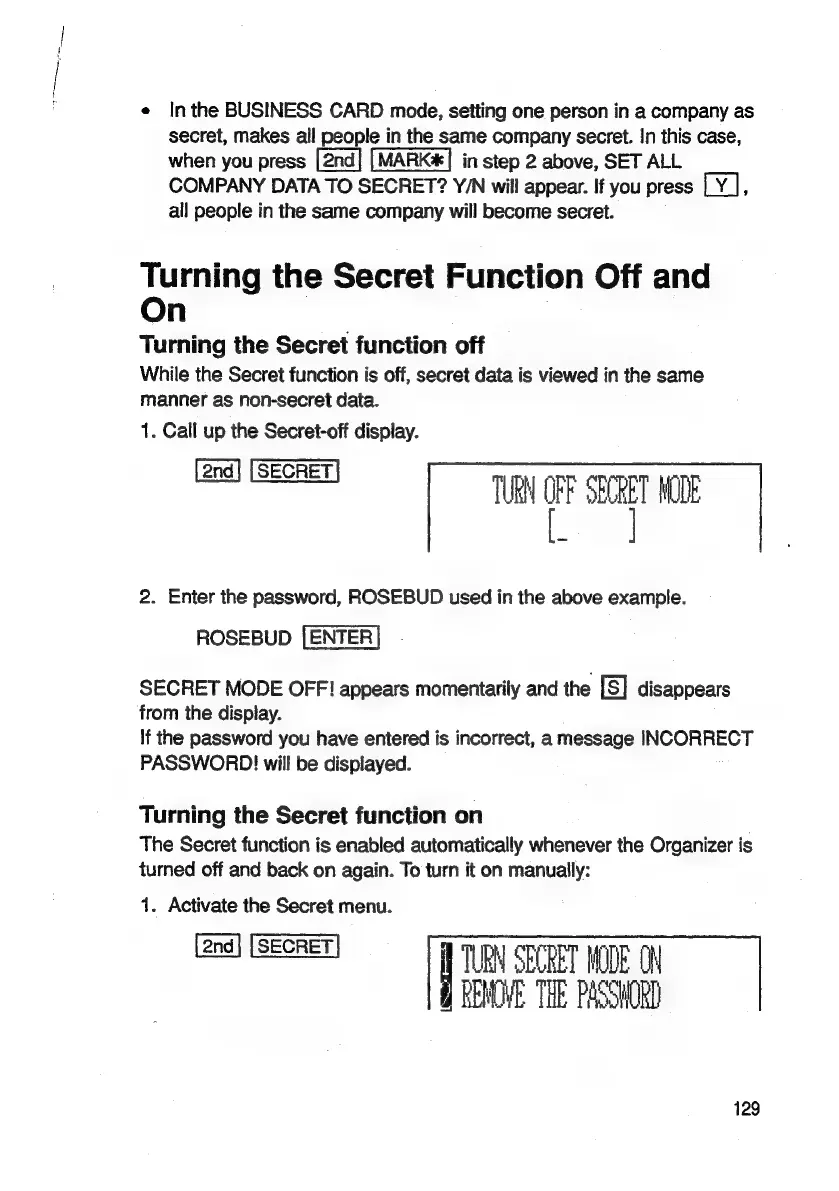
Call
up
the
Secret-off
display.
TURN
OFF
SECRET
MODE
2.
Enter
the
password,
ROSEBUD
used
in
the
above
example.
ROSEBUD
[ENTER
SECRET
MODE
OFF!
appears
momentarily
and
the
[s]
disappears
from
the
display.
If
the
password
you
have
entered
is
incorrect,
a
message
INCORRECT
PASSWORD!
will
be
displayed.
Turning
the
Secret
function
on
The
Secret
function
is
enabled
automatically
whenever
the
Organizer
is
turned
off
and
back
on
again.
To
turn
it
on
manually:
1.
Activate
the
Secret
menu.
TURN
SECRET
MODE
ON
Q
REMOVE
THE
PASSWORD
129

Related product manuals