EasyManua.ls Logo

Sharp ZQ-6100M - Page 134

Sharp ZQ-6100M
194 pages
Print Icon
To Next Page IconTo Next Page
To Previous Page IconTo Previous Page
Loading...
*
If
you
want
to
specify
the
time
here,
press
instead.
Press
to
stamp
both
the
date
and
time.
4.
Press
{0
Store
the
date
together
with
the
entry.
*
Use
[7]
to
move
the
cursor
to
the
next
line
before
using
the
date
and/or
time.
¢
To
cancel
the
Time/Stamp
menu,
press
[C-CE].
Global
Seek
Search
The
Global
Seek
Search
is
a
powerfut
tool
for
Searching
all
other
Search
for
every
occurrence
in
TEL
of
“Smith
John”
as
entered
in
SCHEDULE.
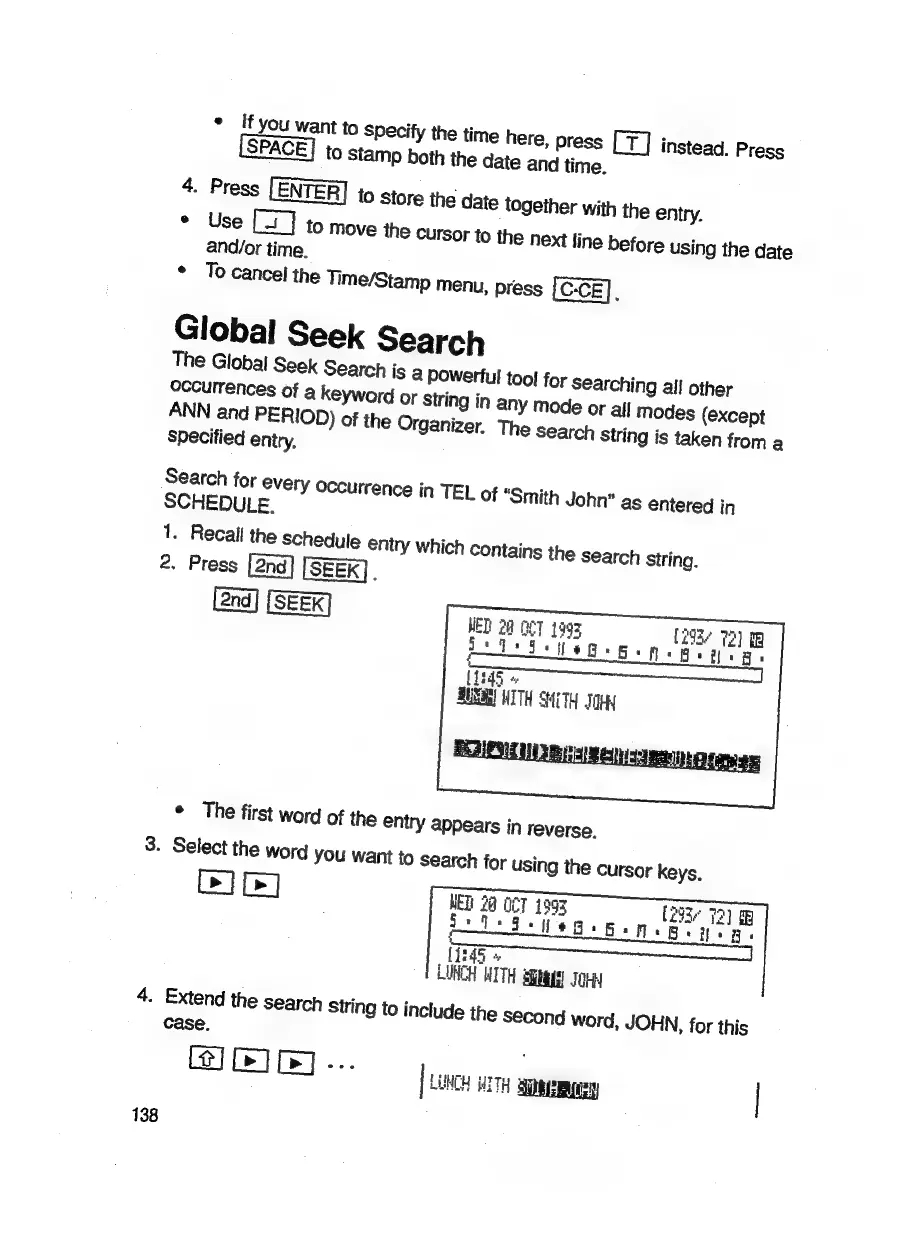
1.
Recall
the
Schedule
entry
which
contains
the
search
String.
2.
Press
[SEEK].
[SEEK]
MT
1993
‘die
ge g.
[293¢
72)
iB
N+
Betas
WED
20
i
4
[Tes
BUSAN
WITH
SHETH
JOR
°
The
first
word
of
the
entry
appears
in
reverse.
3.
Select
the
word
you
want
to
search
for
using
the
cursor
keys.
DID]
WET
20
GET
1993
[23
73)
Se
a
i:ii¢d+Bsn.
Lid5
»
LUNCH
WITH
Stays)
JoHy
4.
Extend
the
search
String
to
include
the
S€cond
word,
JOHN,
for
this
case
IR]...
[
LONCH
TH
Steen
138

Related product manuals